- Home
- :
- All Communities
- :
- Products
- :
- ArcGIS Pro
- :
- ArcGIS Pro Questions
- :
- Cannot modify features (Editing) in ArcGIS Pro 2....
- Subscribe to RSS Feed
- Mark Topic as New
- Mark Topic as Read
- Float this Topic for Current User
- Bookmark
- Printer Friendly Page

- Mark as New
- Bookmark
- Subscribe to RSS Feed
- Permalink
Hi, I am having an issue trying to modify features (editing) in ArcGIS Pro 2.8.3. I have checked with a co-worker who also uses version 2.8.3 and It works good, I am the only one with the issue.
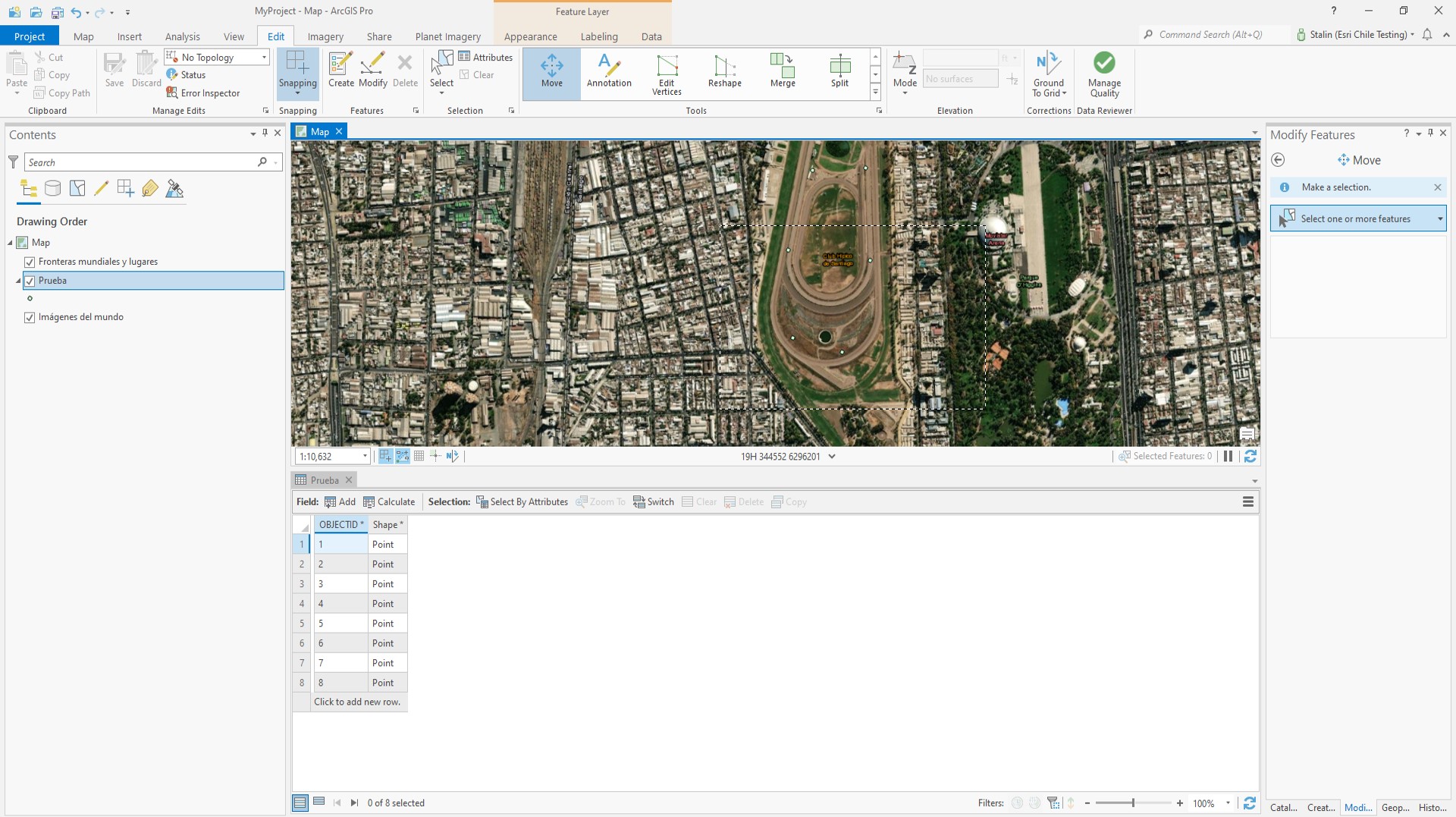
ArcGIS Pro let me create features without problem, However, when I am trying to Move, Rotate or Scale, It doesn't let me select any feature.
Any idea you could give I really appreciated, best regards!
Solved! Go to Solution.
Accepted Solutions
- Mark as New
- Bookmark
- Subscribe to RSS Feed
- Permalink
It is a feature class in a geodatabase. However, searching in a old post I find the answer, It was in the selection tab - combination mode (for no reason it has changed to Remove from current selection). I just changed to create a new selection and It works.
Here is the link of the old post: https://community.esri.com/t5/arcgis-pro-questions/solved-arcpro-unable-to-select-feature-with/td-p/...
Thank you very much for your answers!


- Mark as New
- Bookmark
- Subscribe to RSS Feed
- Permalink
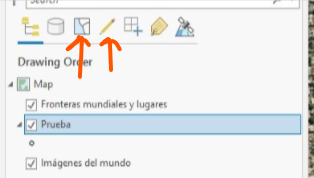
Have you checked to make sure that they layer is selectable and editable?
- Mark as New
- Bookmark
- Subscribe to RSS Feed
- Permalink
Yes, both selectable and editable. It happens with all features from my projects (old and new).


- Mark as New
- Bookmark
- Subscribe to RSS Feed
- Permalink
What type of feature is it? Is it a feature class in a database or a feature service?
- Mark as New
- Bookmark
- Subscribe to RSS Feed
- Permalink
It is a feature class in a geodatabase. However, searching in a old post I find the answer, It was in the selection tab - combination mode (for no reason it has changed to Remove from current selection). I just changed to create a new selection and It works.
Here is the link of the old post: https://community.esri.com/t5/arcgis-pro-questions/solved-arcpro-unable-to-select-feature-with/td-p/...
Thank you very much for your answers!
