ArcGIS Pro 2.5: What does the raster symbol indicate within the “raster calculator” tool?
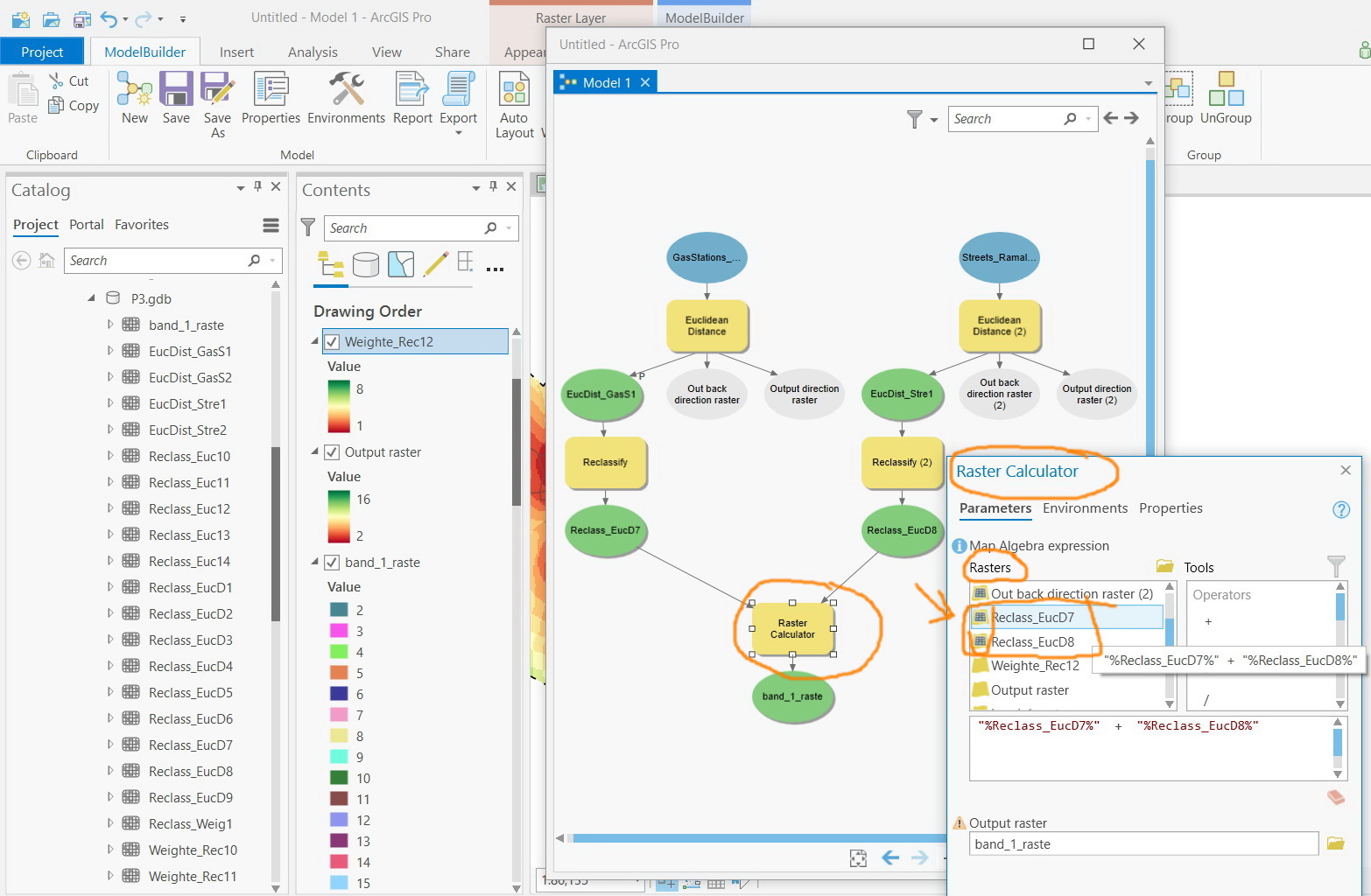
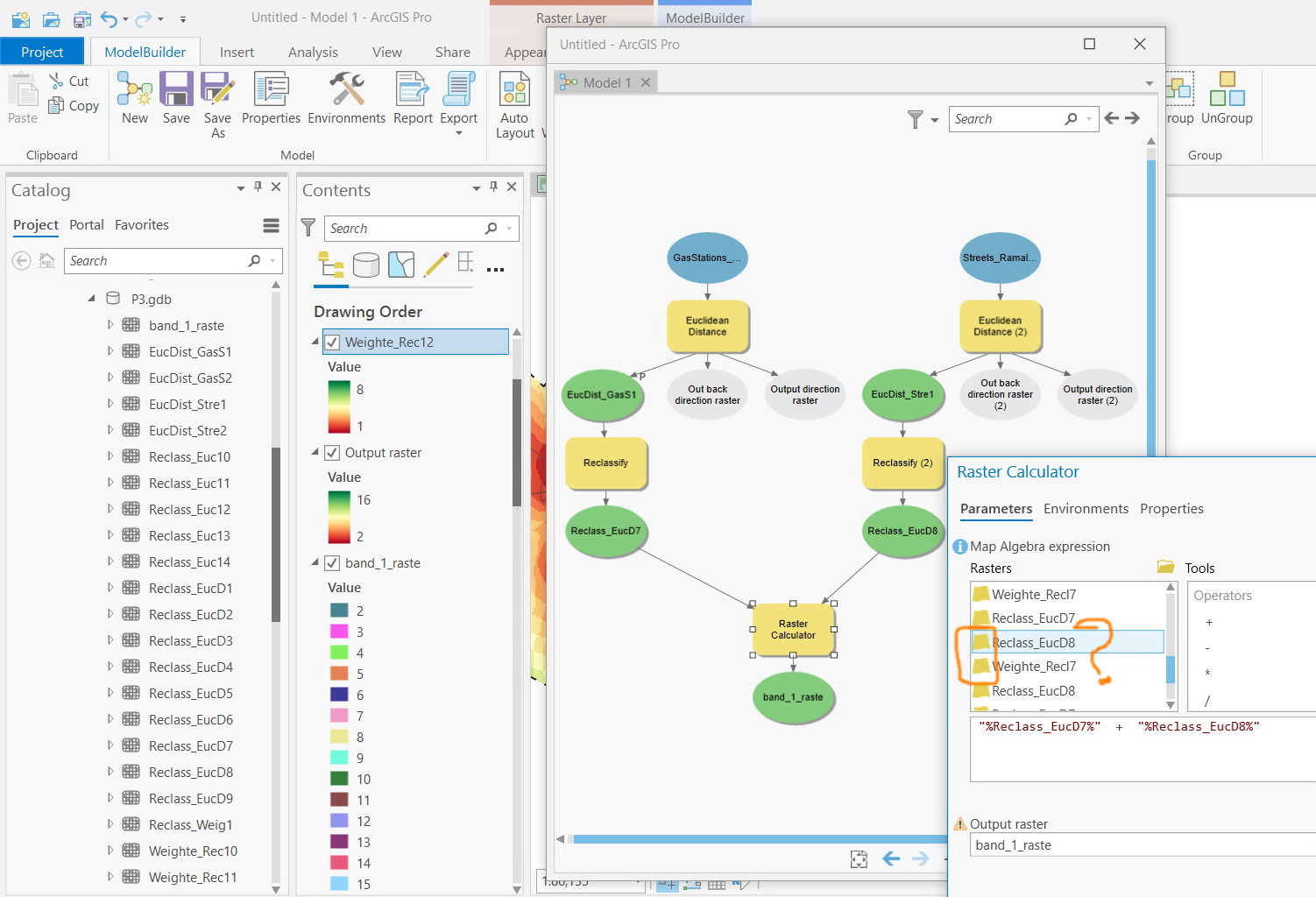
I couldn’t figure out what does the raster symbol indicate within the “raster calculator” tool; i.e the symbol next to the name of the raster (yellow and gridded symbol)
Solved! Go to Solution.
I would say it's to differentiate the existing rasters created by your model in your table of contents from the output variable rasters within your model.
Why there is a yellow and gridded sign for each output layer?

I would say it's to differentiate the existing rasters created by your model in your table of contents from the output variable rasters within your model.
Right. The “yellow” layers appear in case the outputs are added to the content.
Does this mean that it is better to build the algebra equations from the “gridded”-colored layers but not from the “yellow” ones?


In the sense of running and sharing your tool definitely, otherwise the tool will be looking for the rasters you reference in whichever folder they are saved in, rather than following the logical progression of your Model.
Also any changes you subsequently make to your model inputs will not be output by the tool, as the rasters are hardcoded.
In short, use the 'gridded' rasters! ![]()