Turn on suggestions
Auto-suggest helps you quickly narrow down your search results by suggesting possible matches as you type.
Cancel
- Home
- :
- All Communities
- :
- Products
- :
- ArcGIS Online
- :
- ArcGIS Online Questions
- :
- View layers in
Options
- Subscribe to RSS Feed
- Mark Topic as New
- Mark Topic as Read
- Float this Topic for Current User
- Bookmark
- Printer Friendly Page
View layers in
1037
1
05-15-2021 08:28 PM

1 Reply


05-15-2021
10:10 PM
- Mark as New
- Bookmark
- Subscribe to RSS Feed
- Permalink
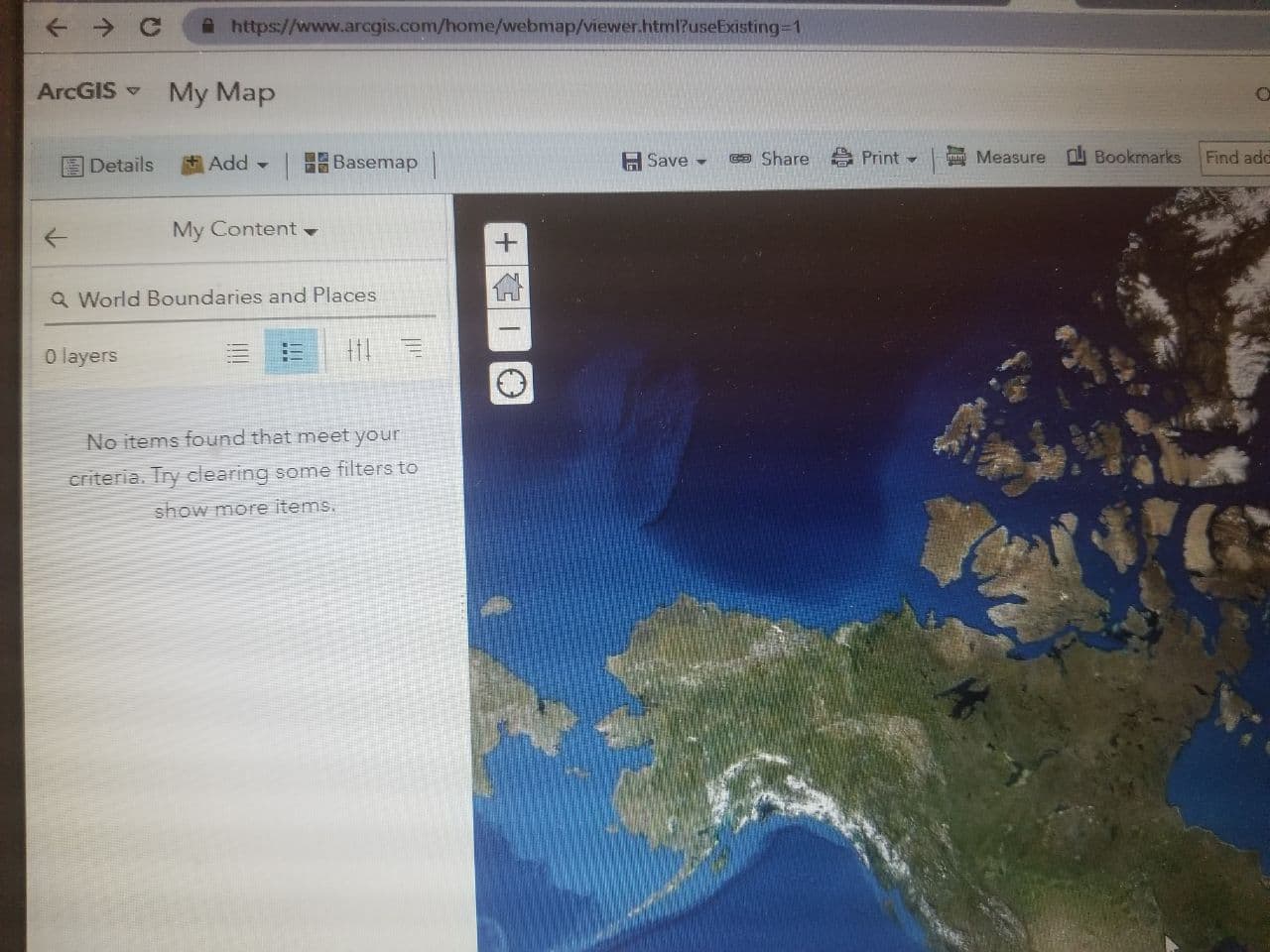
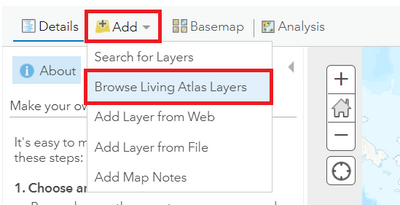
You need to select "Browse Living Atlas Layers" from the "Add" dropdown options.
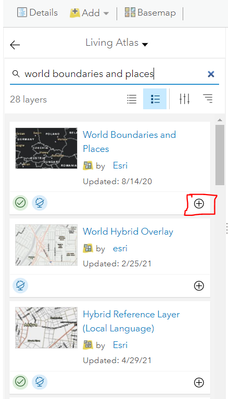
"Search for Layers" will only search search the layers within your Content/ shared with your Organization.
__________________________________________________________________________________________________
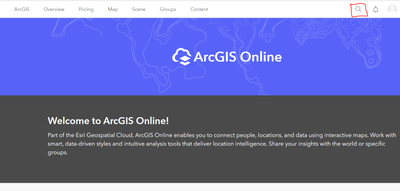
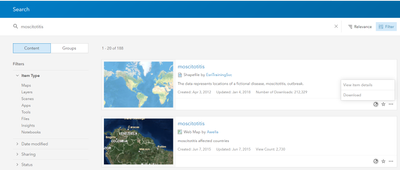
Also in case you want to search for content that is published by other ArcGIS Online users for public, you could use the search button from your AGOL Homepage (Top Right)
Think Location
