- Home
- :
- All Communities
- :
- Products
- :
- ArcGIS Experience Builder
- :
- ArcGIS Experience Builder Questions
- :
- Error viewing changes to Experience Builder apps w...
- Subscribe to RSS Feed
- Mark Topic as New
- Mark Topic as Read
- Float this Topic for Current User
- Bookmark
- Subscribe
- Mute
- Printer Friendly Page
Error viewing changes to Experience Builder apps with ArcGIS Assistant (AGOL)

- Mark as New
- Bookmark
- Subscribe
- Mute
- Subscribe to RSS Feed
- Permalink
Apologies if this has already been posted/solved already!
My organisation has recently started creating apps using experience builder in AGOL, rather than WAB.
In the past, we would have dev, test, and prod versions of WAB apps and apply changes to each by copying json across using AGO/ArcGIS Assistant (and repointing web map/feature service URLs etc). This worked well and we could see the changes when editing the prod version of the WAB app.
This does not seem to work for experience builder apps though, as changes made by copying json do not show up in the edit interface, but do when accessing the app directly.
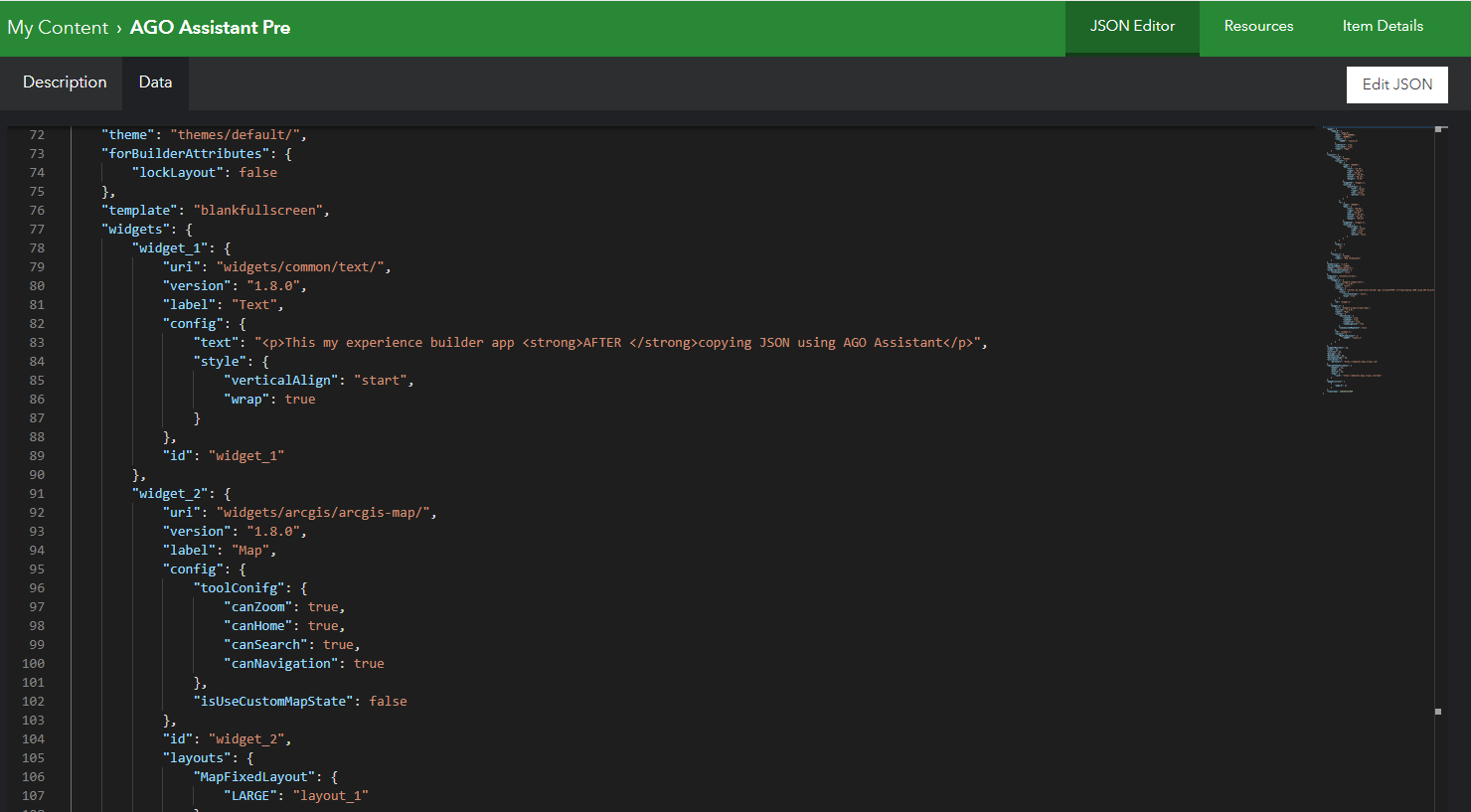
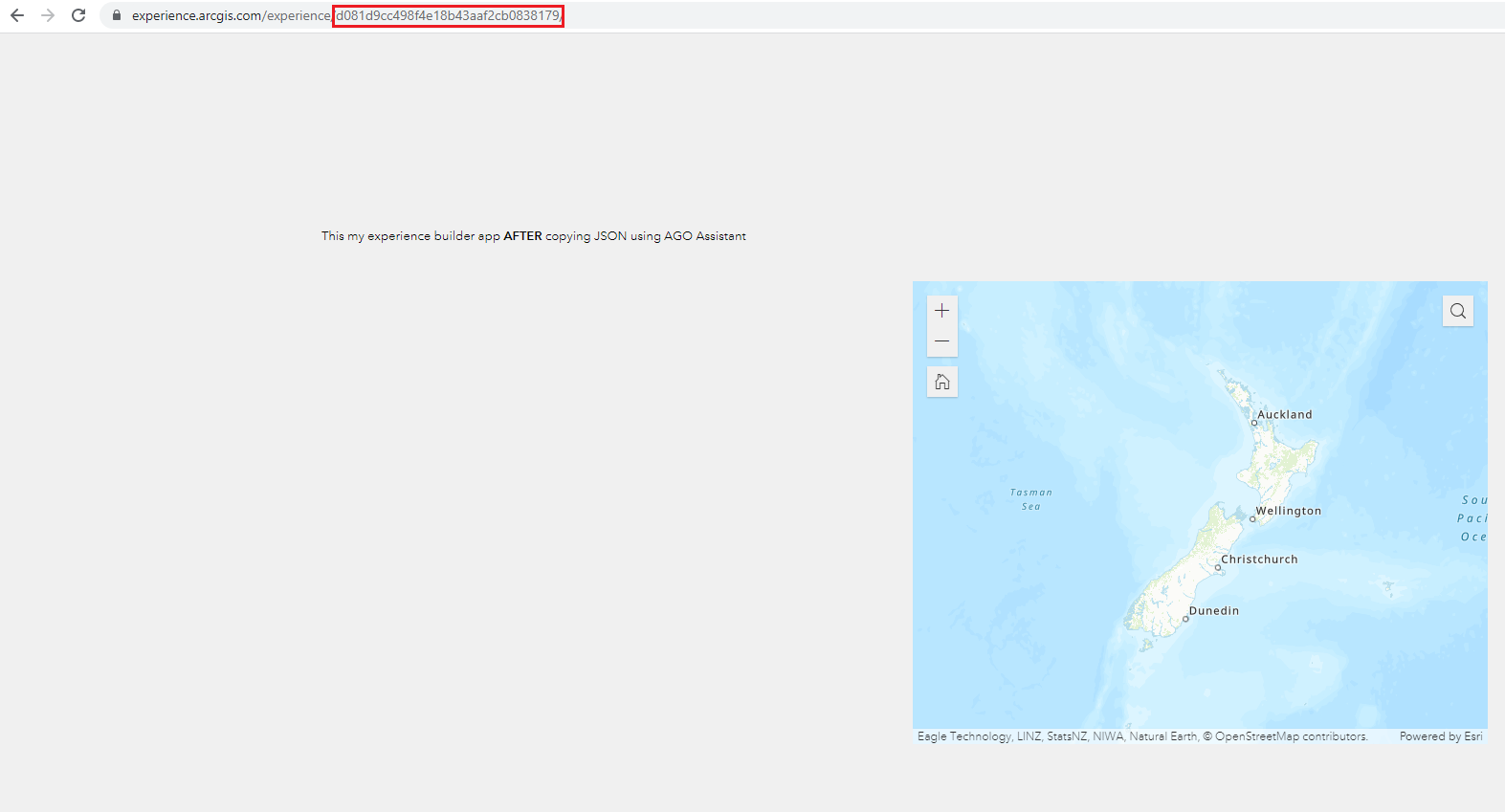
I've added three screenshots that show this below (all after json has been copied).
- Viewing the app via URL after the json has been copied (text change and map added)
- The app in the edit interface after the json has been copied (text unchanged and image rather than map)
- Confirmation that the json has been changed
Any help with this is much appreciated! Being able to make quick changes/bug fixes for the prod version via the normal edit view is very useful and would be great if it can be fixed.


- Mark as New
- Bookmark
- Subscribe
- Mute
- Subscribe to RSS Feed
- Permalink
Using https://assistant.esri-ps.com/ instead of https://ago-assistant.esri.com/ solved this problem for me!

- « Previous
-
- 1
- 2
- Next »
- « Previous
-
- 1
- 2
- Next »