- Home
- :
- All Communities
- :
- Products
- :
- ArcGIS Experience Builder
- :
- ArcGIS Experience Builder Questions
- :
- Re: Correct settings so all text, images, and widg...
- Subscribe to RSS Feed
- Mark Topic as New
- Mark Topic as Read
- Float this Topic for Current User
- Bookmark
- Printer Friendly Page
Correct settings so all text, images, and widgets auto-fit to any resolution?

- Mark as New
- Bookmark
- Subscribe to RSS Feed
- Permalink
I am creating a title page on a Card widget which includes a button, text and image. I have set the card at 100% width and height and the button, text, and image all set at percentage % too.
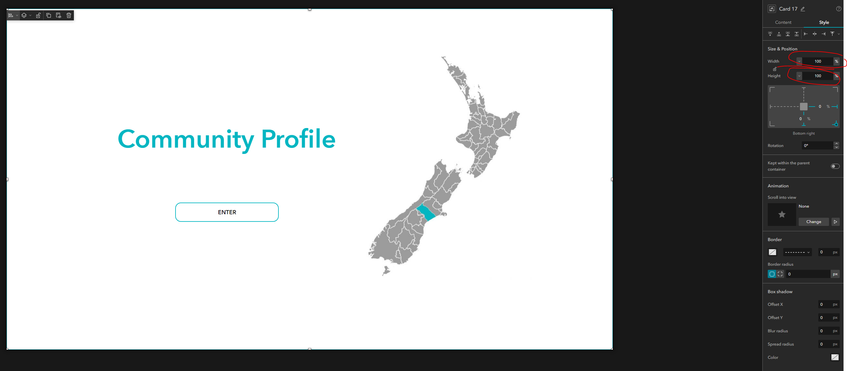
When published on a wide screen monitor, the image cuts off
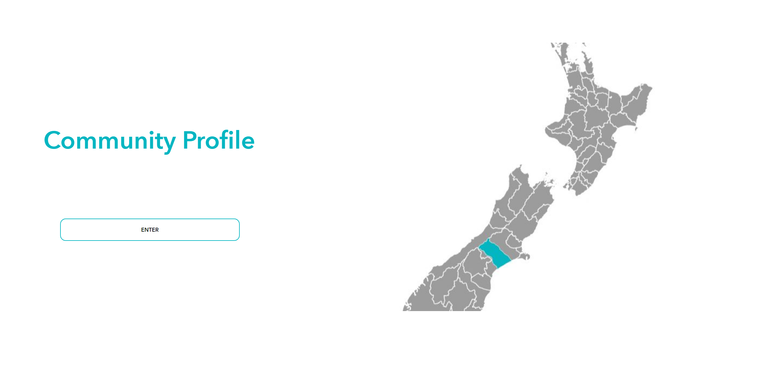
But when viewed on a smaller screen, the image and button resize fine but the text cuts off
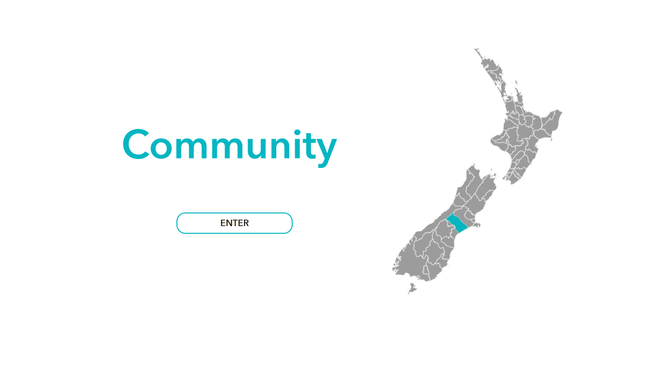
What are the correct settings to ensure everything auto-resizes correctly? Can I do it without the card (just on the blank full screen page)?


- Mark as New
- Bookmark
- Subscribe to RSS Feed
- Permalink
Hi @Hayley ,
You do not need to use a card widget here unless you want to have a hover effect. You can simply put widgets on the fullscreen page.
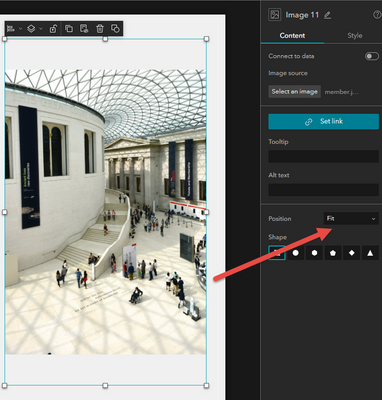
For the image cut issue, this is because 'Fill' is used for the image position. You can change the image potion to 'Fit' to ensure that the image is not cut at all resolutions.
For the text cut issue, I suppose you also want the text and the button widget to be horizontally centered. So you can add a Fixed panel widget, and put the text widget and the button widget into it.
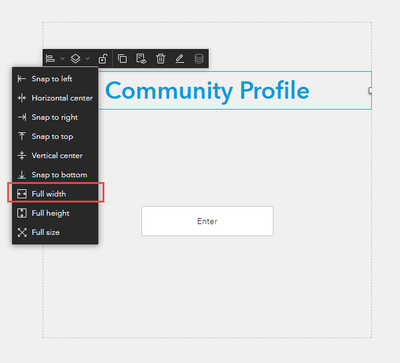
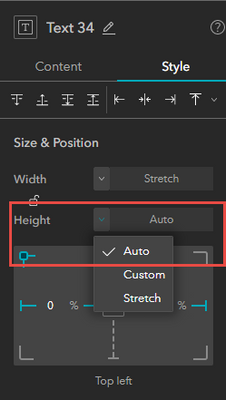
Set the text widget as full width and auto height:
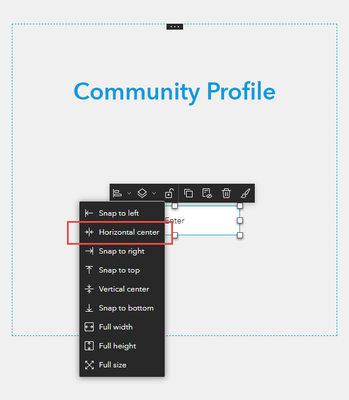
Set the button widget horizontal center:
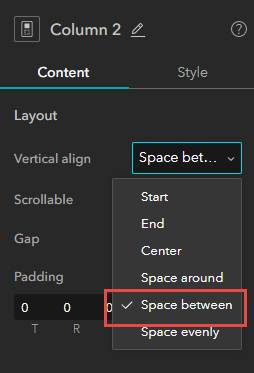
Another way to do this is adding the text widget and the button widget into a column widget, and set the column vertical align to space between:
Hope it helps,
Shengdi
- Mark as New
- Bookmark
- Subscribe to RSS Feed
- Permalink
Hi Shengdi,
Thanks for your help. That fixed the issue for the image, however I would like the text and button to be positioned slightly to the left. How do I configure this so it works for all screens?
Thanks!
- Mark as New
- Bookmark
- Subscribe to RSS Feed
- Permalink
Put the text widget and the button widget into a fixed panel is to make the text and the button horizontally centered. You can move the fixed panel to the left of the page.
See the effect at the resolution of 1440*900:
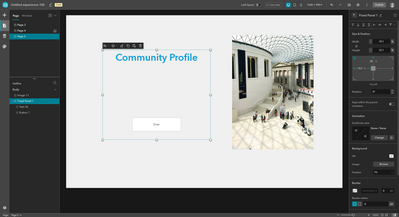
At the resolution of 1024*768:
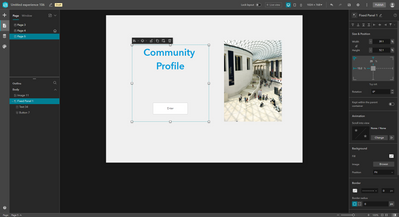
- Mark as New
- Bookmark
- Subscribe to RSS Feed
- Permalink
Hi @ShengdiZhang, I have put the text and button into a fixed panel and horizontally centered. The image and button are responsive however the text still cuts off on smaller screens. Am I missing something on the text settings?

On smaller resolution:

- Mark as New
- Bookmark
- Subscribe to RSS Feed
- Permalink
Would you mind sharing your app with me? You can send me the link to your app in a direct message or in the comments below.
Shengdi
