- Home
- :
- All Communities
- :
- Products
- :
- ArcGIS Enterprise
- :
- ArcGIS Enterprise Questions
- :
- Upgrade step 2 of 2 : Failed. Refresh auto-deploye...
- Subscribe to RSS Feed
- Mark Topic as New
- Mark Topic as Read
- Float this Topic for Current User
- Bookmark
- Subscribe
- Mute
- Printer Friendly Page
Upgrade step 2 of 2 : Failed. Refresh auto-deployed services during upgrade

- Mark as New
- Bookmark
- Subscribe
- Mute
- Subscribe to RSS Feed
- Permalink
I have this problem upgrading from ArcGIS Server 10.5 to 10.7.1. I also saw other threads (1, 2) related to this but their solutions did not work in my case. Also, there's a patch to solve this problem for previous versions but not for 10.7.1.
I am on a Windows Server 2016 Standard OS.
After the AGS installation has completed, I need to click a button in the browser to continue the upgrade, but I receive the error Upgrade step 2 of 2 : Failed. Refresh auto-deployed services during upgrade.
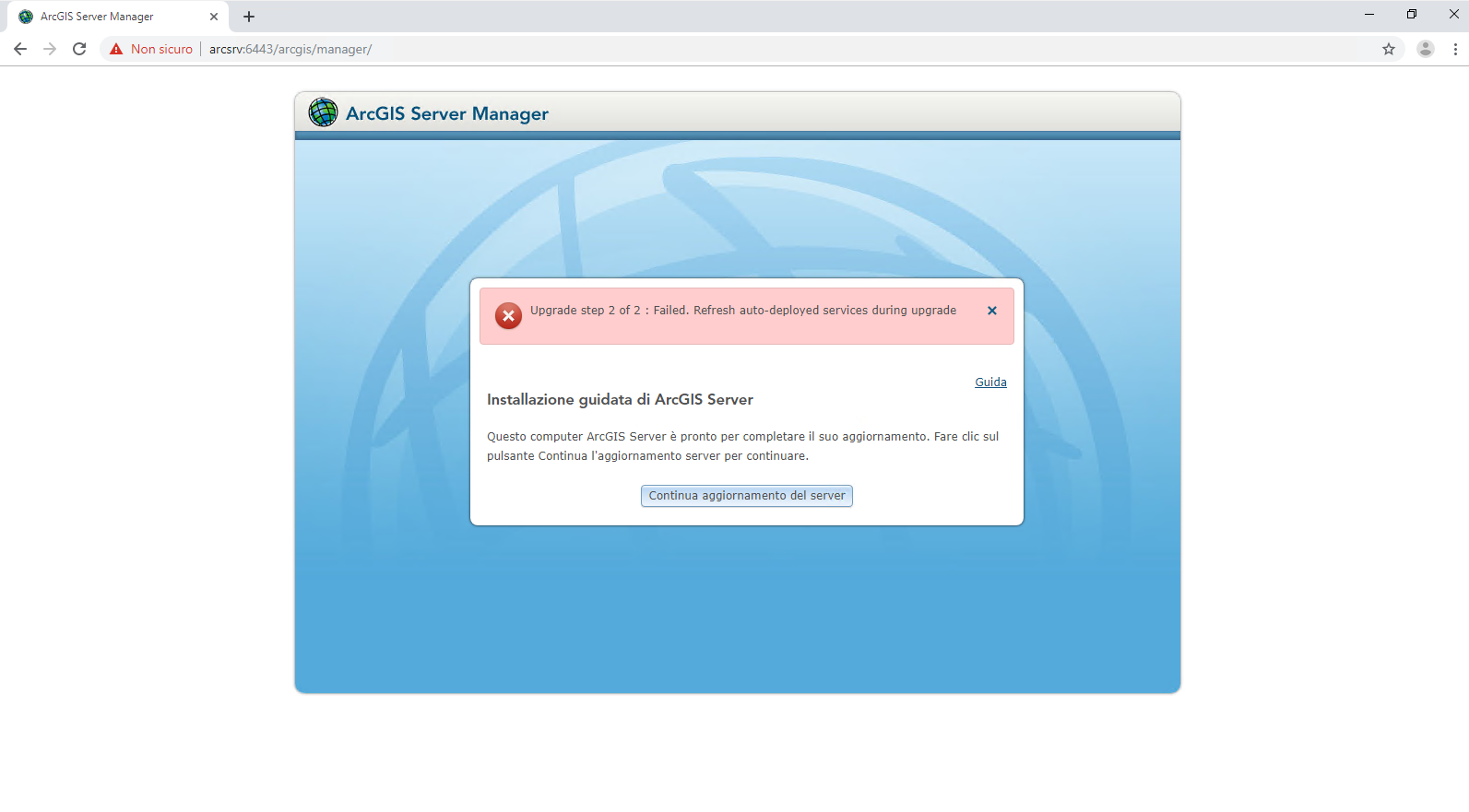
I tried:
- clearing the browser cache
- running the browser as admin (both IE 11 and Chrome)
- changing the URL to the manager (https://public_domain:6443/arcgs/manager; https://fqdn:6443/arcgis/manager; https://localhost:6443/arcgis/manager
No matter what, I still cannot proceed with the upgrade.
Any suggestions?


- Mark as New
- Bookmark
- Subscribe
- Mute
- Subscribe to RSS Feed
- Permalink
Have you made sure that the account running ArcGIS Server has the necessary permissions to the appropriate folders? This is explained further here in our documentation.


- Mark as New
- Bookmark
- Subscribe
- Mute
- Subscribe to RSS Feed
- Permalink
If the server account has all the necessary permissions, what else might cause an issue like this?
Kendall County GIS

- Mark as New
- Bookmark
- Subscribe
- Mute
- Subscribe to RSS Feed
- Permalink
Have you found a fix for this? I have the same issue as well 😞
