Hello,
We are using ArcGIS Server 10.9.1. In map viewer, I joined a feature layer and a related table to create a view. In the image, the create hosted feature layer view is at the bottom. That is how I created the view.
Ignore all the inputs as those are not accurate. For those not familiar, I just wanted to show you what I have done.
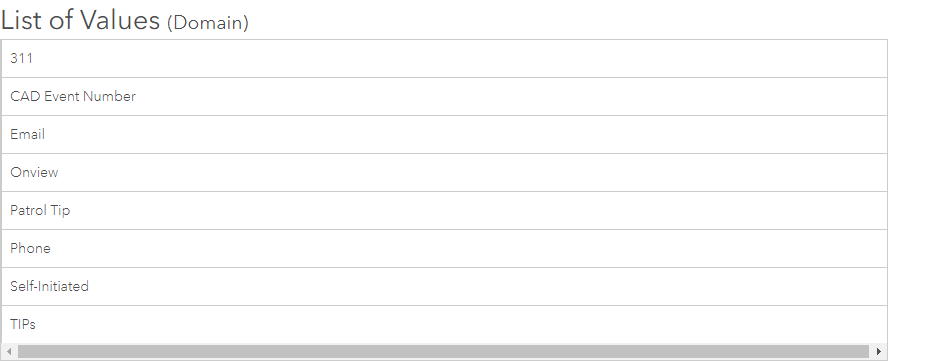
When clicking this option it creates the join and the view. However, I now have a serious problem. I use these feature layers for Field Maps App and I cannot edit the lists in the fields. I need to add someone's name and now I can't. I even removed the join layer and that didn't work. In the list of values image below, you can see there is no edit button. I cannot figure out how to edit. The only way around this would be to recreate it but since it is a live app I really don't want to. Any ideas? Suggestions? Thank you. 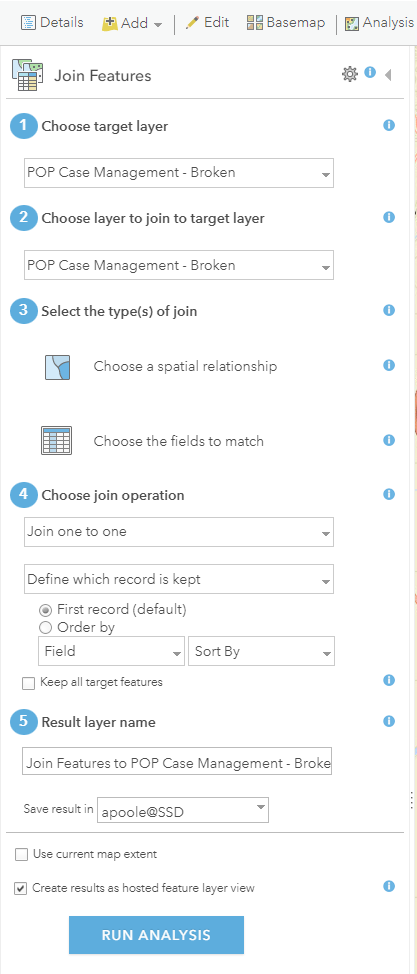
Thank you,
Annette

