The Election Outreach Solution helps organizations educate the public and help voters find an appropriate voting center or Election Day polling place. It includes an Election Polling Places app used by voters to locate a polling place where ballots can be cast on Election Day.
The Election Polling Places app uses the Zone Lookup Instant App to help voters search for their address or poke on the map, then displays precinct and polling place information for the chosen location. If your Election Polling Places app is not displaying polling place information, it may require configuration. Future deployments of the Election Outreach Solution will not need this configuration.
Configure the Election Polling Places Web Map and App
- Sign in to your ArcGIS organization, browse to and open the Election Polling Places Web Map in Map Viewer.
- On the Contents (dark) toolbar, click Layers
 to open the Layers pane.
 - Select the Voting Precincts layer.
- On the Settings (light) toolbar, click Pop-ups
 .
. - Click the Add content button, then click Related records. This will add the Polling Places layer’s Pop-up to the Precinct’s Pop-up, allowing it to display in the Election Polling Places app.
- On the Contents toolbar, click Save and open
 and click Save to save the pop-up changes to the map.
 - Browse to the Election Polling Places Instant App. Click Configure.
- Click Publish, then Confirm to publish the app.
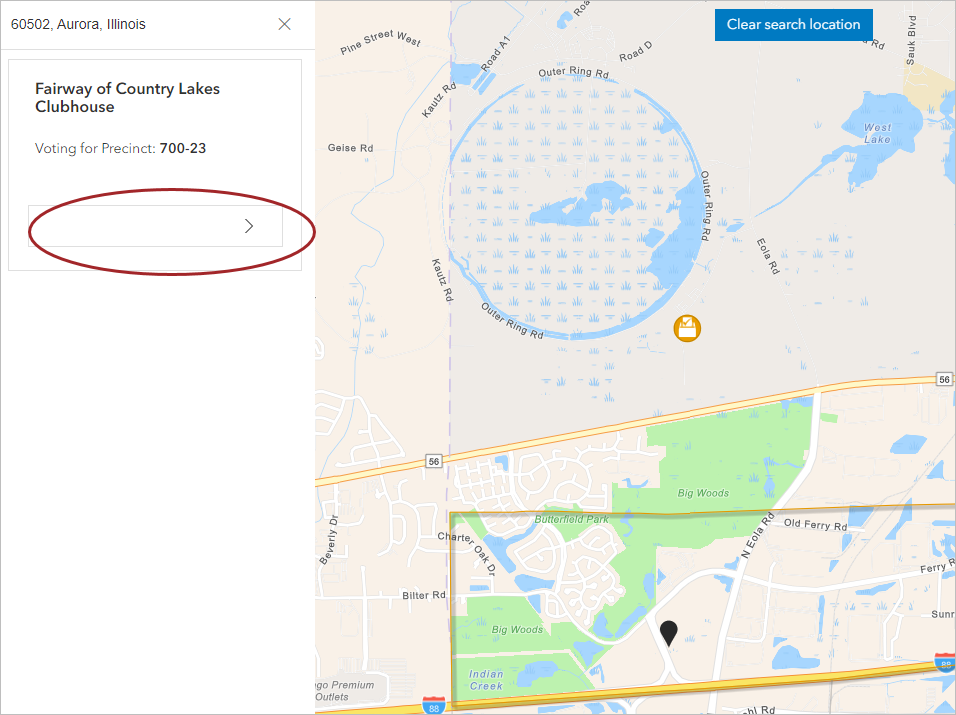
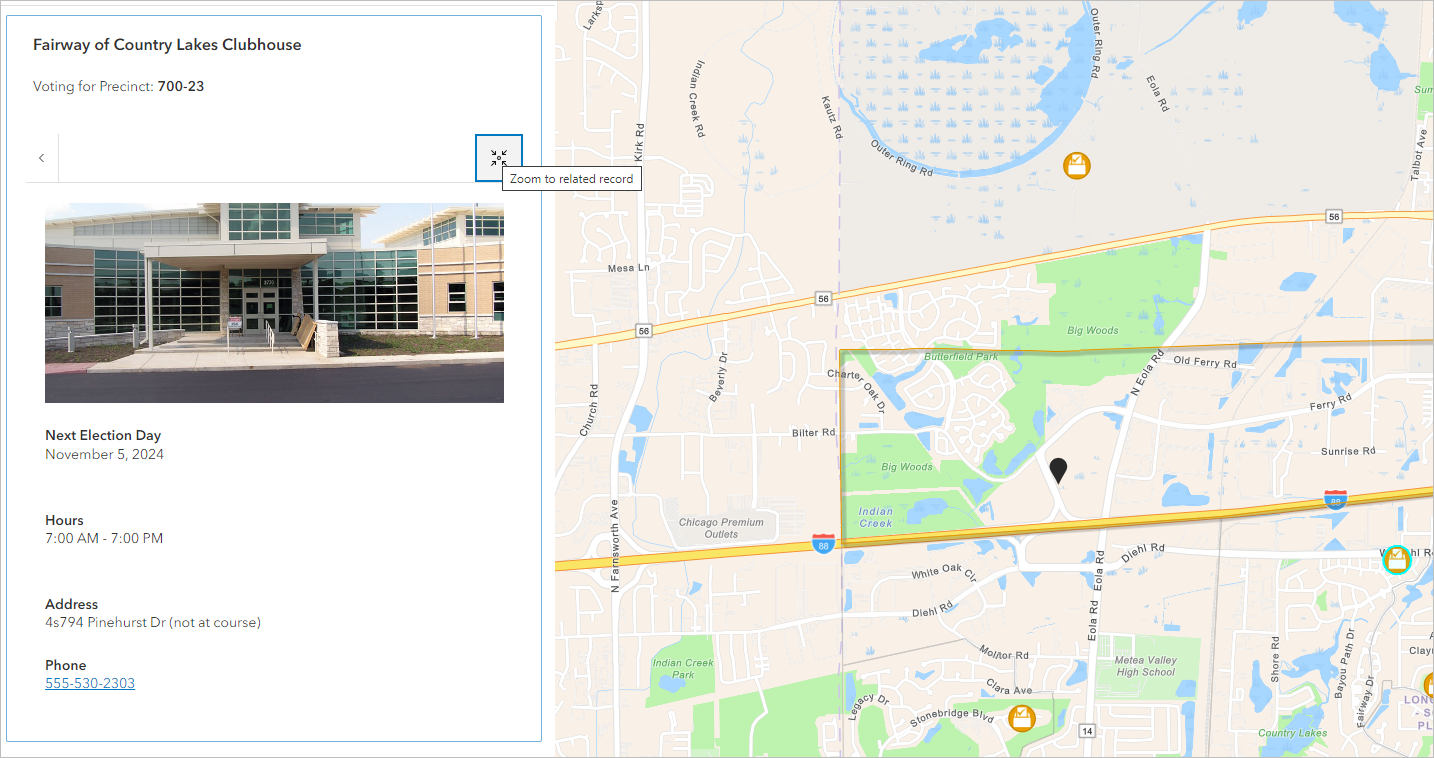
The Election Polling Places app will now display the polling place's information in the related record pane. However, voters must click on the related record pane to view details. In the next section, use a URL parameter to help voters discover polling place information more quickly.
Add the related record URL parameter
The Election Outreach Solution includes the Promoting Transparent Elections ArcGIS Hub site where voters can access the Election Polling Places app. Your organization may link to the Election Polling Places directly from your organization's website. Wherever voters access the Election Polling Places app, you can add &openRelatedRecords=true to the hyperlink. The resulting URL would look something like this:
https://www.arcgis.com/apps/instant/lookup/index.html?appid=88489793f68f462ea87dfa3aa9440850&openRelatedRecords=true
This will open the related record (polling place) without having to click. If you'd rather not append it as a URL you can use a tool like ArcGIS Assistant to edit the apps data to set this option. Learn how to configure the apps data, here.
