- Home
- :
- All Communities
- :
- Products
- :
- ArcGIS Pro
- :
- ArcGIS Pro Ideas
- :
- ArcGIS Pro 2.0 Georeference
- Subscribe to RSS Feed
- Mark as New
- Mark as Read
- Bookmark
- Printer Friendly Page

- Mark as New
- Bookmark
- Subscribe to RSS Feed
- Permalink
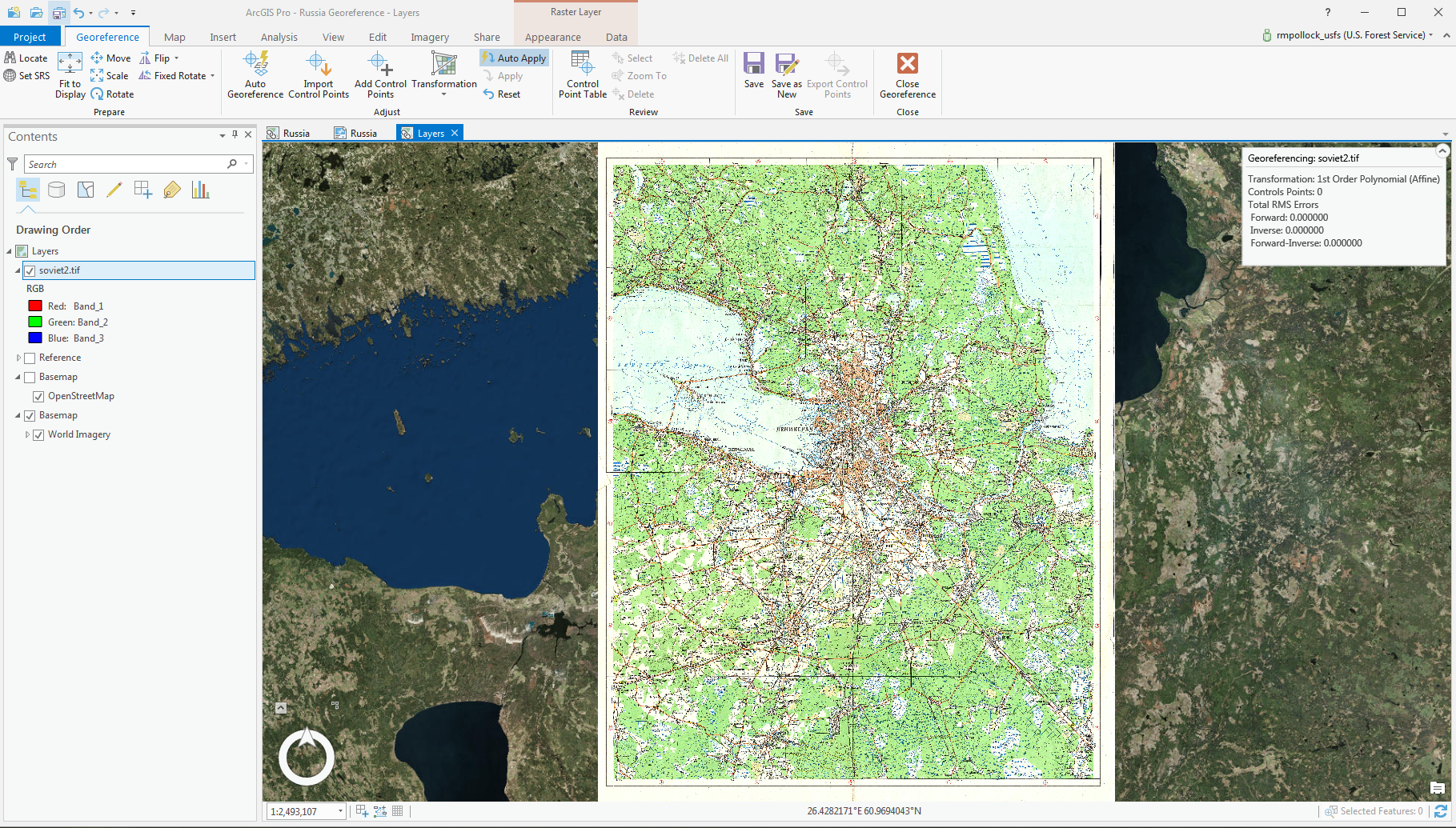
My suggest to you is to add a button to display another view to show the side by side views when you are working on a georeference. It is almost similar to that of Contextual View and the "Link Views". But when you are working on georeference you would have to use Explore to move it around and that becomes very difficult to do. So, when you enable the View to display side by side, you will have one in overview and the other in zoom in with the Explore to move it around. That should help to smooth it.
Here is the example One View only
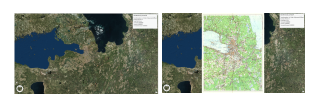
With Two View you can see in ArcGIS Pro.


Hi progis99 Could you please expand in the idea's description, and maybe even include a screenshot or two to better describe what you're looking for? The current title and description don't describe the issue in enough detail to understand what is being requested.
Thank you!
OK, I made the edits and add the screenshots....Let me know if you need more clarify and I can try my best to make more clearly.
Thank you for providing additional information. I'm still not entirely clear about the underlying reason of why this is needed - what is the pain point, what is difficult about georeferencing now that implementing a side by side view would resolve?
Between using the Fit to Display and setting transparency on the image being georeferenced, are you not able to orient and add the control points?
Thank you!

Dear Esri Team,
I would like to share my feedback regarding the new georeferencing interface in ArcGIS Pro compared to the previous workflow in ArcMap.
In my experience, the current approach in ArcGIS Pro is quite impractical when working with detailed areas. It is difficult to zoom in effectively on both the raster image and the corresponding location on the basemap. Furthermore, when using the Fit to Display option to overlay the image on the visible map area and then adjusting the image transparency, the result is often a confusing mixture of overlapping lines. This makes it challenging for the operator to distinguish which lines belong to the raster image and which come from the cadastral map, for example, from a WMS service.
In my opinion, this represents a step backward in usability compared to ArcMap. In ArcMap, when working with two monitors, I could keep the basemap open on one screen and a zoomed-in view of the raster image on the other. This setup allowed for much clearer and more efficient georeferencing.
I hope this feedback will be useful for future improvements to the georeferencing tools in ArcGIS Pro.
You must be a registered user to add a comment. If you've already registered, sign in. Otherwise, register and sign in.