- Home
- :
- All Communities
- :
- Products
- :
- ArcGIS Field Maps
- :
- ArcGIS Field Maps Questions
- :
- Re: Unable to delete feature in Field Maps
- Subscribe to RSS Feed
- Mark Topic as New
- Mark Topic as Read
- Float this Topic for Current User
- Bookmark
- Printer Friendly Page
Unable to delete feature in Field Maps

- Mark as New
- Bookmark
- Subscribe to RSS Feed
- Permalink
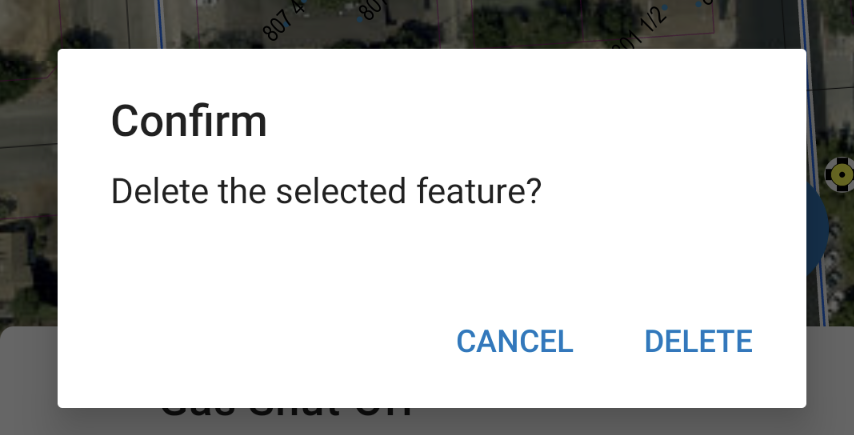
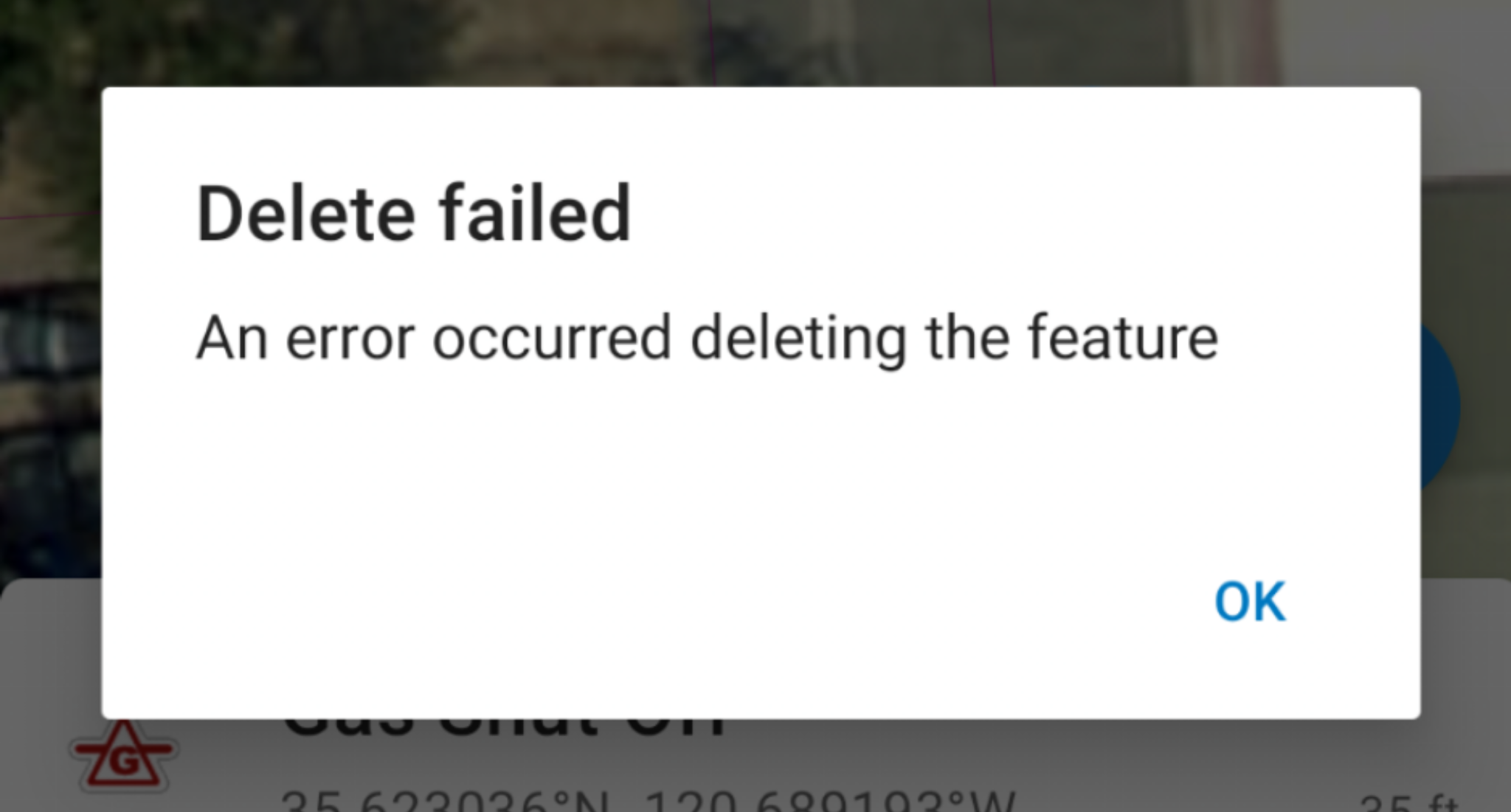
I can create and edit features in both a browser and on mobile with Field Maps but for some reason I can't delete features in Field Maps. I can load the map into a browser and edit just fine including deleting features but when I load the map in Field Maps I can't delete in either android or on the iPad. I get an error "Unable to delete" "An error occurred deleting the feature". Is this a bug or is there some setting I'm missing in there somewhere? We are on Enterprise 10.9.


- Mark as New
- Bookmark
- Subscribe to RSS Feed
- Permalink
Hi @JeffLegato1 - I wish I had an answer for you but I too am experiencing the same thing at 10.9.1. In my case, at android 12 and the latest field maps version, I am getting the following runtime error:
Unable to delete

com.esri.arcgisruntime.io.JsonEmbeddedException: Object ID '5389' is not valid
Seems like Field maps wants to treat an ObjectID field as a string field so I don't know
- Mark as New
- Bookmark
- Subscribe to RSS Feed
- Permalink
Hi again @JeffLegato1 - turns out for us, that this seems to be the result of just an old layer from 2019. Layers that I have re-hosted are behaving correctly in Filed Maps...
- Mark as New
- Bookmark
- Subscribe to RSS Feed
- Permalink
Good to know! Thank you. I'll need to test this. We have moved away from FieldMaps to just using the app in a web browser.

- Mark as New
- Bookmark
- Subscribe to RSS Feed
- Permalink
Hello Jeff,
I had the same issue, but was able to resolve it. I only had the issue when it came to line and polygon features.
First, make sure all the editing is enabled via the feature layer settings.
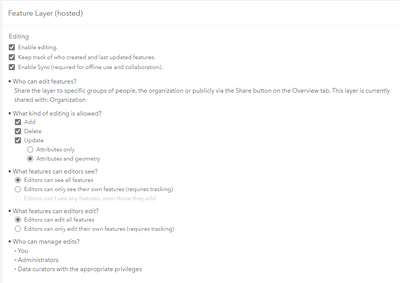
Then, navigate to the Field Maps app via Enterprise:
1. Select your field map
2. Go to settings
3. Under Collection, toggle on Delete all Points.
After enabling this setting, I was able to delete features on the map as well as desktop.
