- Home
- :
- All Communities
- :
- Products
- :
- ArcGIS Enterprise
- :
- ArcGIS Enterprise Questions
- :
- Label Levels Not Consistent between Map Viewer and...
- Subscribe to RSS Feed
- Mark Topic as New
- Mark Topic as Read
- Float this Topic for Current User
- Bookmark
- Subscribe
- Mute
- Printer Friendly Page
Label Levels Not Consistent between Map Viewer and ExB

- Mark as New
- Bookmark
- Subscribe
- Mute
- Subscribe to RSS Feed
- Permalink
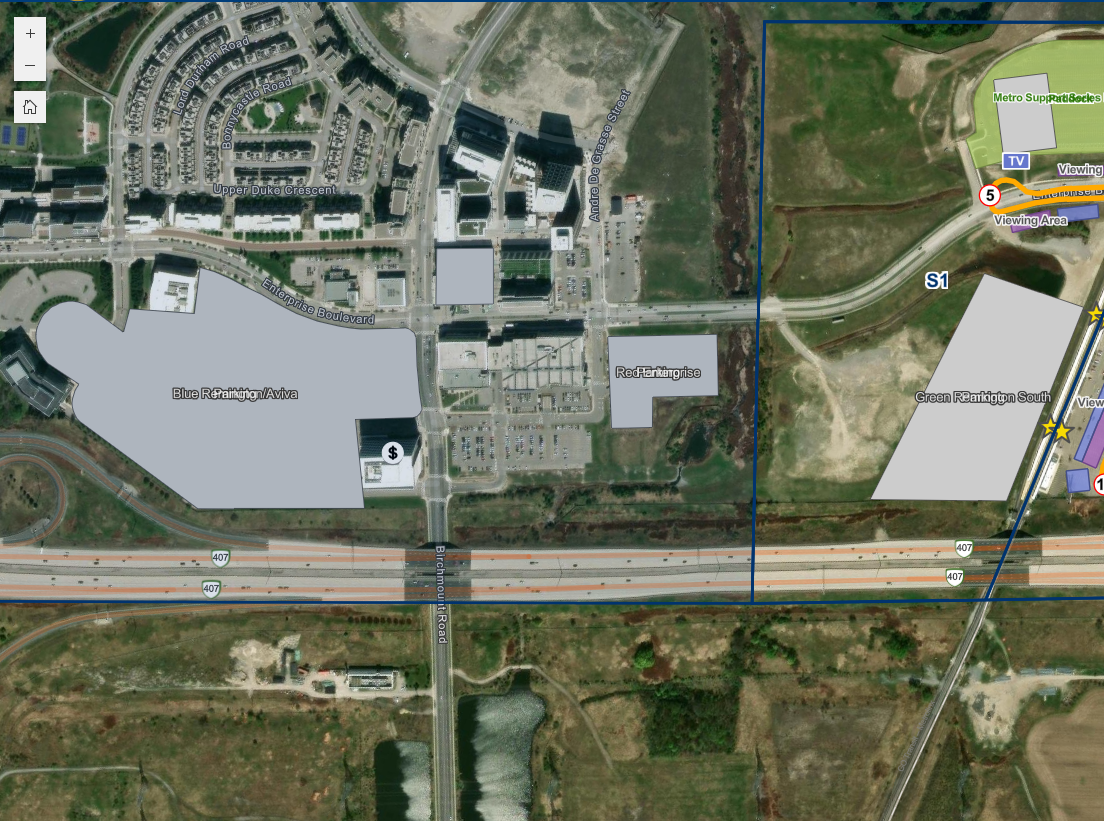
I'm currently configuring an Experience Builder application and am having issues with my labels. Initially, my labels are set in ArcGIS Pro prior to publishing the layer to Portal (Hosted). When I view the labels in map viewer, they label as expected, however, when I open the layer in Experience Builder, there is a zoom extent that is being missed by both labels sets.
Image 1, 2, and 3 show the zoom extents of both of my label classes. In image 2 you can see how neither turn on given that there is a small overlap in their extent settings on the right hand side.
Image 4 is what is visible in my Experience Builder application.
For reference I'm on Enterprise 11.4. Is there some sort of labeling bug, or is there a more straight forward way to determine what the scale is on the map viewer map vs. Experience Builder map?



- Mark as New
- Bookmark
- Subscribe
- Mute
- Subscribe to RSS Feed
- Permalink
Esri article for this: https://support.esri.com/en-us/knowledge-base/problem-label-classes-overlap-at-different-zoom-levels...
I think you have your labeling properties set too close together. It could help to use actual scale numbers rather than street, town, etc. related: https://community.esri.com/t5/arcgis-experience-builder-questions/overlapping-label-classes-in-exper...
