The symbology pane is poorly designed in ArcPro. The ESRI development team should look to imitate QGIS symbology UI and functionality.
1) Color sampler. The ESRI color sampler is extremely limited, it only works on map features. QGIS allows for color sampling anywhere on the screen (layer pane, images open on desktop, even web browsers).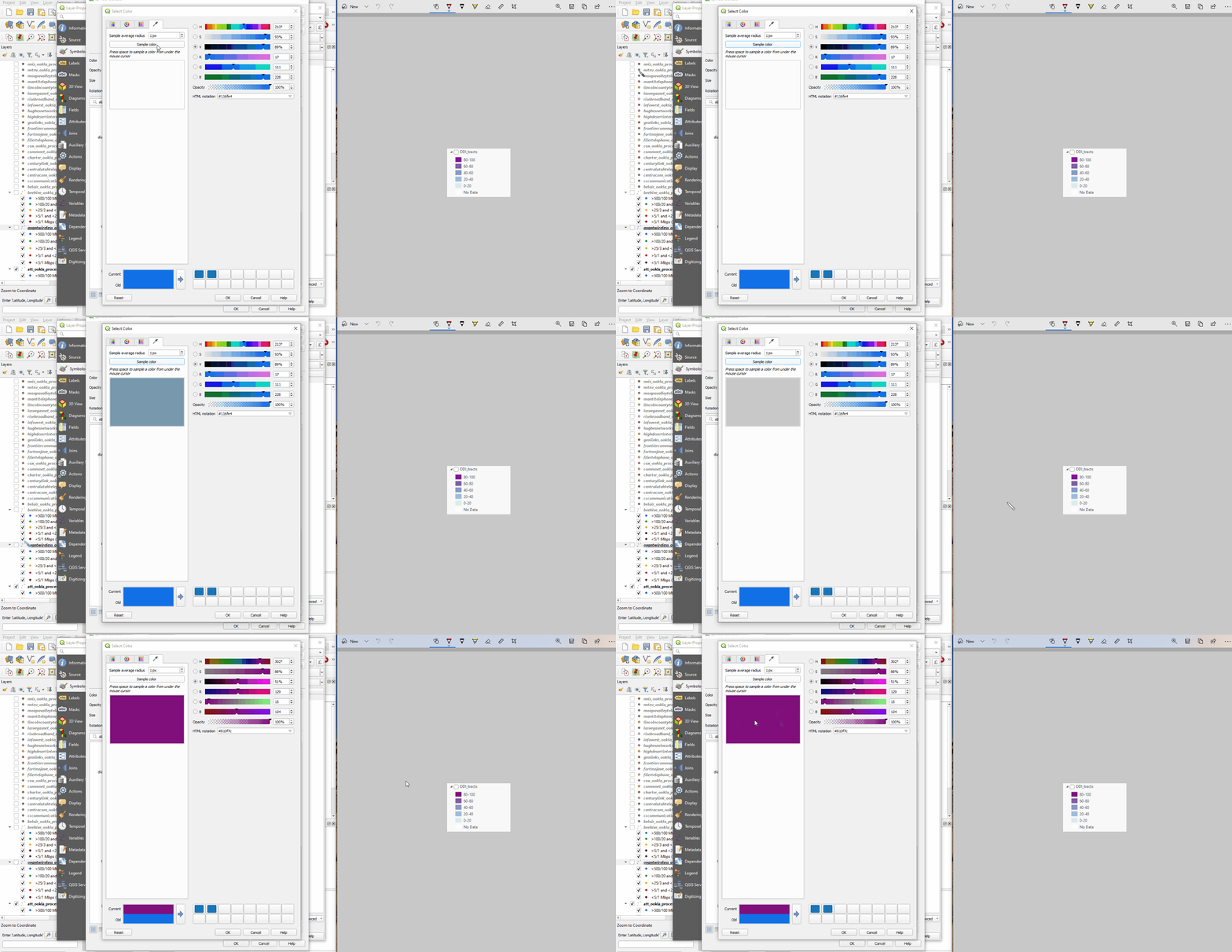
2) Toggleable legend items. This is the default setting in QGIS and it’s wonderful. As far as I can tell it’s not possible to do this in ArcPro and certainly not AGOL.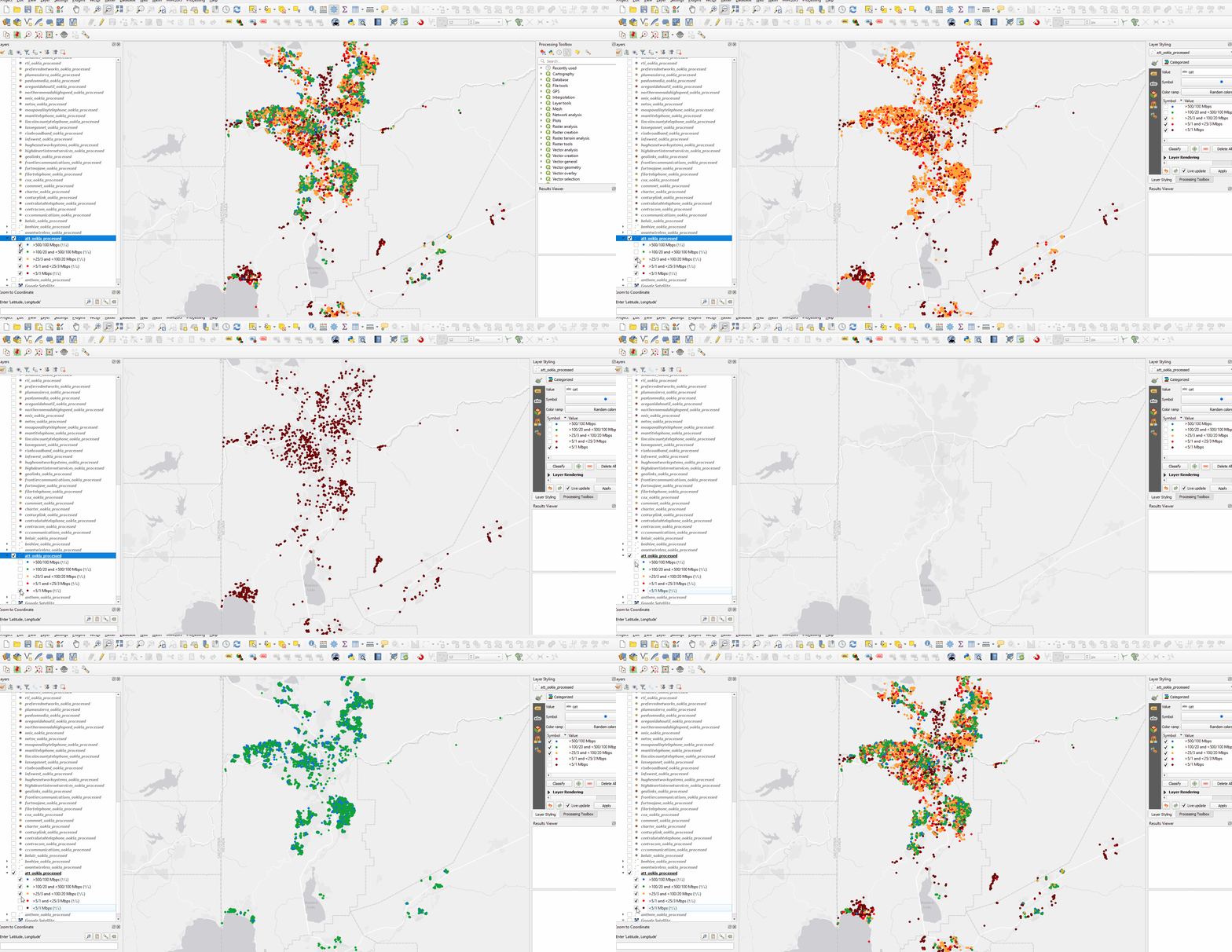
3) Hierarchies. Unique value hierarchies often do not work as expected in ArcPro and the symbol layer drawing is very buggy. Not sure what to say other than this just needs to be reworked.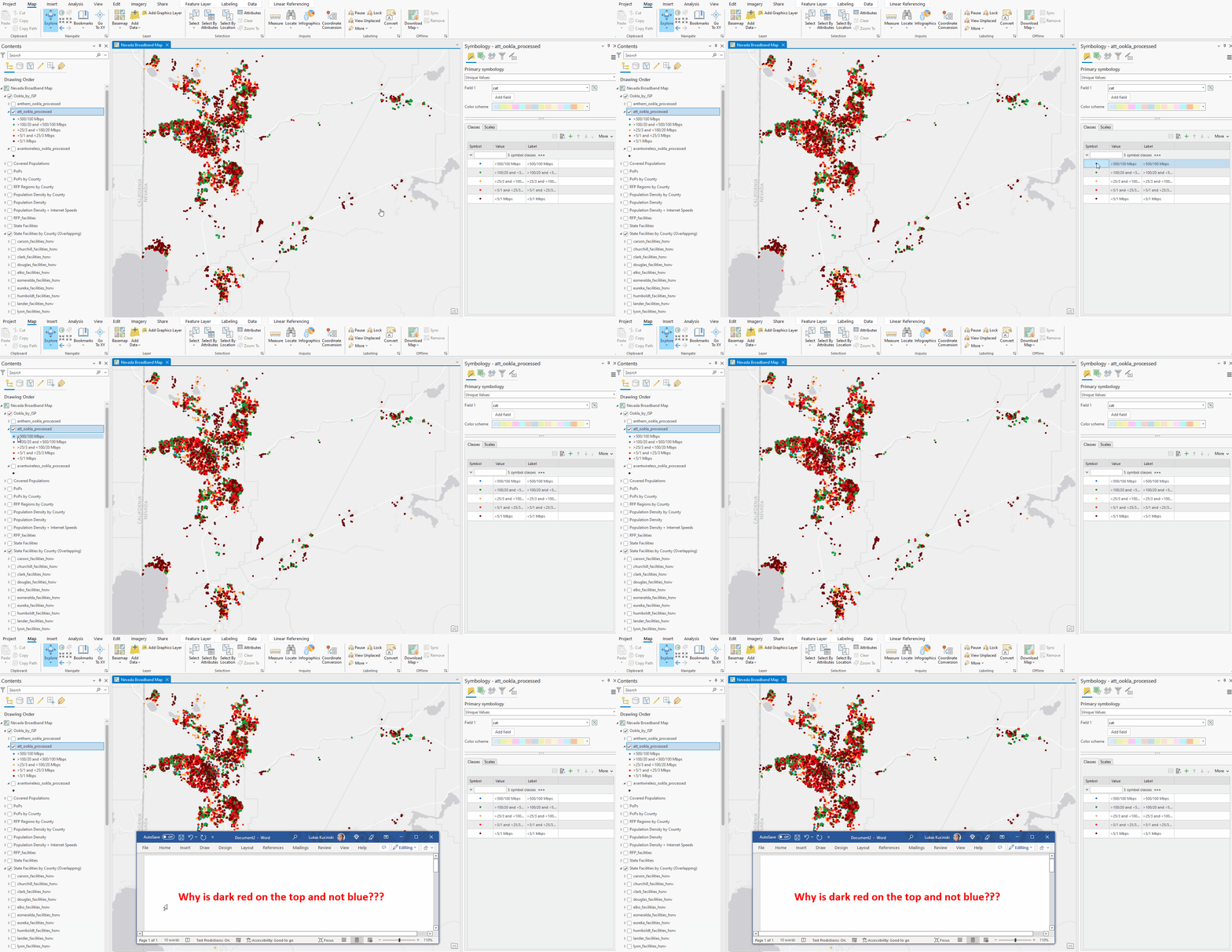
4) Copy-Paste (using hotkeys!) symbologies from one layer to another. Right now ESRI has designed a very tedious and inefficient system for “importing” layer symbologies from one layer to another. In QGIS it’s as simple as Ctr+Alt+S (copy symbology) Ctrl+Alt+V (paste symbology).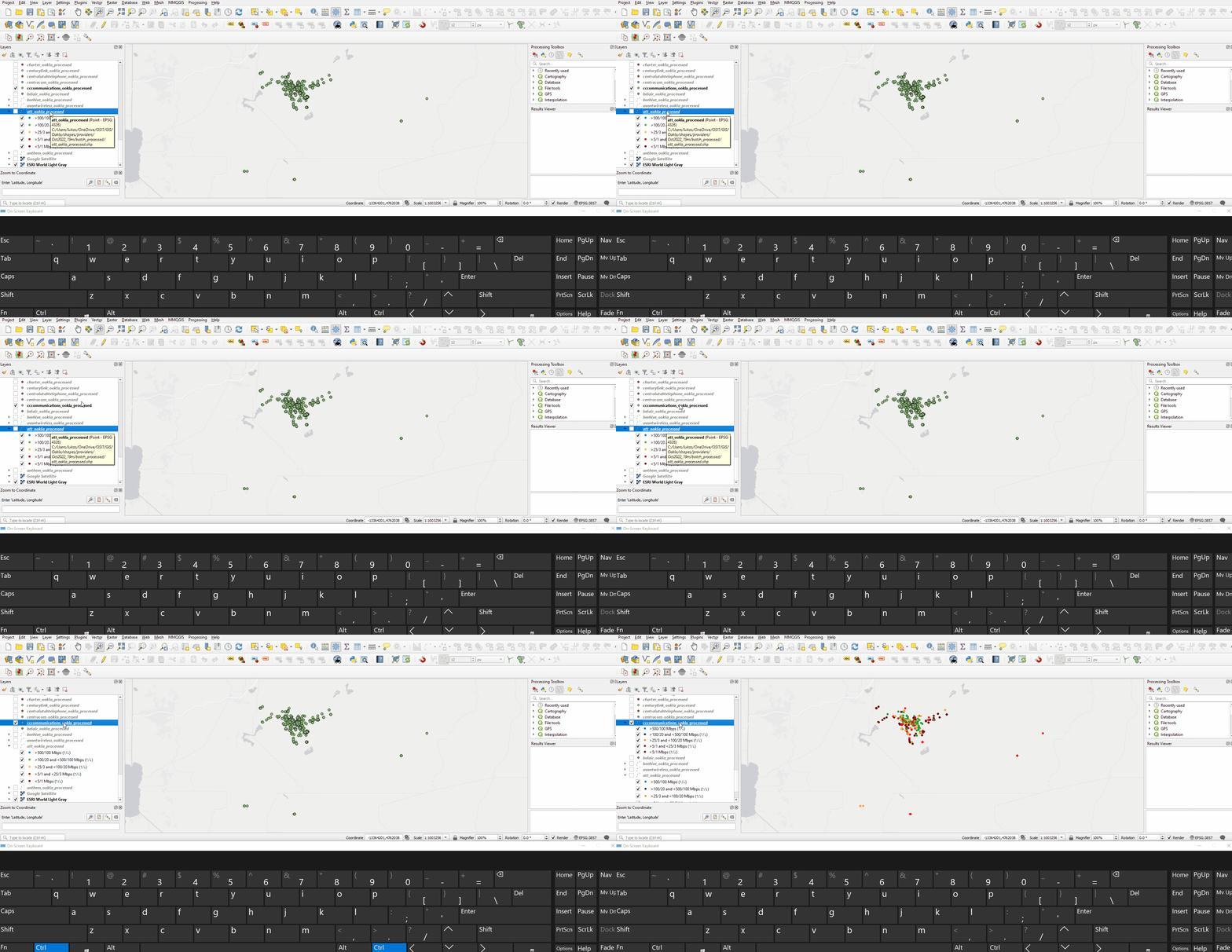
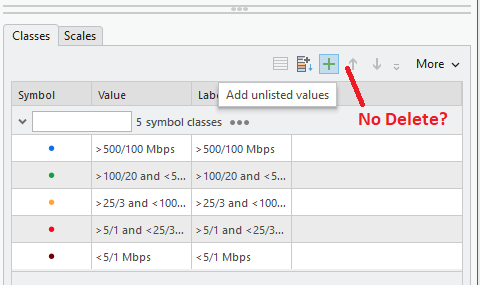
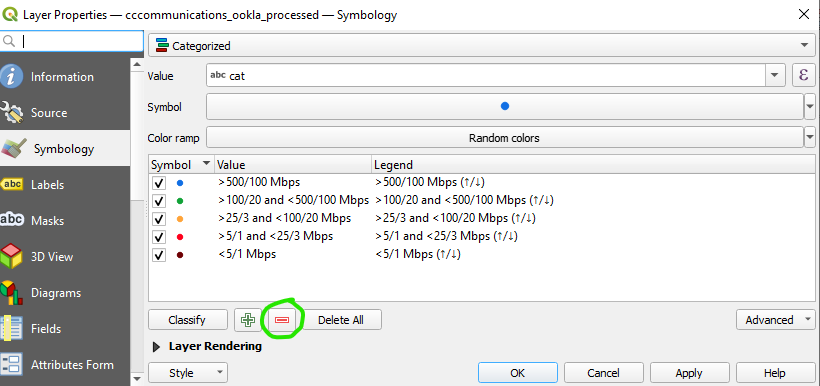
5) Also, why is there no delete option for added values? It seems like only way to do this is to "remove all".
QGIS, for comparison.
These are only a handful of suggestions. Overall, I would suggest the ESRI ArcPro development team take a look at QGIS symbologies and see what enhancements can be made.





