- Home
- :
- All Communities
- :
- User Groups
- :
- New to GIS
- :
- Questions
- :
- This is probably very basic, but I seem to have a ...
- Subscribe to RSS Feed
- Mark Topic as New
- Mark Topic as Read
- Float this Topic for Current User
- Bookmark
- Subscribe
- Mute
- Printer Friendly Page
This is probably very basic, but I seem to have a problem creating and repering feature classes.

- Mark as New
- Bookmark
- Subscribe
- Mute
- Subscribe to RSS Feed
- Permalink
When I create the new feature class, the folder does not appear in Catalog nor Map. If I try recreating the folder, it tells me the folder already exists. I can't find the folders anywhere in Catalog nor Map. I tried fixing this issue by removing the folders using access as a tool, but the folders seem to still exist in ArcGIS. Has anyone encountered a similar problem?
Solved! Go to Solution.


- Mark as New
- Bookmark
- Subscribe
- Mute
- Subscribe to RSS Feed
- Permalink
Are you creating the geodatabase on a network drive? If so, try creating the geodatabase on a local drive and see if the issue is still reproducible. Also, try logging onto your machine as another user and try and reproduce.
- Mark as New
- Bookmark
- Subscribe
- Mute
- Subscribe to RSS Feed
- Permalink
I am creating everything on a local drive.
I have tried passing the geodatabase to a colleague though a USB drive. She has managed to create feature classes (not with the code name they need, and not inside the feature data set). The second I imported back the material on the drive to my own computer, the created feature classes disapeared and were nowhere to be found.
Everything goes on normally, until i finish creating the feature class: then the geodatabase refreshes and nothing new appears in it.
here are some captures of the process (from the bottom to the top)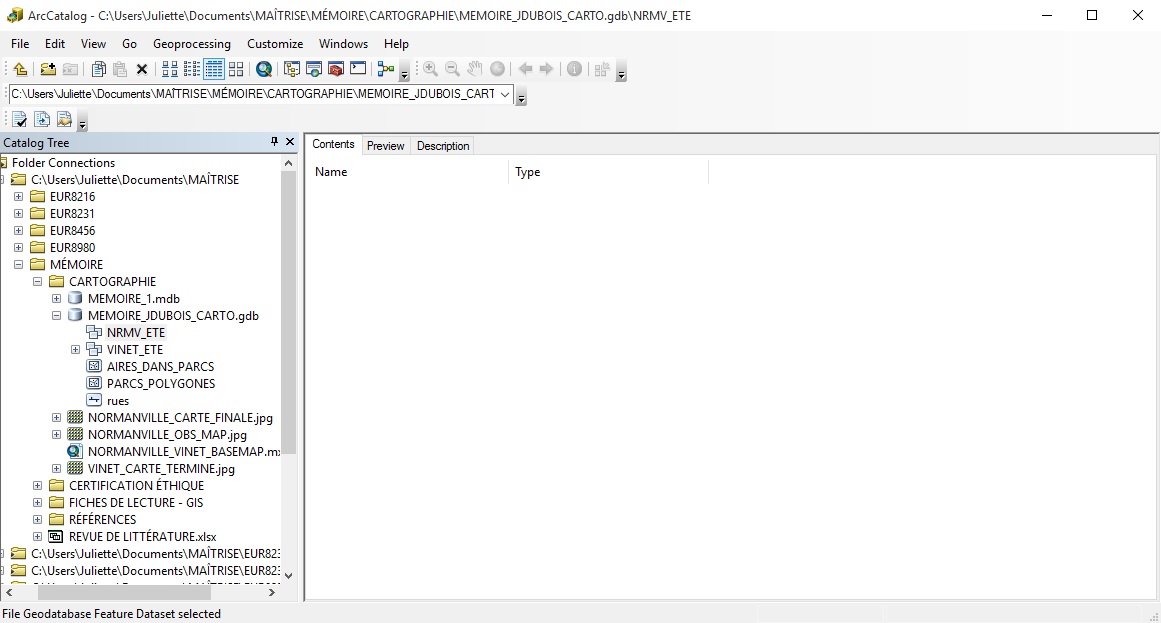
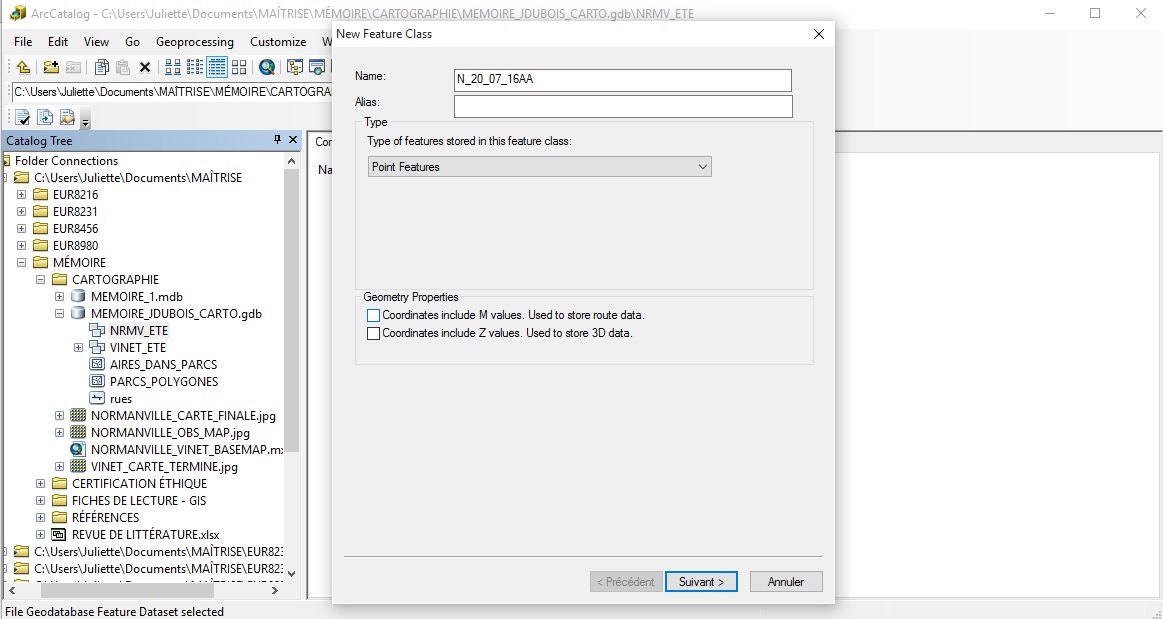
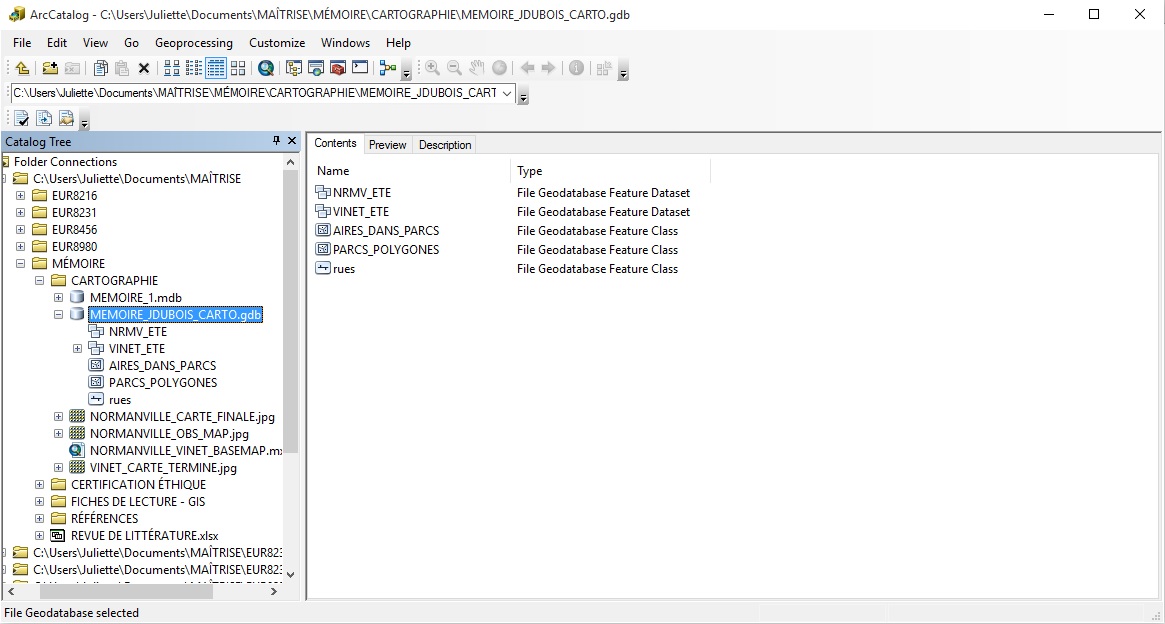

- Mark as New
- Bookmark
- Subscribe
- Mute
- Subscribe to RSS Feed
- Permalink
If you are OK with creating a new File geodatabase and copy\pasting the data from the existing problematic one to the new one -- try that.
Otherwise, as suggested earlier, please contact Esri Tech Support, so that they can take a look and troubleshoot.
- Mark as New
- Bookmark
- Subscribe
- Mute
- Subscribe to RSS Feed
- Permalink
As this is already the second File Gdb I transfer this content to, I will go on and contact tech support.
Thanks to all of you very much.

- « Previous
-
- 1
- 2
- Next »
- « Previous
-
- 1
- 2
- Next »