- Home
- :
- All Communities
- :
- Products
- :
- ModelBuilder
- :
- ModelBuilder Questions
- :
- ArcGIS Pro - Layer to KMZ
- Subscribe to RSS Feed
- Mark Topic as New
- Mark Topic as Read
- Float this Topic for Current User
- Bookmark
- Printer Friendly Page
ArcGIS Pro - Layer to KMZ

- Mark as New
- Bookmark
- Subscribe to RSS Feed
- Permalink
I am trying to get the below workflow to work in ArcGIS Pro using arcpy, but it doesn't seem to want to work.
- Create feature layer from file on disk
- Create KMZ from feature layer

Has anyone run into this issue? It works just fine in ArcMAP.
- Mark as New
- Bookmark
- Subscribe to RSS Feed
- Permalink
It is 10.7. I will post if I get a solution!


- Mark as New
- Bookmark
- Subscribe to RSS Feed
- Permalink
Hello Lance,
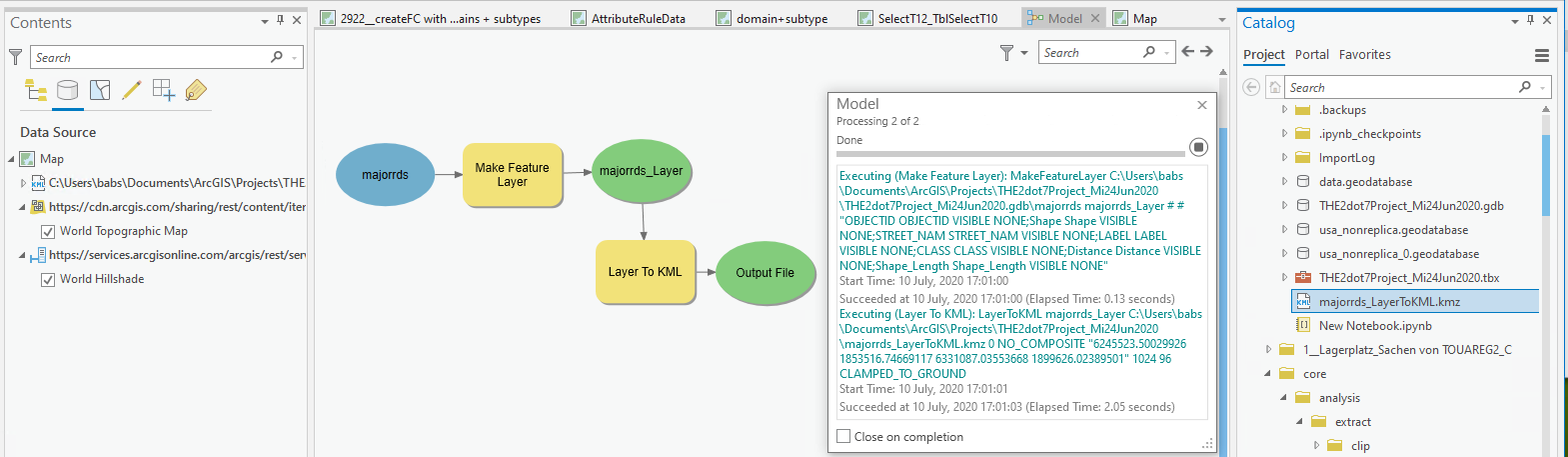
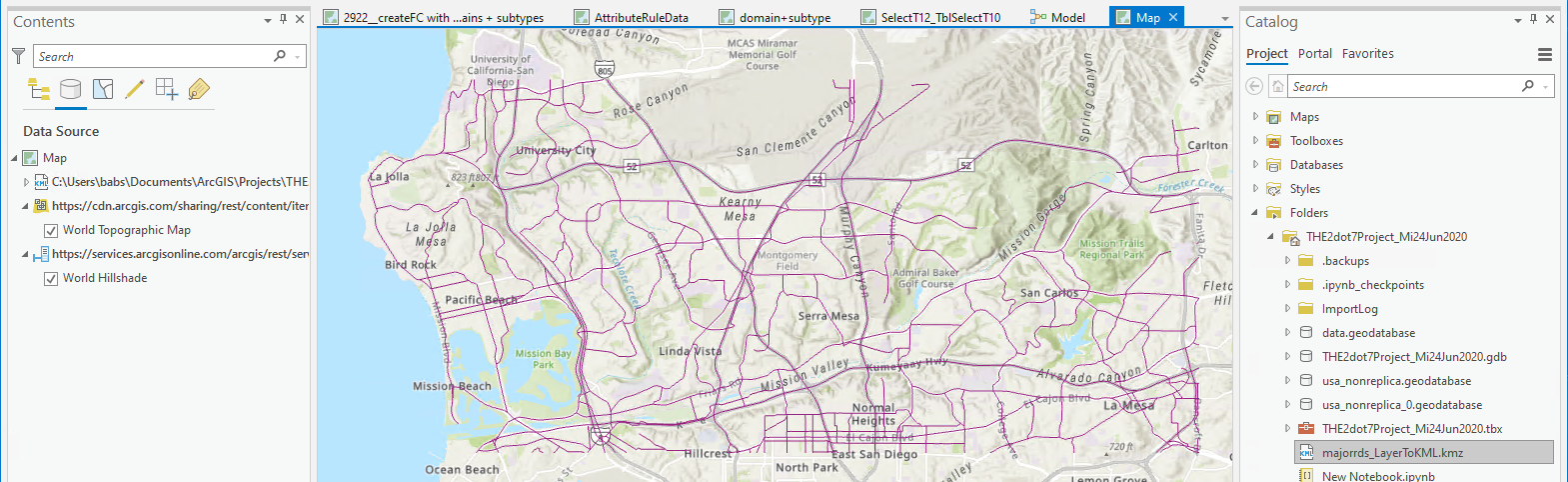
I stumbled upon your post and just now built the model in 2.7_25821 and it worked.
What build of ArcGIS Pro are you using?
You may need to refresh the folder if you do not see your output at first.
- Mark as New
- Bookmark
- Subscribe to RSS Feed
- Permalink
Thanks for doing that. I’m running 2.5.2. Are you running this with the model open in edit mode? When I execute it with the model open it runs fine and produces the correct result; however, when I make the input a parameter and the output a parameter and run it from the within the tool menu it succeeds, but does not produce the kmz.
- Mark as New
- Bookmark
- Subscribe to RSS Feed
- Permalink
Hello Lance,
made in and out a P and ran model as a tool and got output, which I manually added to the map.
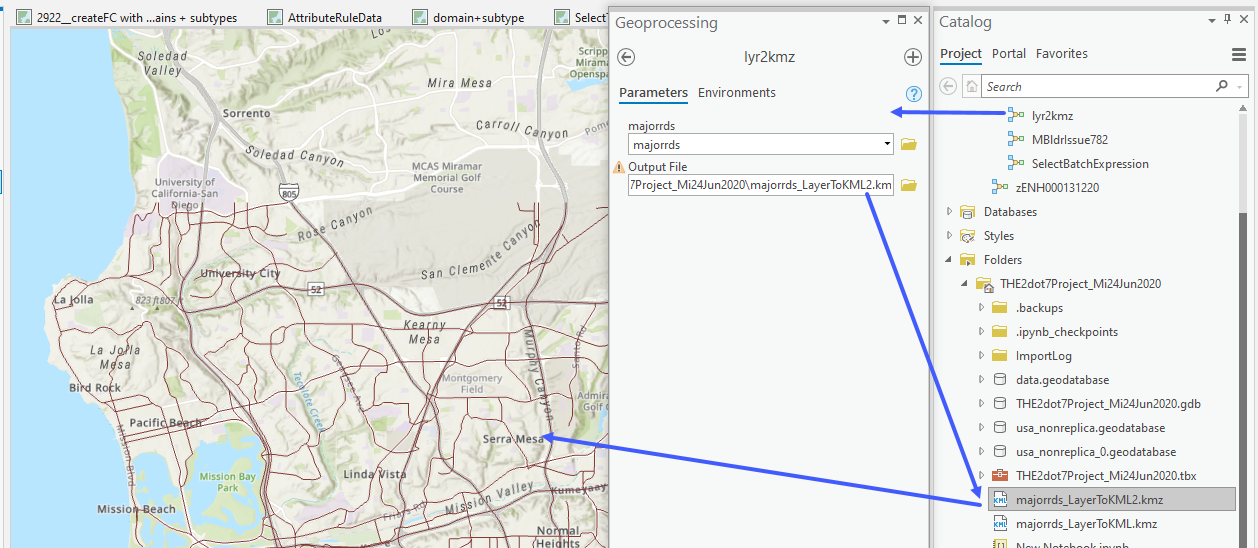
If my UC schedule permits, I'll install 2.6 final later today and retest there.
See what you get when you start fresh:
Create a map-based project in 2.5.2, recreate the model and run it as a tool.
- Mark as New
- Bookmark
- Subscribe to RSS Feed
- Permalink
Hello again Lance,
tested in 2.6_24783 and there too I get output on the model and the model tool run
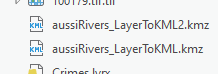
Have you had any luck re-creating the model in a fresh project?

- « Previous
-
- 1
- 2
- Next »
- « Previous
-
- 1
- 2
- Next »