Sometimes you just need to embed a "static map" in your app. For example, you might be building an enterprise application and just want to add a map to an automated email system or a reporting system to provide some additional location context. These maps are not interactive and are often referred to as "static maps". If you want to make them interactive, then you need to wrap a mapping API around them.
How does it work?
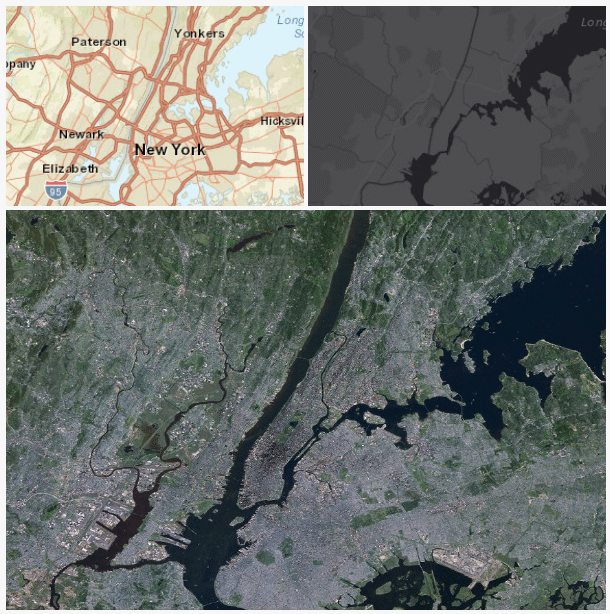
With the ArcGIS REST API you can fetch static maps directly from Map Services by calling Export. All you need to do is pass in a few simple parameters such as the bounding box coordinates, image size and image format, and the service will return an map image. Here's an example:
https://services.arcgisonline.com/arcgis/rest/services/World_Street_Map/MapServer/export?bbox=-74.2,40.6,-73.7,41&bboxSR=4326&size=600,400&f=image
How do you get a map?
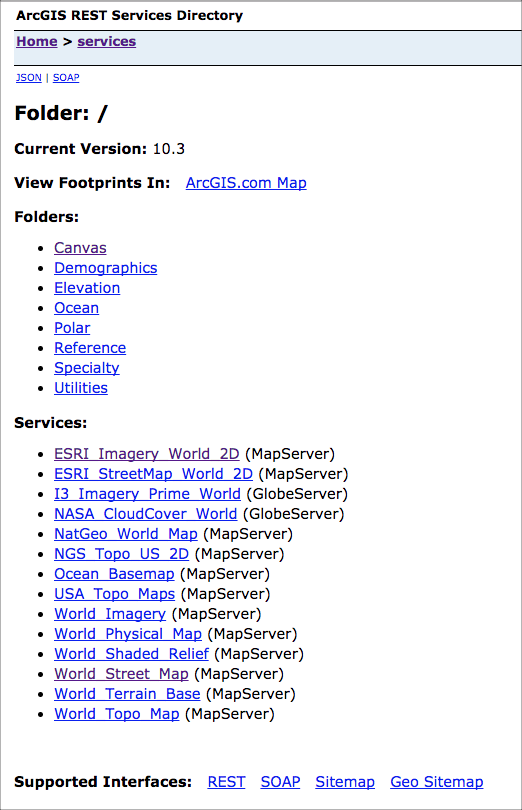
If you don't have your own Map Services and you just need a simple map, you can just use the ArcGIS Online basemap services. Here you will find an assortment of hosted basemap services that you can export maps from. Feel free to browse all of the map services and parameters and pick the ones that best suites your needs.
Simple Example
Here's a simple HTML example that shows how to use the REST API to fetch a few different maps. The nicest thing about making the REST calls directly is that you aren't dependent upon a client-side library and it makes it easy to build into existing frameworks or enterprise systems. All you need to be able to do is execute an HTTP request.
Enjoy!
<!DOCTYPE html>
<html>
<head>
<meta name="description" content="ArcGIS REST Export Maps">
<meta charset="utf-8">
<meta name="viewport" content="width=device-width">
<title>JS Bin</title>
</head>
<body>
<span>
<img src="https://services.arcgisonline.com/arcgis/rest/services/World_Street_Map/MapServer/export?bbox=-74.2,40.6,-73.7,41&bboxSR=4326&size=298,200&f=image">
<img src="https://services.arcgisonline.com/arcgis/rest/services/Canvas/World_Dark_Gray_Base/MapServer/export?bbox=-74.2,40.6,-73.7,41&bboxSR=4326&size=298,200&f=image">
</span>
<img src="https://services.arcgisonline.com/arcgis/rest/services/ESRI_Imagery_World_2D/MapServer/export?bbox=-74.2,40.6,-73.7,41&bboxSR=4326&size=600,400&f=image">
</body>
</html>
.png "AllanLaframboise")
