- Home
- :
- All Communities
- :
- Products
- :
- ArcGIS Pro
- :
- ArcGIS Pro Questions
- :
- Re: Arcgis Pro browser issues.
- Subscribe to RSS Feed
- Mark Topic as New
- Mark Topic as Read
- Float this Topic for Current User
- Bookmark
- Subscribe
- Mute
- Printer Friendly Page
Arcgis Pro browser issues.

- Mark as New
- Bookmark
- Subscribe
- Mute
- Subscribe to RSS Feed
- Permalink
I've been dragging a problem with the arcgis pro navigator for a long time, when I want to add data to the map.
I open Arcgis Pro, I create a new map, I press the button to insert elements to the map, it opens to the browser window and I cannot access my data until it finishes loading the folders, this takes about 10-15 minutes to refresh, I try to paste the path in the browser and it takes me directly to the folder but I can't select any item inside. I have to wait an "eternity" for the rest of the units to load, and to be able to work ..
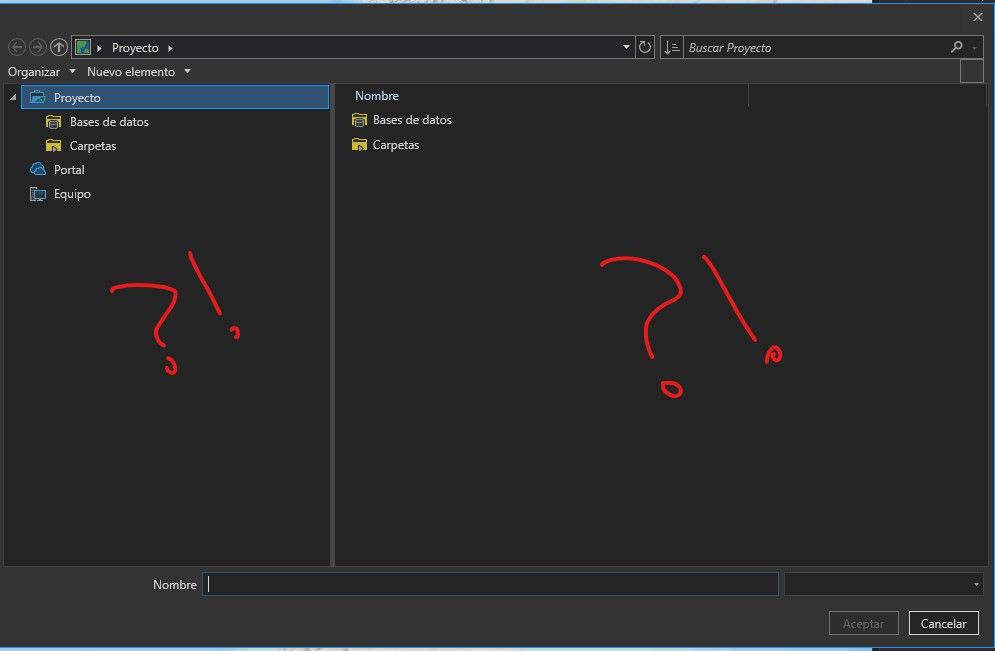
15 minutes later ...
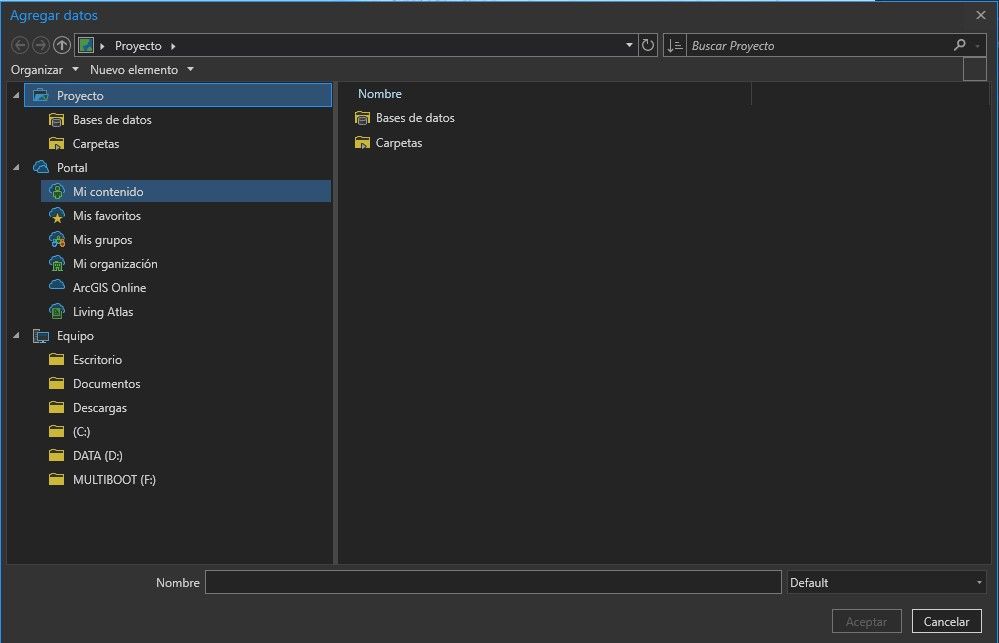
Reinstall, and nothing. Then install Drone to Map, and it happens to me exactly the same ... so my problem is with the browser that Arcgis pro uses. Why not just use the windows explorer?
Please, if anyone knows about this problem or what I can do to solve it, tell me.
thank you very much community.


- Mark as New
- Bookmark
- Subscribe
- Mute
- Subscribe to RSS Feed
- Permalink
ArcGIS Pro 2.7 system requirements—ArcGIS Pro | Documentation the link for the application is on this page, it just to check your spec.
There is Perftools
PerfTools (Build 122) for ArcGIS Pro 2.x is now available for download (esri.com)
but I haven't used it and if you have enterprise there are other tools.
as for "... yesterday I changed to OpenGL and I don't see anything special...." don't expect anything special. Switching is when you are having display issues.
If you have gone through the document that @KoryKramer posted and found no resolution, then you missed the section recommending that contacting Tech Support would be the best option when the obvious solutions have all failed.
I will make the same recommendation that Kory did... contact Tech Support... that is your best option
... sort of retired...
- Mark as New
- Bookmark
- Subscribe
- Mute
- Subscribe to RSS Feed
- Permalink
Sorry, I can't help and no one else seems to be leaping in so all I can do is give the same recommendation... contact Tech Support. They have more resources
... sort of retired...
- Mark as New
- Bookmark
- Subscribe
- Mute
- Subscribe to RSS Feed
- Permalink
overdo it with the 15 minutes, actually and timed it's 2:14 seconds to wait, every time I start a new project. As long as the project is not closed, it is going well, but I close it and open it again, we have to wait.
- Mark as New
- Bookmark
- Subscribe
- Mute
- Subscribe to RSS Feed
- Permalink
All I see is "Portal" in your first images. That raises the Data location check in Kory's link in my mind. ( @KoryKramer related? )
I keep all my projects and data local on my machine. All projects are created in a project folder and shared data is within that path so it can be accessed relative to the project location.
... sort of retired...


- Mark as New
- Bookmark
- Subscribe
- Mute
- Subscribe to RSS Feed
- Permalink
Hi @PlaninforAdmin. Sorry to hear about the browsing lag...
I didn't see anywhere mentioned what version of ArcGIS Pro you are using. Could you please confirm?
Since you you mention that this has been happening for a long time, my first question would be whether there was a time when populating the Add Data dialog performed well. When was that and what might have changed between the time it worked well and when it slowed down?
Dan brought up the Data location check. Despite all of the comments on this thread, we still don't have details about what data you're trying to access. From the second screenshot, it looks like you are trying to add data from your ArcGIS Online organization > My Content (Mi Contenido). Is that correct? Or is the issue populating the Add Data dialog from local folders?
What troubleshooting might happen will depend on answers to these questions. If there are issues populating the dialog from local data, have you looked into antivirus scanning that may be running on the machine? FAQ: How do I troubleshoot ArcGIS Desktop performance issues related to antivirus software (exceptio...
- Mark as New
- Bookmark
- Subscribe
- Mute
- Subscribe to RSS Feed
- Permalink
Hello, thank you for everything and everyone.
The version I am using is 2.7.1.
In the beginning it worked well, but in some version change this problem started. Sometimes I think it takes because I have many network drives disconnected and it takes time to read, but I don't have these network drives associated with my "Arcgis Pro" either,
I also think that it is a problem of the browser you use, because as I mentioned in another post, the same thing happens with Drone2Map, which uses the same browser.
It only happens when I open the project the first time, as long as I have it open I can continue using it without problem, if I close and open it again I have to wait.
If I want to access Arcgis online or if I want to upload a file, I have to wait.
I have tried all the recommendations, removing cache, renaming the cache folders, doing a clean install and on and on.


- « Previous
-
- 1
- 2
- Next »
- « Previous
-
- 1
- 2
- Next »