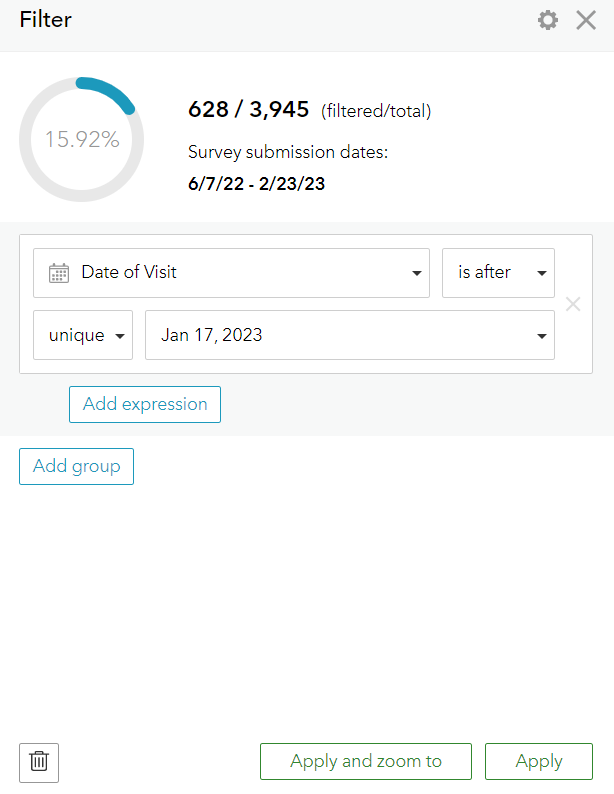
We have seen this on multiple surveys in our organization and was not sure if it had something to do with the recent Survey123 update.
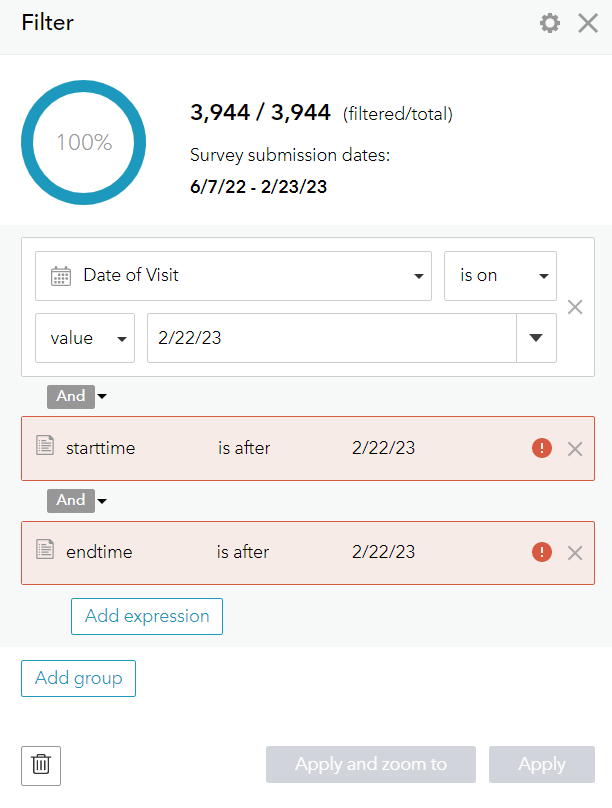
We are only able to filter date or datetime fields in the Data and Analyze tab of Survey123 by using "unique" instead of "value" with the calendar. The Apply button is disabled and there's a red warning on the filter, but no explanation as to why.
We cannot use the provided date range filter because this is the submitted date, which is not always the same as the date or datetime field we are trying to filter by.
I tested filtering in the Map Viewer of the layer and a "value" filter worked on these fields, so I am thinking this is just a Survey123 data page error?
Using "value"
Using "unique"