Potentially a duplicate of Stop drawing - Esri Community
This has been bothering me for ages but today I noticed the behaviour in the second gif and reached my breaking point.
Pause Drawing needs to PAUSE. DRAWING.
Not "change the display when you turn off a layer":
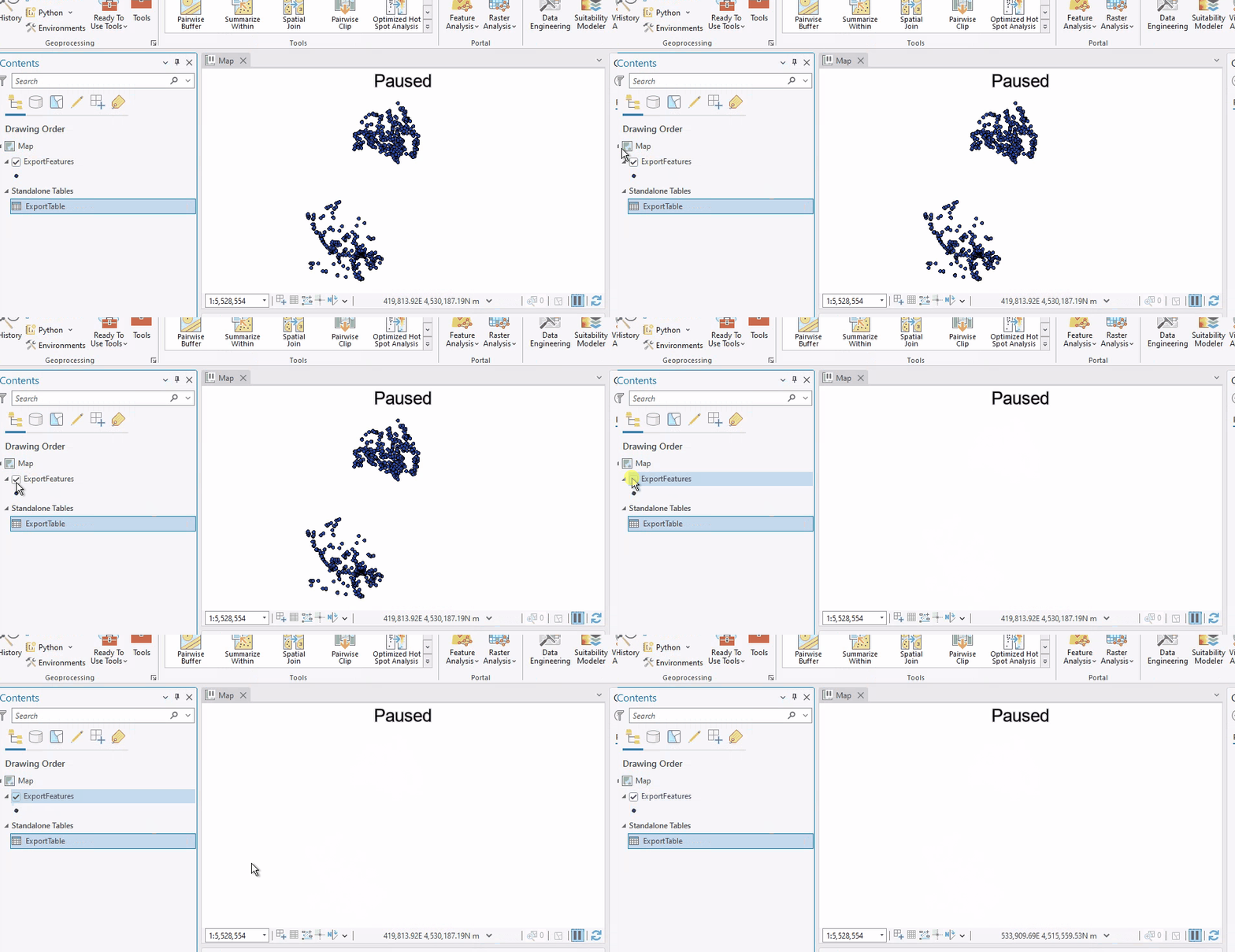
Not "Completely finish rendering (?????????) what it's currently working on before pausing":
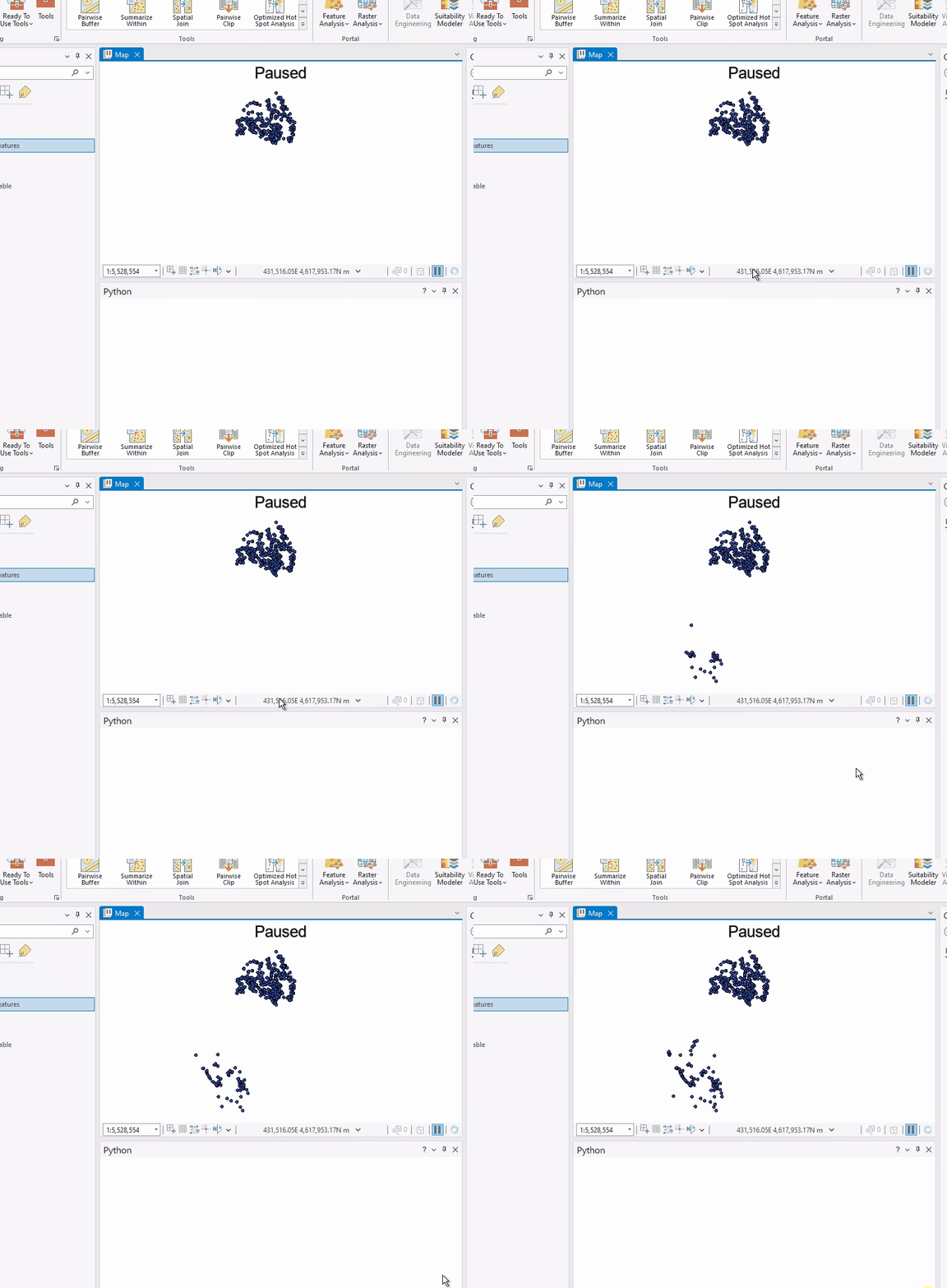
Seriously. If I press Pause, that means everything should pause. I want my screen to be frozen exactly as it is when I press Pause. I do not care if something has been half-drawn. Stop drawing things.
I know we aren't getting Draft Mode again, (which is an enormous shame), so I don't even mind that the screen is showing me my map or layout in detail. What I do mind is that it keeps drawing when I tell it not to. Especially since I use Pause to speed things up if I have a busy or large map and I need to do some processing.
This is part of a general pattern of "Pro does not listen to us when we tell it to stop doing something". In general, I'm understanding of "Pro is doing a backup so that's why everything is greyed out" and "you just added 10 layers at once to a map, give it a minute", but it should not be this hard to tell Pro to knock it off when it's doing its own thing, especially when what it's doing is completely counterintuitive to the instructions you though you gave it.
Please fix this.





