We're running ArcGIS Enterprise 10.7.1 and have recently rolled the Explorer out to users, the majority of which are running on the Android platform. Our Portal uses ADFS for security and the apps are deployed via Microsoft Intune.
I've had a couple of users reporting that they can successfully log in and use the app but when they come back to it the next day they just get a message saying "No Maps. Maps will appear here when they're created or shared with you."
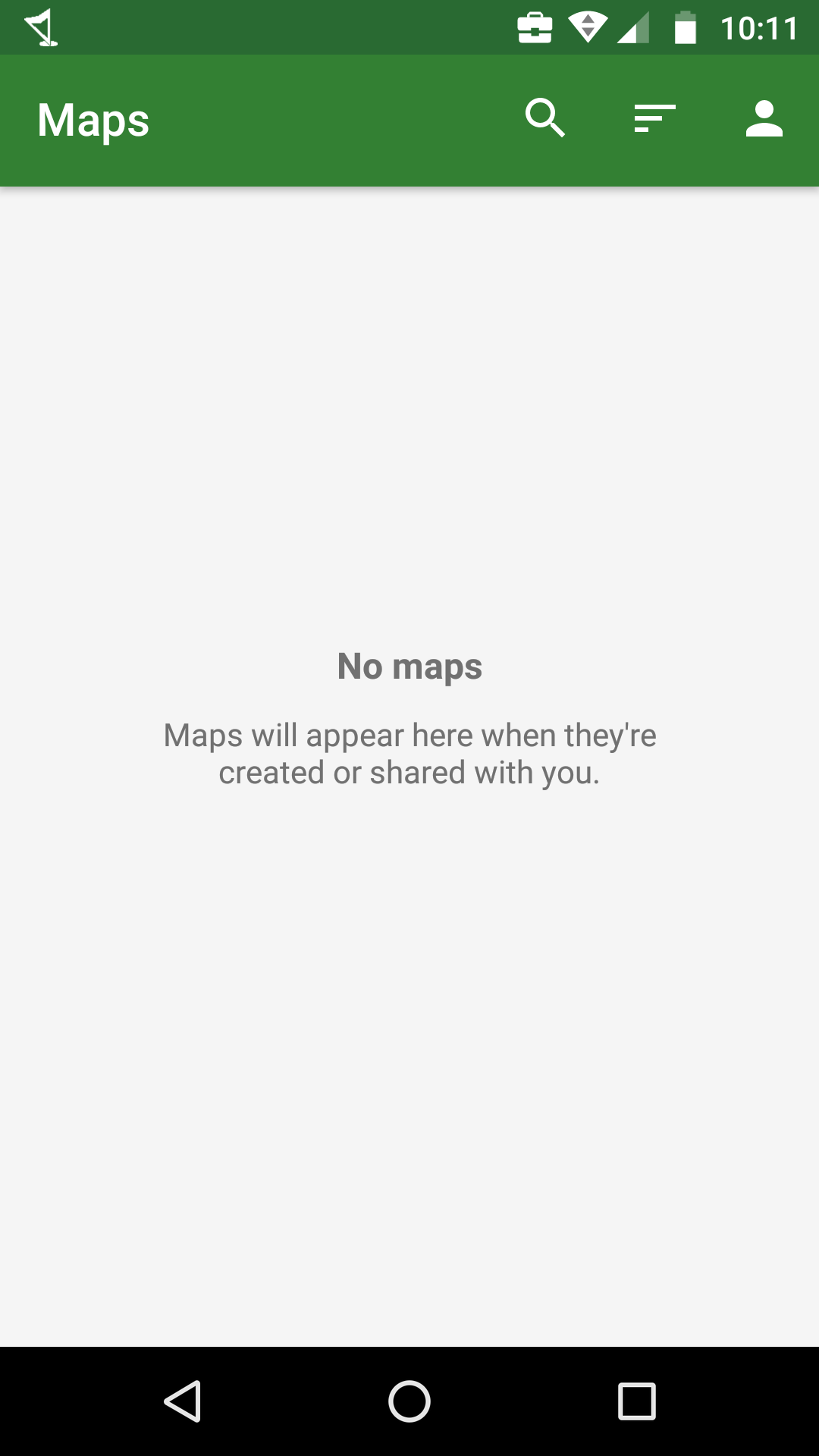
In at least one of the cases the user says that they weren't fully closing the app down after they used it so it was still running in the background. My guess is that a token is expiring but because they aren't launching the app from new each time it isn't prompting it to go and get a new token. I need to do a bit more research with this and ask the users some more questions but just wanted to see if others had experienced the same thing and whether it would be worth opening a support case for this.
One possible workaround is to get them to sign out and back in again but that kind of negates some of the benefit of the app remembering credentials and is a slightly fiddly process because of the number of different options they have to choose from e.g. Enterprise vs AGOL, built in account vs organisation etc.

