Hello,
I’m having issues with Survey123 Feature Reports, In particular I’m unable to get images to be included in the generated report.
The hosted feature layer used for Survey123 Feature reports contains around 3000 features that were imported from another Feature Layer( from an old version of a Survey to collect data from affected structures on January earthquake in Puerto Rico). The import was successful, These records preserved their relationships and their attachments.
On the Feature Reports page, it can be appreciated that for the selected feature, photos are available (Attachment1.jpeg)
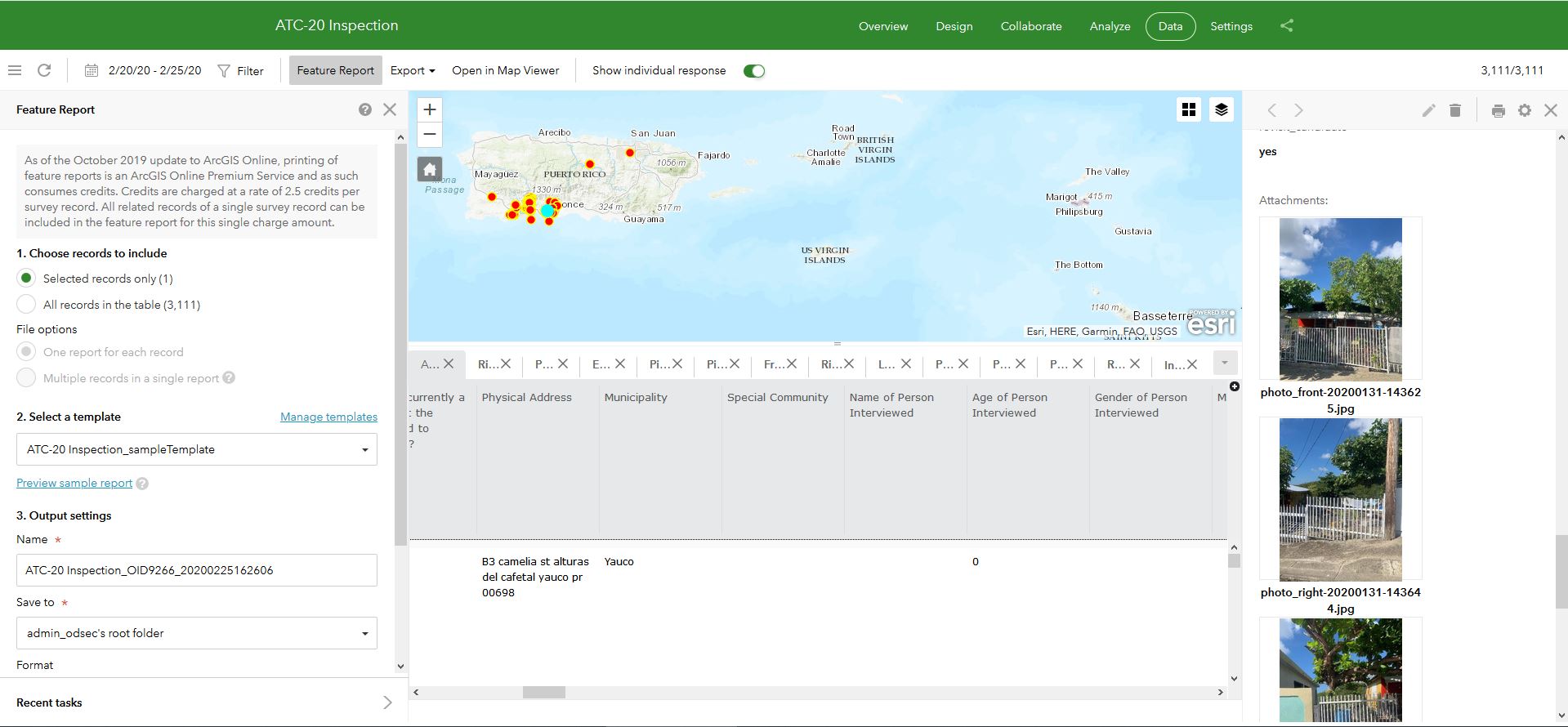
However, when I use the default template(1), (and a custom made template), photos are not included either on the Preview document(2), nor in the generated document.
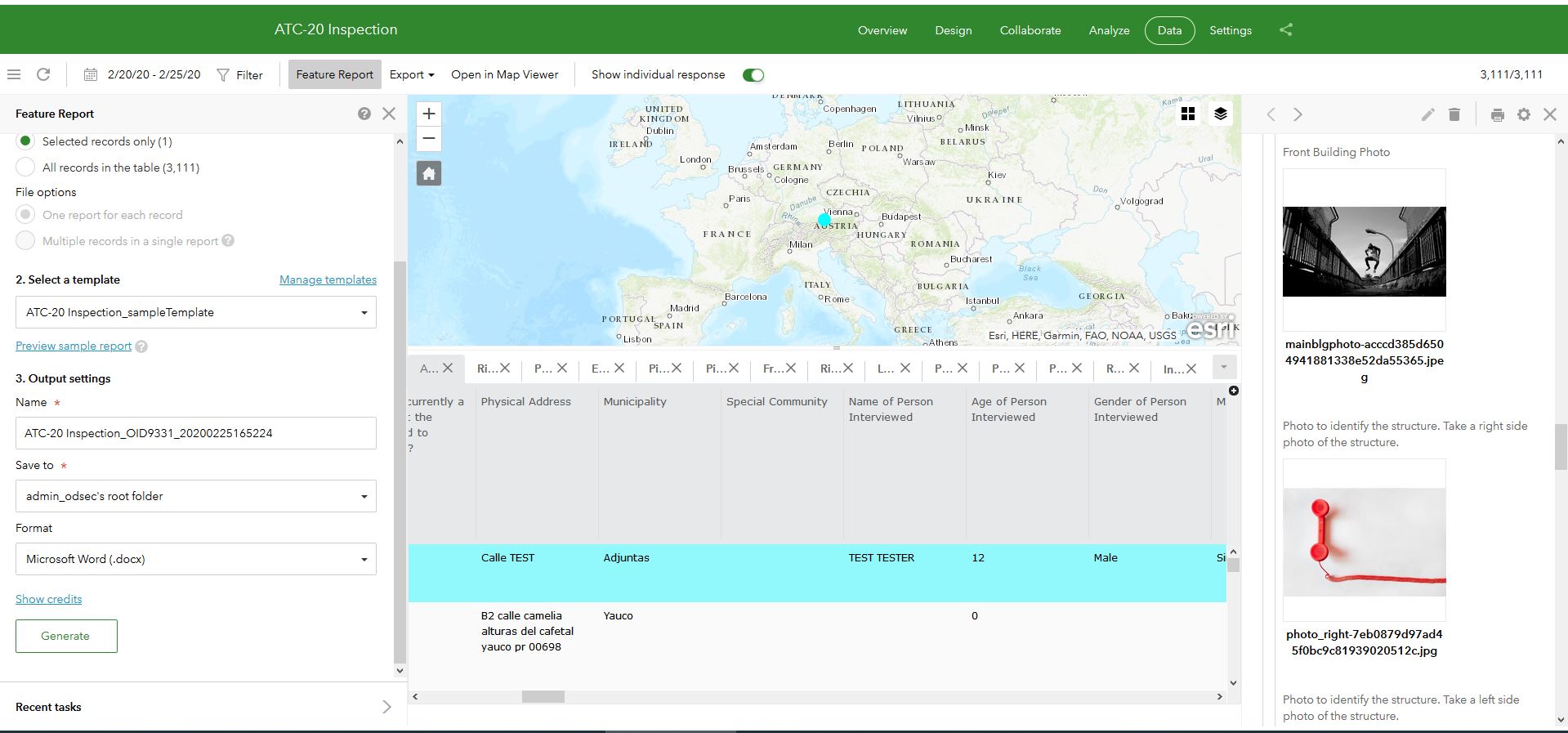
For new records collected using survey123, Photos can however be seen both in the Feature Reports page(3), and in generated report samples(4).
ATTACHMENTS
Attachment1 -> Screenshot of Survey123 Feature Reports Page, demonstrating existence of pictures in the Feature Layer.
(1) -> Sample Word Template used for report generation (ATC-20_Inspection_sampleTemplate.docx)
(2) -> Preview Document Generated using Survey123 Feature Reports, however pictures are missing. (ATC-20 Inspection_OID8006_20200225162023_sample.pdf)
(3) -> Screenshot of Survey123 Feature Reports Page, demonstrating existence of pictures in the Feature Layer. (Attachment2.jpg)
(4) -> Preview Document Generated using Survey123 Feature Reports, but pictures are available. (ATC-20 Inspection_OID9331_20200225165333
Any idea?
Regards,
Diego Llamas
James Tedrick




