Ramble
I have a separate miniconda environment nicely set up with the versions of what I want without constraints of what is "pinned" by the arcgispro-py3 environment or its clone.
Sure, you can clone, or make a stripped down environment by using arcpy-base, or if you have that streak of adventure, you can push "pip" ing and such. Sadly many of those options dont work for me, since I tend to do my "Arc..." stuff separate from my "NumPy ... " stuff. So here is a demo of what you can do if you only need a simple or quick access to python code that you have and you don't want to mess with the existing Arcgis Pro setup
Working with packages
This is a demo to show how to use your own modules within the arcgis pro environment. The modules that you need to import have to be identified, then imported.
- Identify the location for the package/module/script you want to import
- Do any required imports.
Once you have done your imports, your package/module/script can be used within ArcGIS Pro's notebooks, python windows and tools.

In my example, I installed Arcgis Pro on my machine locally in C:\Arcpro_36. Now, I wanted to add paths to the location where I save my packages. The simple script to the right shows one way.
You can also continue working there in either a notebook or the python window. In the example to the right, the project, active map and a layer list was obtained.
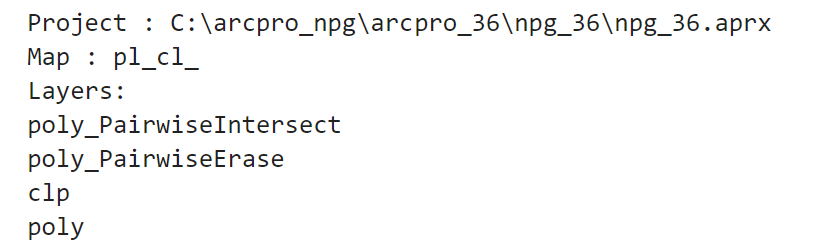
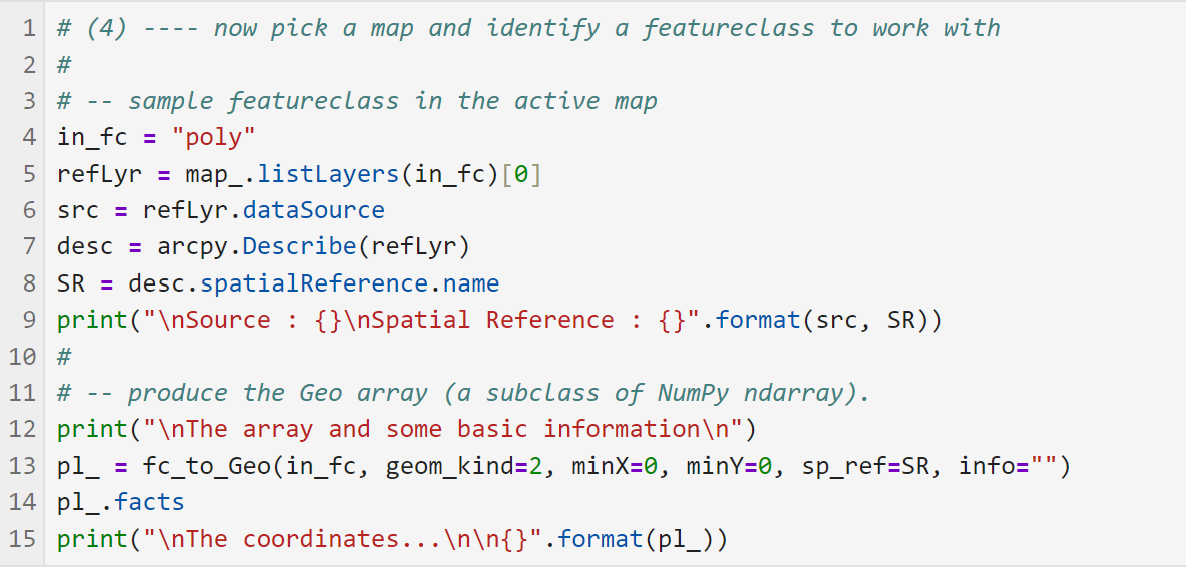
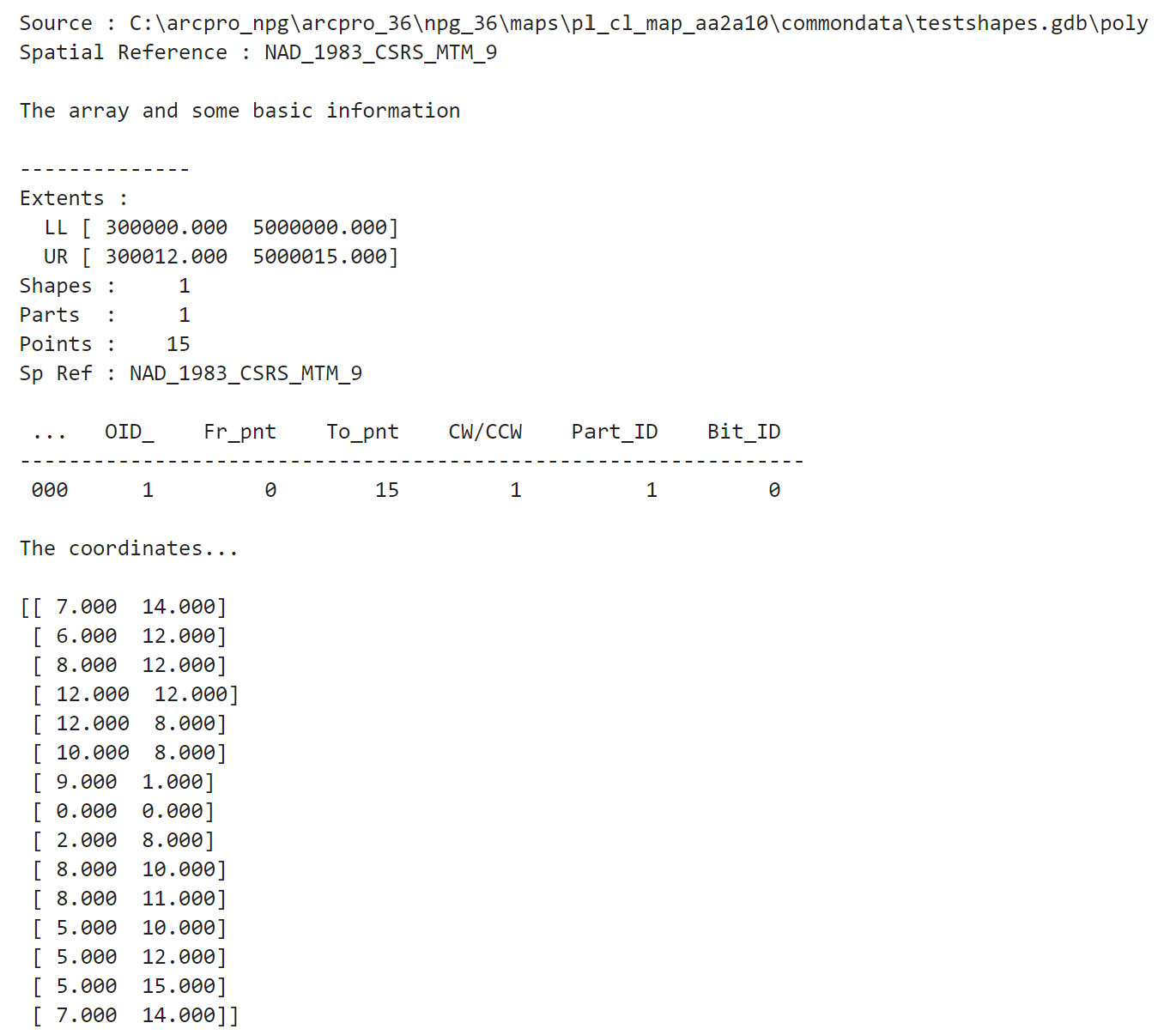
Now, I imported my own module to convert it to a numpy array, obtain some information and produce a "map"/"plot" of the data
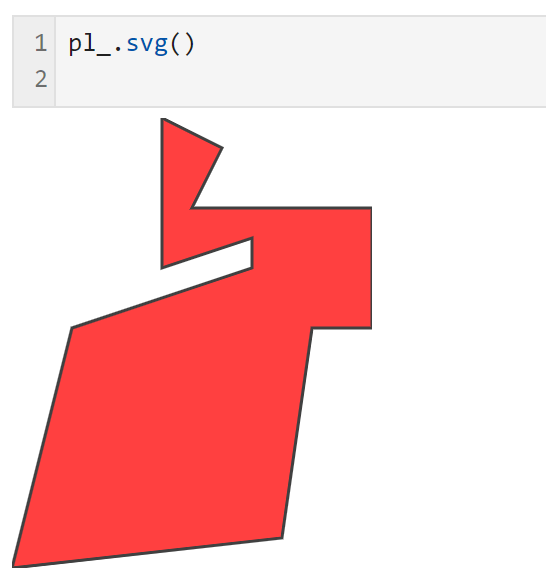
I use this approach to keep my Pro and python/numpy environments clean and in the versions that I want. But keep it in mind if you want to keep your work organized and separate.