- Home
- :
- All Communities
- :
- Products
- :
- ArcGIS Vector Tile Style Editor
- :
- ArcGIS Vector Tile Style Editor Questions
- :
- Basemap Bug - World Basemap V2 Takes Precendence O...
- Subscribe to RSS Feed
- Mark Topic as New
- Mark Topic as Read
- Float this Topic for Current User
- Bookmark
- Printer Friendly Page
Basemap Bug - World Basemap V2 Takes Precendence Over All

- Mark as New
- Bookmark
- Subscribe to RSS Feed
- Permalink
EDIT: This appears to have been fixed in map viewer--the basemap now comes across exactly as it appears in the Style Editor, but the undesirable behavior persists in ArcGIS Pro.
Hi all,
I just encountered what I believe is a bug when attempting to use an old "custom" basemap I made a while back (custom in quotes, as all I did was remove building labels from the Community Basemap). It no longer comes in as the Community Basemap, it comes in as the World Basemap V2.
I opened the basemap in vector tile style editor and it looked as it should--like the normal Community Basemap--but when I bring it into a map in Arc Online, its just the World Basemap V2.
I see in both item's JSON files that they point to the same source: https://basemaps.arcgis.com/arcgis/rest/services/World_Basemap_v2/VectorTileServer
I'm led to believe the only difference between the two are the style settings used.
So, the bug is essentially that this World Basemap V2 takes precedence over the Community Basemap. I even tried opening vector tile style editor, selecting community map as my template, then disabling building labels and saving to create a new version of my original "custom" basemap, but this comes in as World Basemap V2 as well, not Community Basemap.
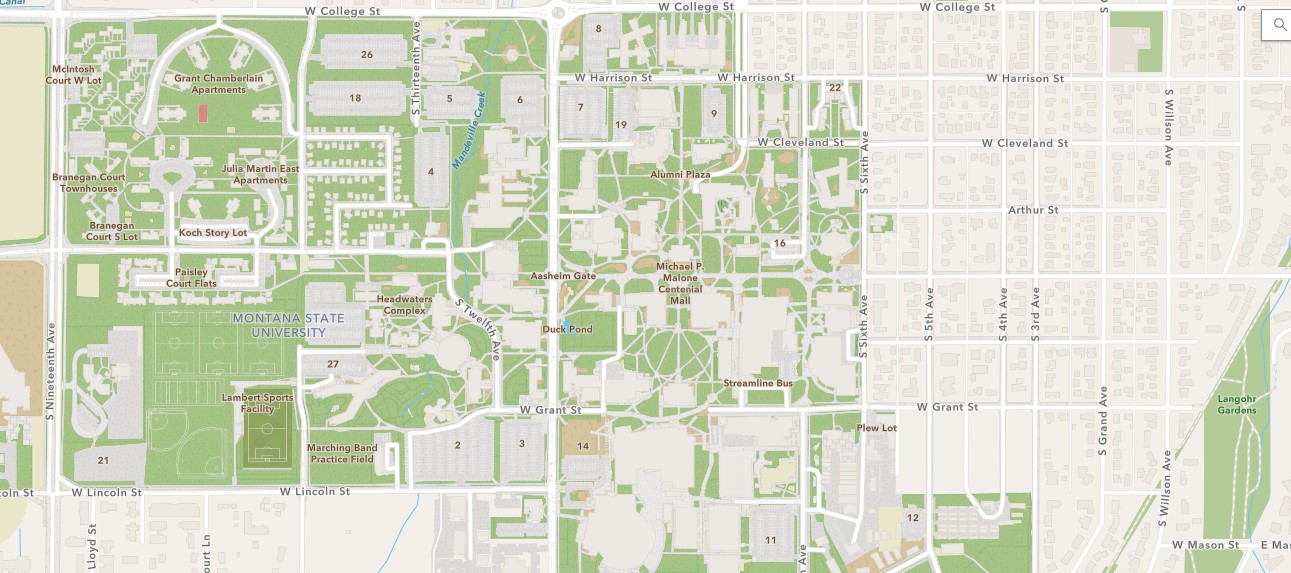
See below for example screenshots. I save the basemap as a tile layer in vector style tile editor (where it looks as it should), then add it to map viewer via its service url, where it looks entirely different.
Anywho, I don't believe this is the intended behavior, so I thought I'd post it here and get some feedback. Thanks!



- Mark as New
- Bookmark
- Subscribe to RSS Feed
- Permalink
@JoshBerna if you are still having this issue, please consider this detail.
You mention that "then add it to map viewer via its service url, where it looks entirely different."
This will always be the case -- the vector basemap styles are rendered by a vector tile layer (set of JSON/sprite resources) that reference the service URL. Loading the service URL in Pro or MapViewer will always show the default street map. Load your specific custom style (find it by item name or item id (long character/number code in the tile layer URL).
