Select to view content in your preferred language

Portal 11.5 Upgrade problem

236
9
Tuesday
LiveHus
Emerging Contributor

Hello

I just upgraded my Portal from 11.1 to 11.5 manually - this was successful, until i tried accessing my Portal home page at https://my.portal.com/portal/home, I am then redirected to portal/home/error.html without any further errors. This also applies when I try locally with FQDN, so not a WebAdaptor issue in my eyes.
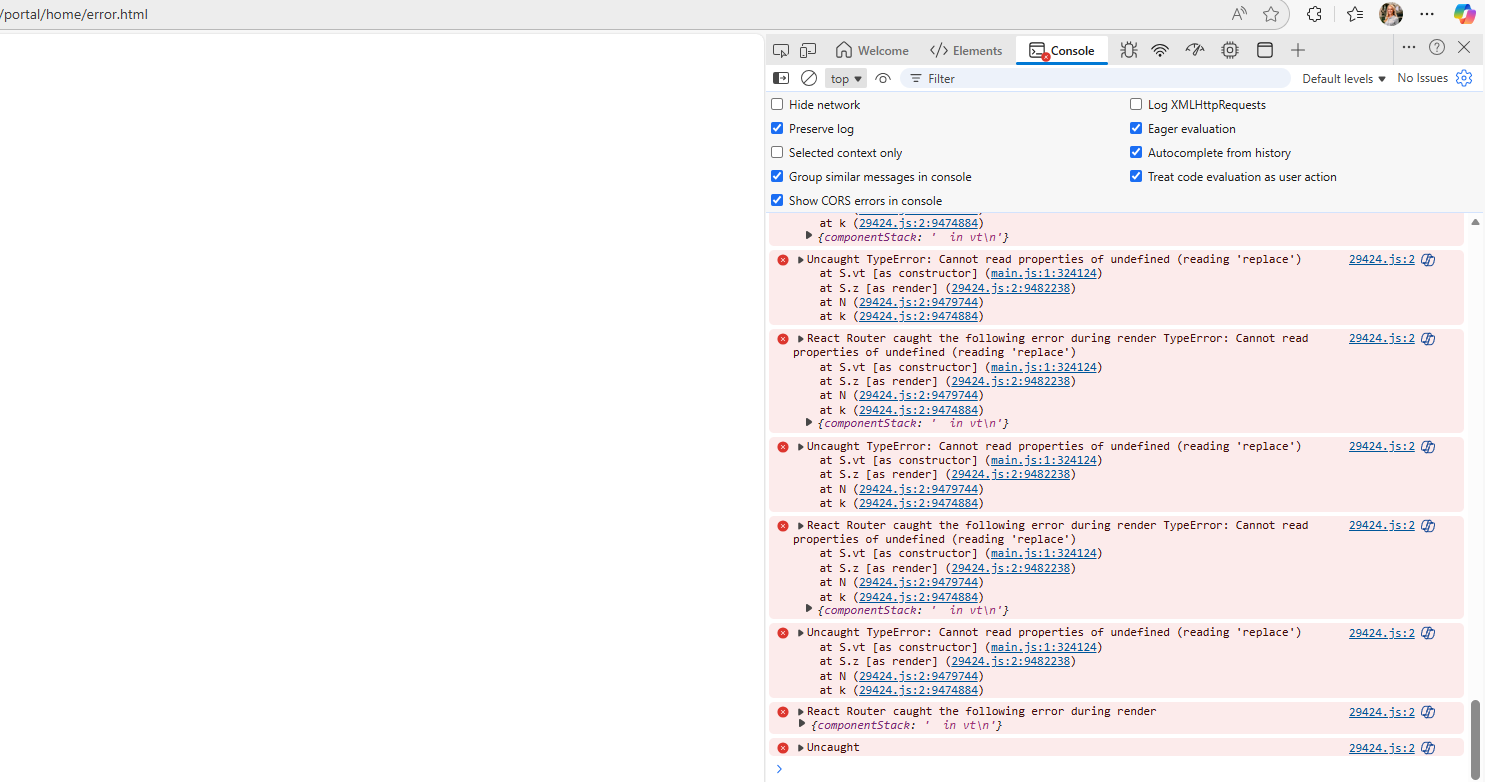
LiveHus_0-1765274378389.png

However, I am able to reach portal/sharing/rest and /portal/portaladmin without any errors. And yes I have tried:

  • restarts
  • clearing my browser cache several times
  • updating my browsers (Edge and Chrome) to the latest version
  • private window

Anybody else have encountered this issue before? Thankful for any tips

0 Kudos
9 Replies
LiveHus
Emerging Contributor

I have also checked my Portal Index, which is ok

0 Kudos
RyanUthoff
MVP Regular Contributor

Have you checked the Portal logs to see if there might be any useful information in them?

0 Kudos
LiveHus
Emerging Contributor

Portal logs is not giving anything besides these:

LiveHus_0-1765276294781.png

Regardless, I think the Portal should be accessible despite the federeated ArcGIS Server not being upgraded yet

0 Kudos
RyanUthoff
MVP Regular Contributor

Yeah, I agree with you. Portal should still be accessible despite those errors. It looks like someone else reported the same issue. But unfortunately, there was no resolution posted. https://community.esri.com/t5/arcgis-enterprise-portal-questions/arcgis-enterprise-11-5-upgrade-erro...

0 Kudos
DavidColey
MVP Frequent Contributor

There are likely issues with accessing the items in the portal postgres db..... There is some kind of missing or mis-configuration of some config files.  You really need to file a support ticket.

0 Kudos
LiveHus
Emerging Contributor

Thank you for your answer. Is it worth attempting to roll back the snapshot taken of the Portal server before upgrading and trying to re-install? 

0 Kudos
DavidColey
MVP Frequent Contributor

Without knowing anything about your deployment, all I could say is it would depend on how far along you are with the upgrade and whether or not this is a production deployment.  I think at this point you should work with support if possible.

0 Kudos
Priya_Das
Esri Contributor

Hi @LiveHus

  1. It worth reverting back to snapshot and start upgrading it again. 

If not, 

  1. Ensure portalURL and privatePortalURL match your FQDN and protocol (HTTPS). (<Portal install directory>\arcgisportal\framework\etc\portal.properties)
  2. Could you try accessing Portal home: https://my.portal.com:7443/arcgis/home
  • If this works, the issue is with the reverse proxy or WA mapping.
  • If it fails the same way, the problem is inside Portal itself.

3.Check if your SSL Certificates matches.


0 Kudos
LiveHus
Emerging Contributor

I tried rolling back the snapshot and re-upgrading Portal. However, I was forced to run a post upgrade in arcgis/portaladmin in order to finish the upgrade. I also had to repopulate the licence file

LiveHus_0-1765310590072.png

This was despite finishing here:

LiveHus_1-1765310692504.png

I am still unfortunately experiencing the same error.

And yes, I am getting the error with https://my.portal.com:7443/arcgis/home, so it must be Portal itself.


0 Kudos