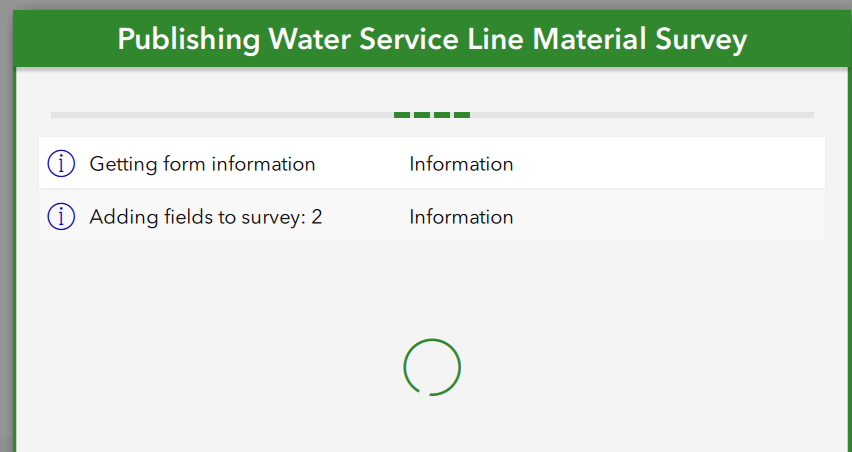
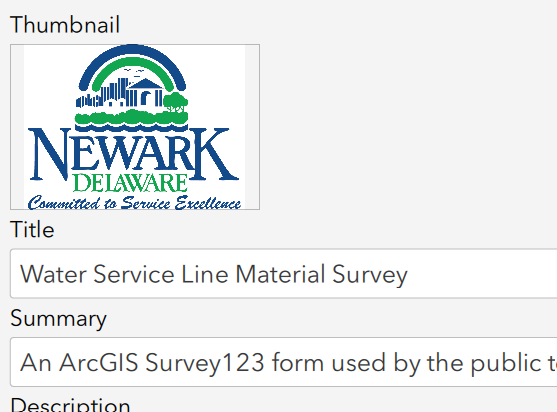
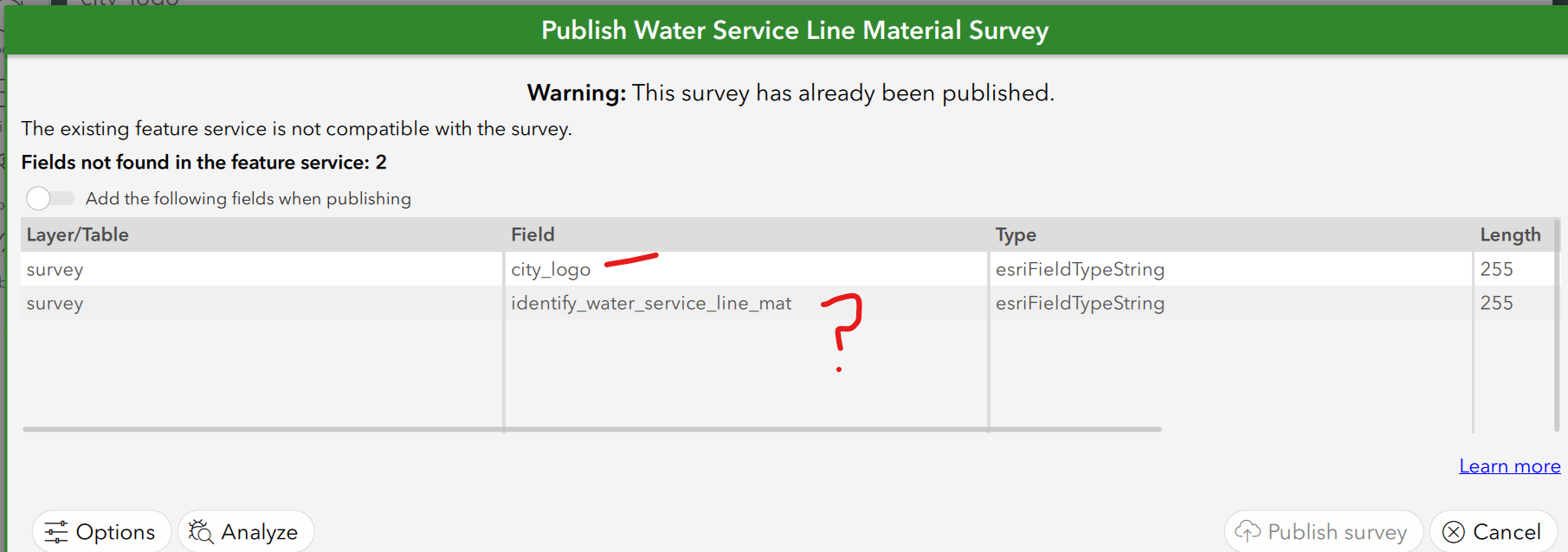
Hi, I am working with the Lead Service Line Inventory solution. I am updating the Survey123 form using Connect and the XLSForm. Before I made any changes to the XLSForm, I created a copy (Save As) and saved it with a different name (- Original). In the working version, I added my organization's logo in the Details screen (.png file, 300x300 pixels, see below). I then added the same logo.png as a type 'note,' 'city_logo' name field in the XLSForm. When saving the XLSForm, I received a no label error for the 'city_logo' field and for the 'generated_note_surveyDescription' name field, as neither had a label. I inserted a label for each, and the form updated but now contained text/labels which I don't want. To avoid an errant label, I found an HTML string, <font color=""></font>, (I think from an Esri blog), I can insert the two label cells, and the survey form updates as expected. And looks nice (see below). When I go to publish, I am prompted to add two fields, one is the city logo and the other is for a field I did nothing with (see below). If I click on 'Add the following fields when publishing,' then 'Publish survey,' the publishing step hangs, and I have to end it using Windows Task Manager (which doesn't always work) or clicking on the X in the upper right corner of Connect. I've tried publishing using labels other than the HTML, same hanging behavior. We have a couple of other modifications we want to make to the survey which I was lead to believe we could modify in Connect. Why am I prompted to Add the 'identify_water_service_line_mat' field which I did not touch? Why is the publishing step failing? Maybe it's just me, but I seem to keep breaking stuff in this solution. Any help would be appreciated, and thanks in advance, Jay
PS I forgot to add when I run the Analyze Survey tool, I get a traceback error, substring not found.
Details Pane
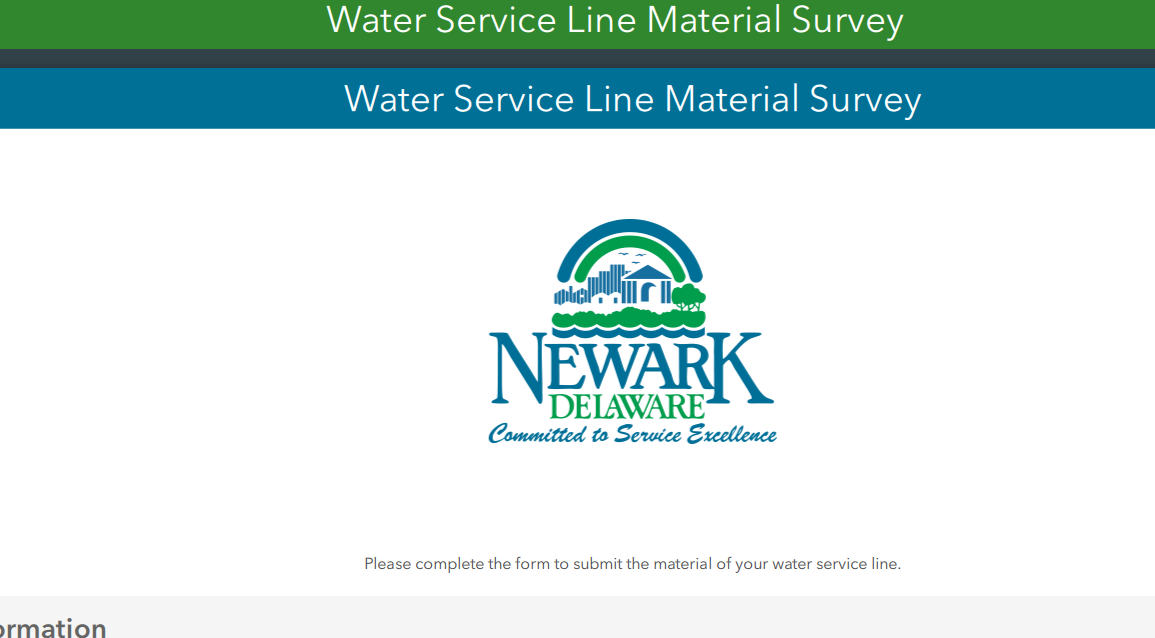
Form Pane, with city logo as I would like it, no label strings on the logo or the 'Please complete....' statement.
Publishing warning
Add fields, publishing progress, then end with Task Manager.