The new Contingent Values functionality looks good in ArcGIS Online, but the creation/management of the values seems a little cumbersome, in particular around the filtering and selecting of values.
IDEA: When you filter a list of values and click "Select All", it should only select all values from the filtered list (not the original complete list). Alternatively, add a second option to "Select Filtered".
USE CASE: When trying to see which values you have to work with, filtering may reduce the list you can interact with, but you still need to manually select each record you need when you may need all the filtered results.
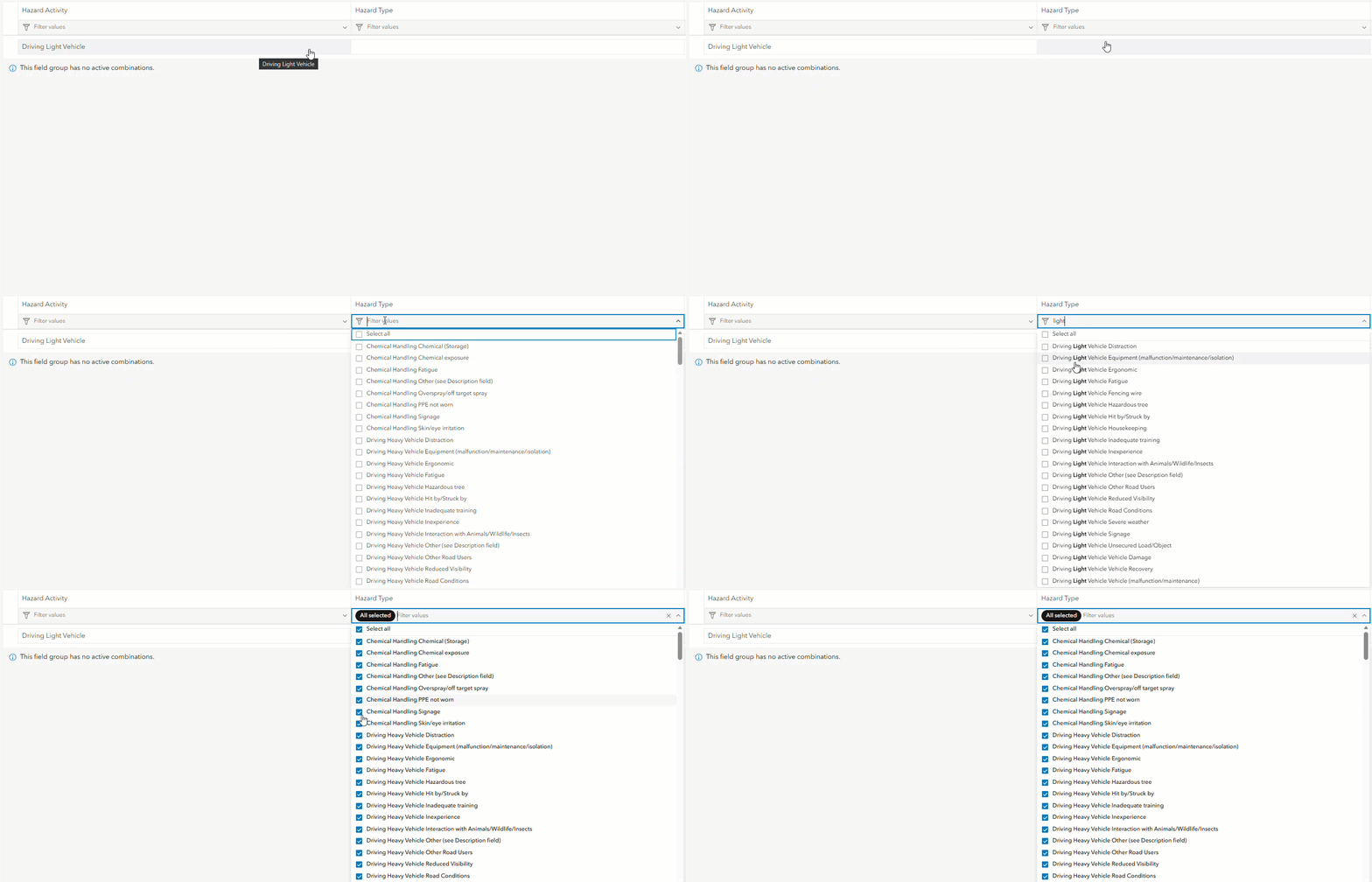
P.S. I fail to see what the filtering is actually doing. Once I applied a filter, it still showed me all contingent values that had been created. You can see this in the below screenshot where I've filtered for Chemical Handling but still see a Driving Light Vehicle contingent value.


