Dear ArcGIS Pro experts,
I'm currently struggling to transfer some validation rules I've developed locally on an FGDB to our Enterprise environment. I've followed these guidelines in this other community post
State so far:
- The validation tables are created in the EGDB
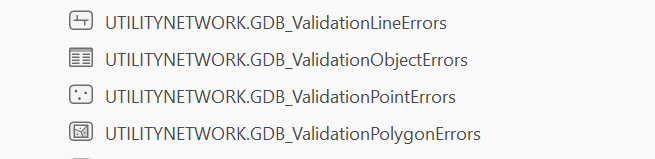
- I've manually added them to the feature layer and overwritten the published one. The checkbox 'Validation' has been enabled during this process
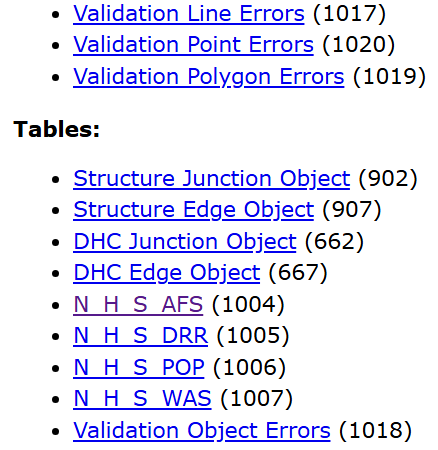
"supportedExtensions": "FeatureServer, NetworkDiagramServer, UtilityNetworkServer, ValidationServer, VersionManagementServer",
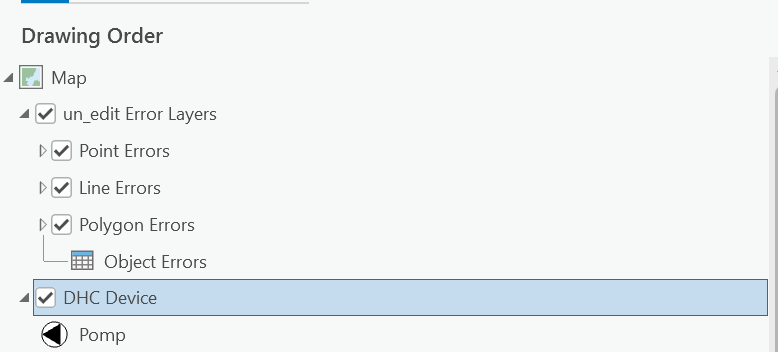
- Then in a fresh map I've added my UtilityNetwork with associated layers. After adding these layers I can right-click on DHCDevice and select 'Add Error Layers'. The error layers are added to the map.
- I create a very simple validation rule (on DHCDevice), one that should always fail. Just for testing purposes
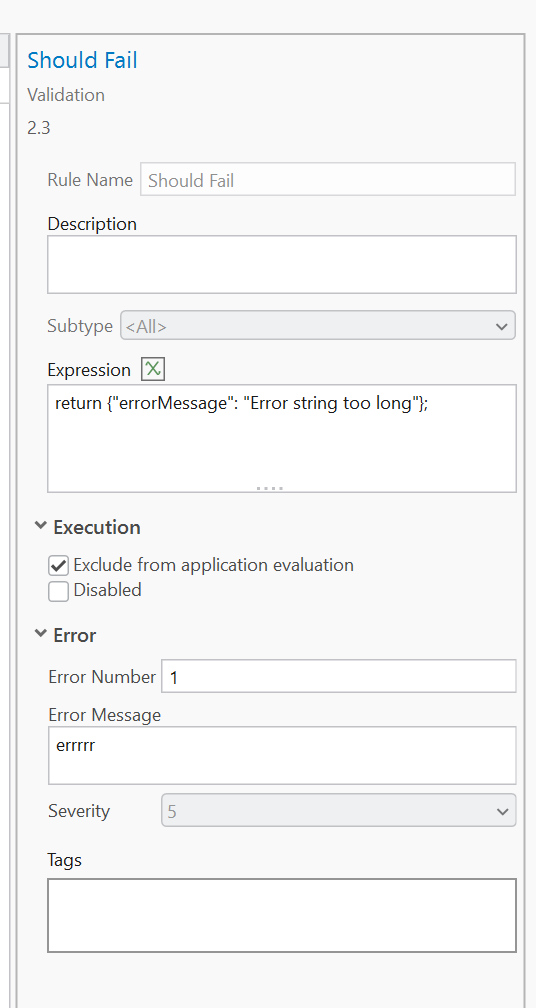
- I restart the service and verify if I can view the validation rule in the service (yay it shows up).
- However when starting the validation. Just by zooming into one DHCDevice and pressing the validate button. Not much happens. The screen 'Validating' pops up but after that nothing. I expect: the validation status of the object to change and a record to be created in the Point Error table
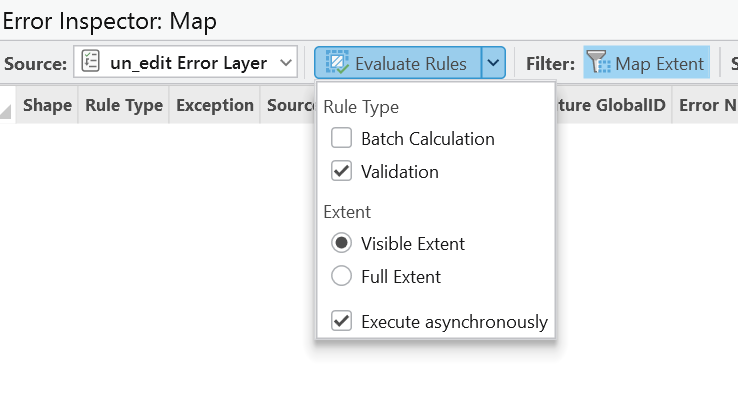
'Execute asynchronously' turned off or on doesn't matter seemingly.
> No calculation required, validation required, no error (does not change)
An error would be easier to fix but as nothing happens it is kinda difficult. Would greatly appreciate some advice or help on this topic 🙂



