Hello I am a very new user to ArcGIS and was hoping to get some help trouble shooting some troubles I am having. I figured I would also allow this to be my trouble shooting document so feel free to join along for the ride if you want some periodic updates.
I am running ArcGis 10.7.1 and currently trying to add the data from tutorial downloads for learning how to add new features to the layers. Specifically this tutorial.
Here is what I am trying to accomplish as the prerequisite for starting the lesson:
- download a data file from the internet
- add folder as a connected folder
- add Exercise1.mxd to the layer (not sure what this is...)
- The other 50 steps of the tutorial...
I have been able to (pictures of these steps below):
- download the folder through the online link
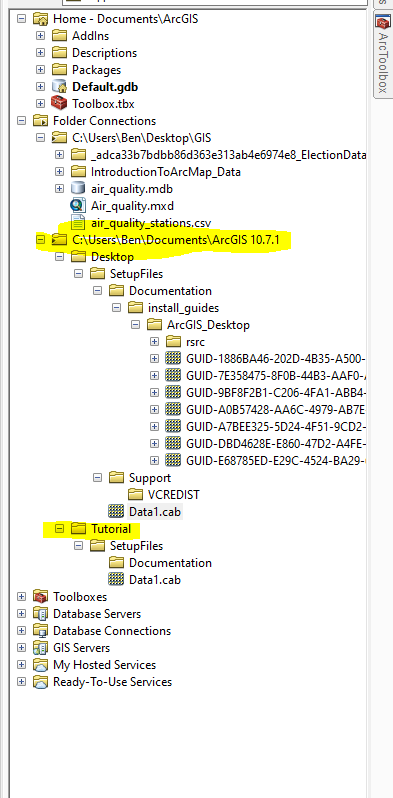
- Attach folder connection into the catalog
- None of the sub-folders that I am seeing in the examples are showing up in the catalog view OR when using the add data toolbar
- Attempt to drag over data.cab (not sure what this is...)
- receive an error message
The tutorial folder in the catalog toolbar
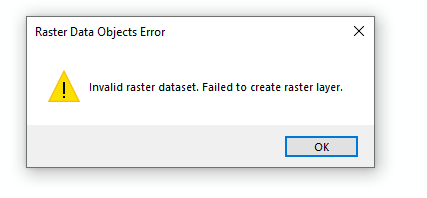
Error when I drag the Data1.cab info over
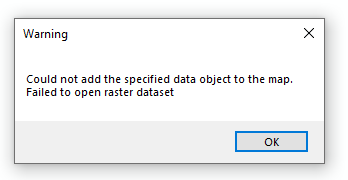
Error after hitting OK:
That's it for now. Tune in next time as I figure out what .mxd and .cab files are! If we are lucky and have time I may even look into those error messages
#.mxd #.cab #tutorial #gis for beginners#creating polygons#editable features #newbie #Exercise1



