My organization have deployed a Federated ArcGIS Portal which uses Windows authentication. I manage several federated ArcGIS Servers in the same domain and are accessible in the same way. My network does not allow using the defaulted http://www.arcgis.com portal for previewing services since we secured the servers per guidance. I made the necessary changes to point the Services Directory's ArcGIS.com URL setting to my organization's portal as below:
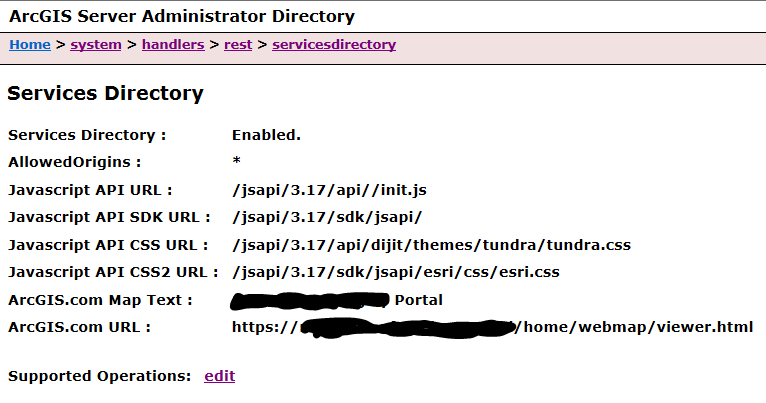
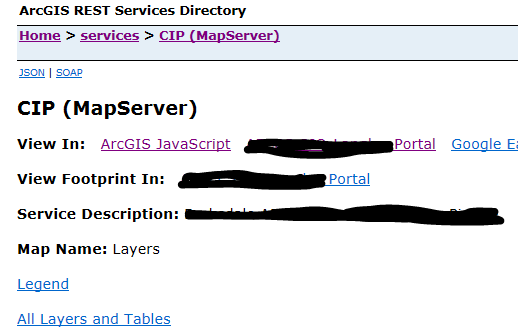
Unfortunately, when I click on "View In: [Organization] Portal", I get the screen below:
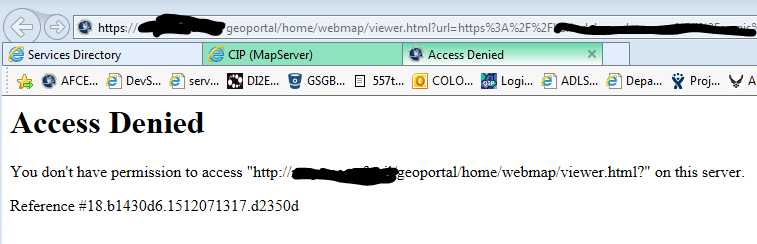
The first thing that strikes me is that it calls it as HTTP, not HTTPS, which is weird since that's not how it was configured. It might explain the access denied, because it's not allowed on network, but that's not reflected on the browser's address bar.
- Is there something that needs to be done for the portal to allow its usage on my ArcGIS Server? I assumed that wouldn't be the case if it works in same way as the default arcgis.com site.
- Why does the error shows up as an unsecured/http address?
- What does the error message means by "on this server"?
Thanks in advanced.


