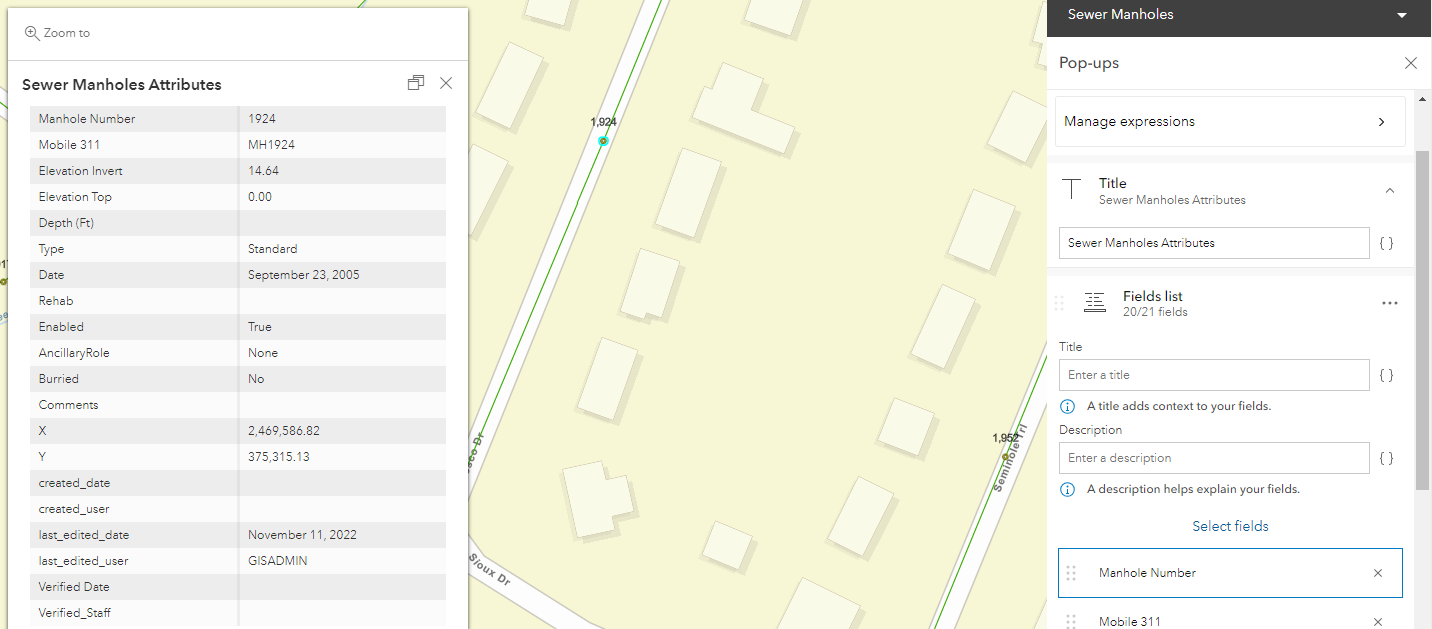
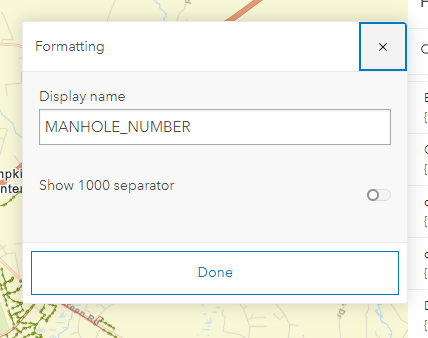
I am trying to work in our Portal version of Map Viewer and while I've managed to dig through the tools to find where I can deselect the 1000s separator in the "configure fields" tool, the labels still show the separator whereas the pop up does not. I don't want a thousands separator on either one since it's a manhole number and not commonly shown with a separator.
I checked in the configure pop up tool to see if there was a place there that I could change it there, but haven't had any luck. Does anyone know another way I can accomplish this?
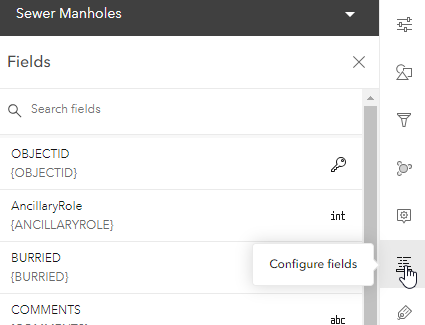
I have included a screenshot showing a pop up for the layer I'm working on, the selected feature, and the pop up configuration. I've also included a screenshot of the configure fields & where there thousands separator option is located in Map Viewer.
Configure Fields tool
Thousands separator option:
Thank you for any feedback you can provide.



