I would like to use Survey123 to track activity at a recycling center. I have set up a form with a few groups to separate the type of recycling (Electronics, Metals, Bulky Items, and Construction Debris). Each of the groups contain a repeat section to add multiple items. I would like to auto calculate the total fee based on the items selected and am having a rough go at it. I want to avoid using the pull-data function from a csv file to look up the disposal fee. At first I used the fee amount as the name but that created problems because multiple items have the same fee and thus the same name so my select-one question would have multiple items selected because the names were the same (it did not throw an error). So I guess my real question is:
Is there a way to use a select-one field result (Item Drop Down) to match a second choices list and then pull the label from that second list and report it back to the Survey (Invoice Amount)? I would like to note that multiple class of items can be disposed of at a time so the Invoice Amount would need to look into every repeat and all table entries of that repeat for the specific survey instance.
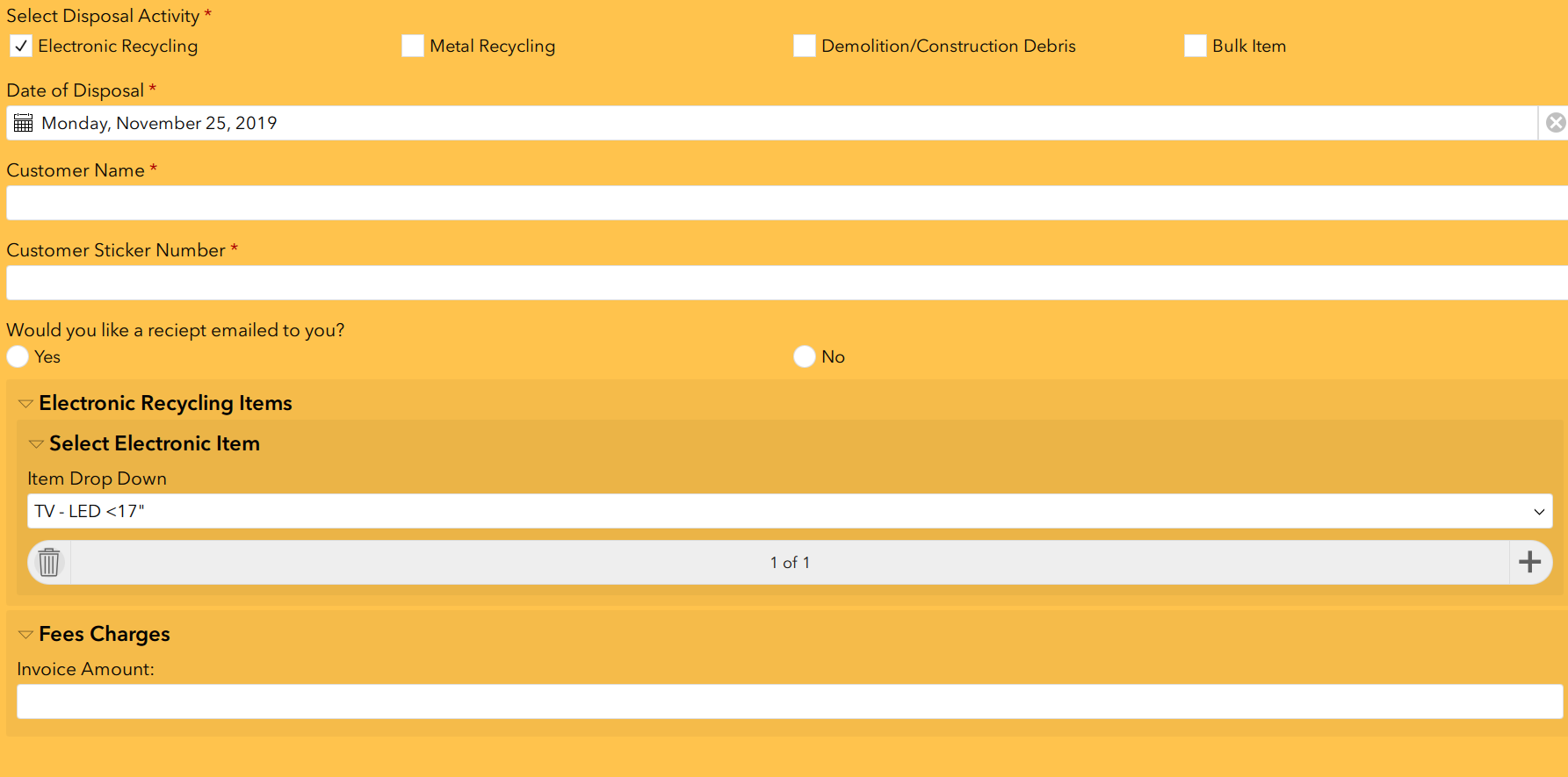
Can I create my own custom column in the choices tab of the excel sheet and somehow just reference a custom column to do calculations?
My alternative is to have the workers manually enter a price for each item and then run a calculation to populate Invoice Amount, I did not want to create too many field in the survey.

