I have a survey which captures a datetime. When entering data via the browser, or even editing/viewing an existing survey entry via the browser (mode=edit&globalId=xyz, or even mode=view), I see a nicely formatted split date/time display. In this survey the datetime field is not read-only:
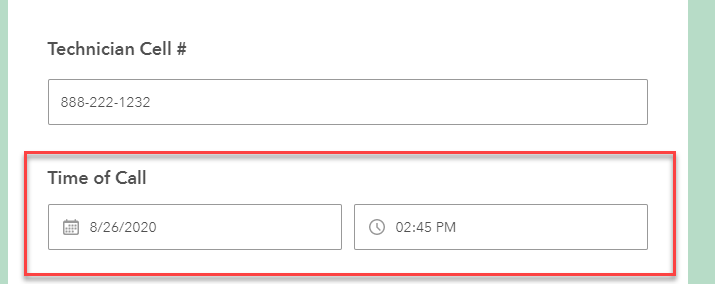
If I have another survey pointed to this same underlying dataset and in this survey the datetime field is marked as read-only (i.e. using a dashboard to edit a survey entry, with some fields r/o), I see this:
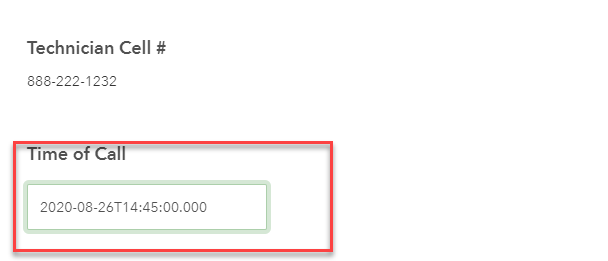
Which is a very unfriendly way for a casual user to view the datetime field.
Is there any way I can force a better format when in read-only mode for this field?
Thanks,
Tom S.



