I am following this example: https://community.esri.com/groups/survey123/blog/2017/09/25/working-with-existing-feature-services-in-survey123-for-arcgis
And have set up a simple test survey form with geopoint/datetime/select one and a couple of other fields.
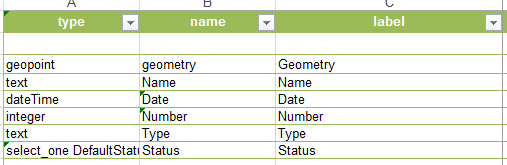
The two issues I am having are:
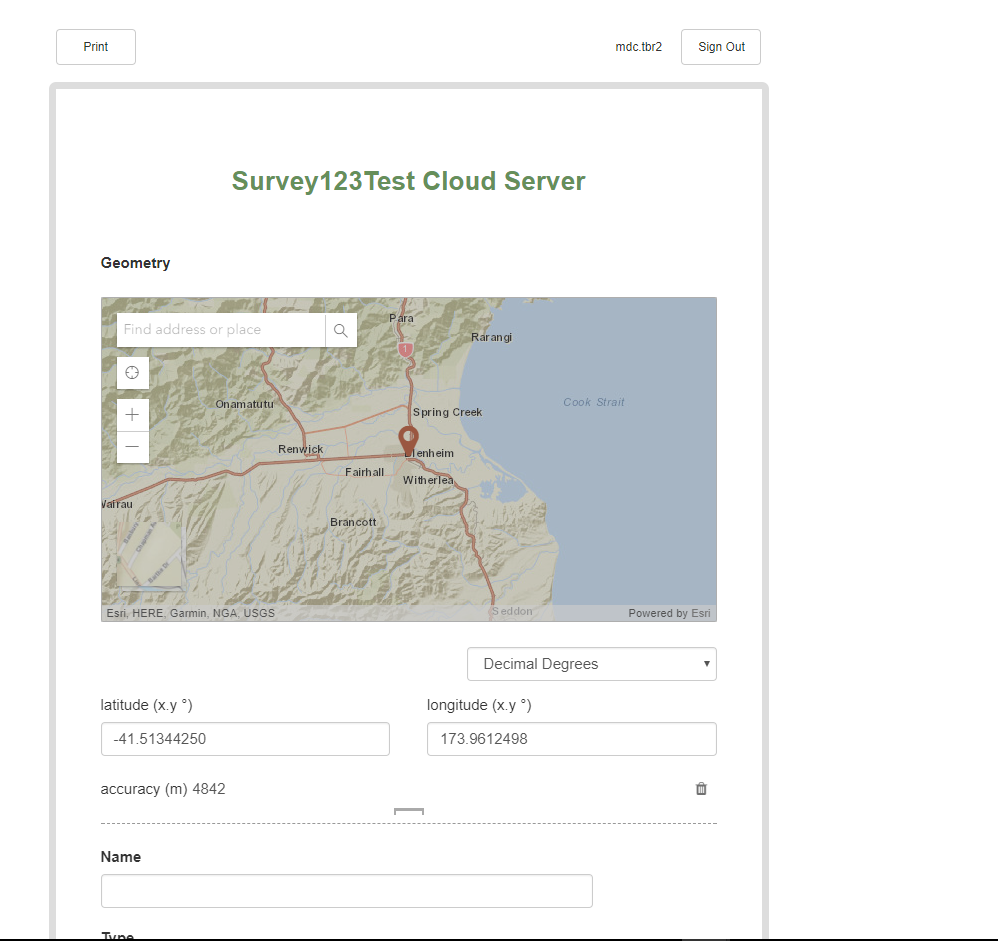
1) The styles look quite different between existing feature services and creating new ones: (Only when viewing in web Browser - Chrome/IE)
Existing Feature Service Style:
New Feature Service Style:
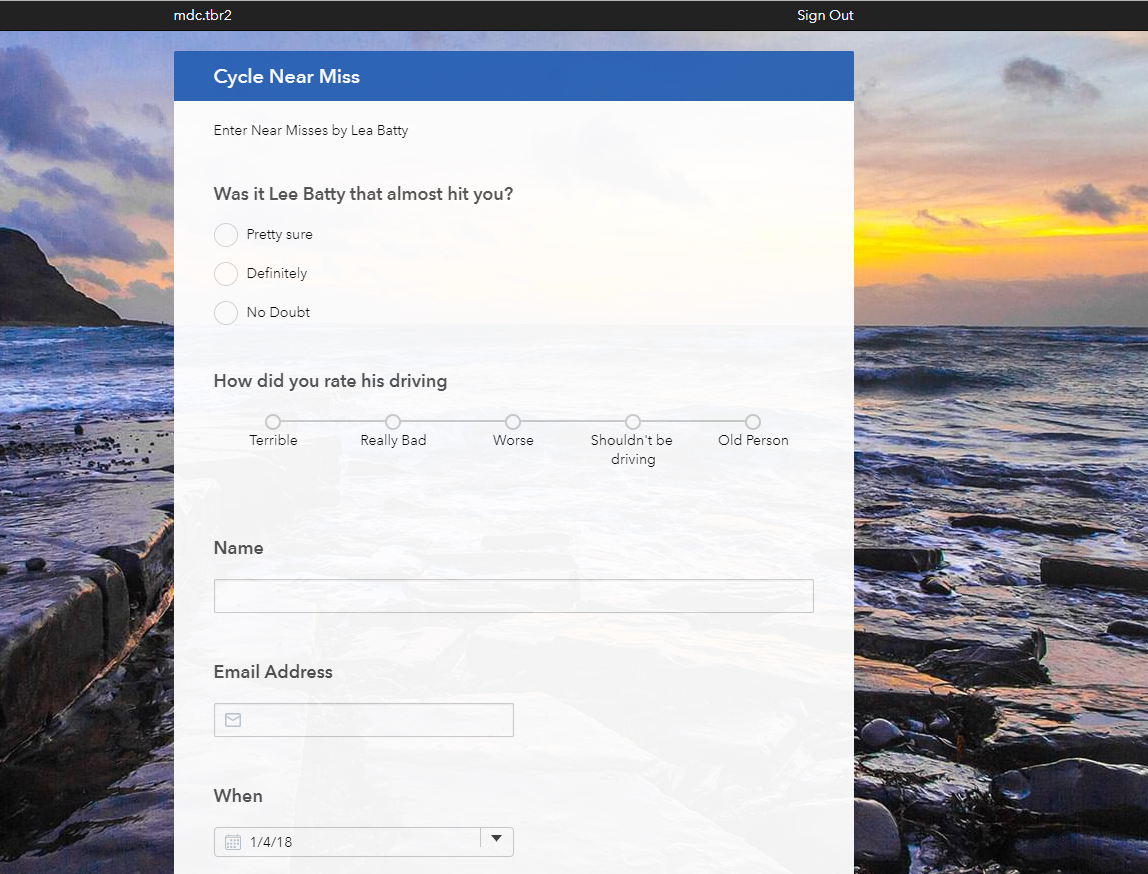
The main issues are:
- Funny border around new feature service
- Different fonts
- Lat/Long shown under Geometry
- Datetime showing funny
- Missing icons in inputs
The styles like background image, blue title bar e.t.c. are fine as I haven't set them in the new feature service form - but the other styling issues I can't change in any settings.
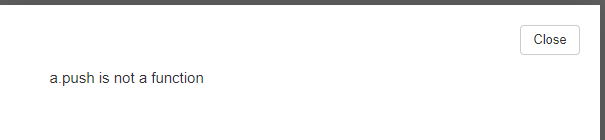
2) The other major issue is when submitting the survey (only in web browser)
The data gets saved back into the feature service, but an error is given:
Cheers
Tom

