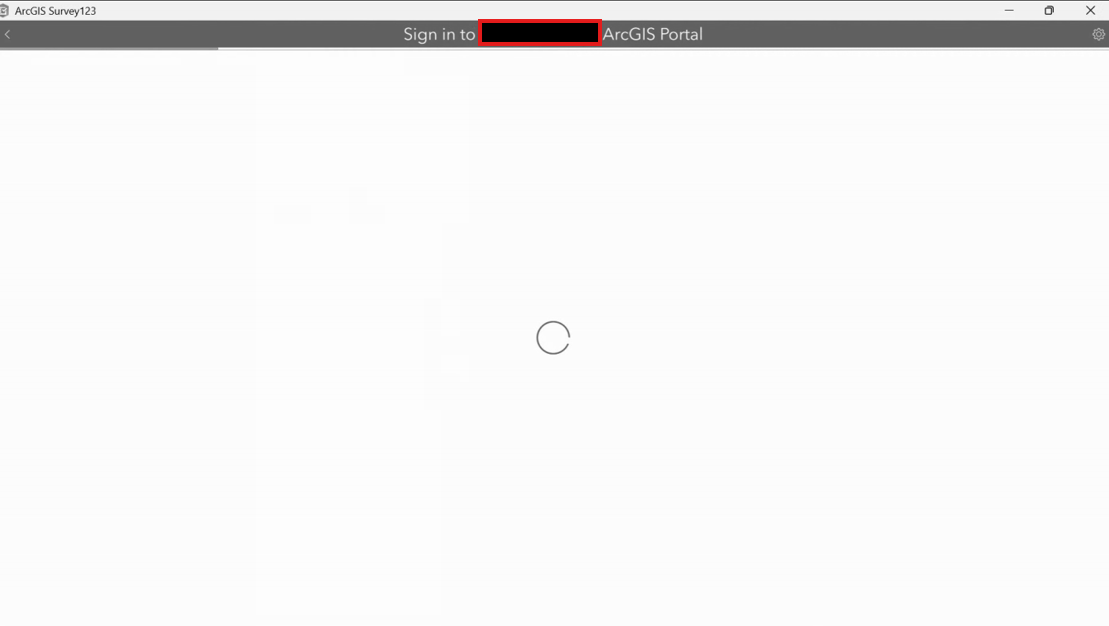
Hello all,
I'm assisting someone with ArcGIS Survey123 for Windows and they're experiencing issues with signing in via SSO. I've confirmed I'm using the correct portal for our company but it won't log him in. I've tried uninstalling and reinstalling ArcGIS Survey123 from the Microsoft Store and through the ESRI website. Reestablish the connection with the portal, I had him restart his PC and try logging back in, It's not an account issue since he can sign in on another PC so it seems like it's PC specific. I also tried enabling signing in through external web browser and it just launches the web browser and says working but nothing happens. I also tried the Windows Credential Manager trick and that didn't work for him either. If anyone can offer some suggestions it would be greatly appreciated.