Hello all,
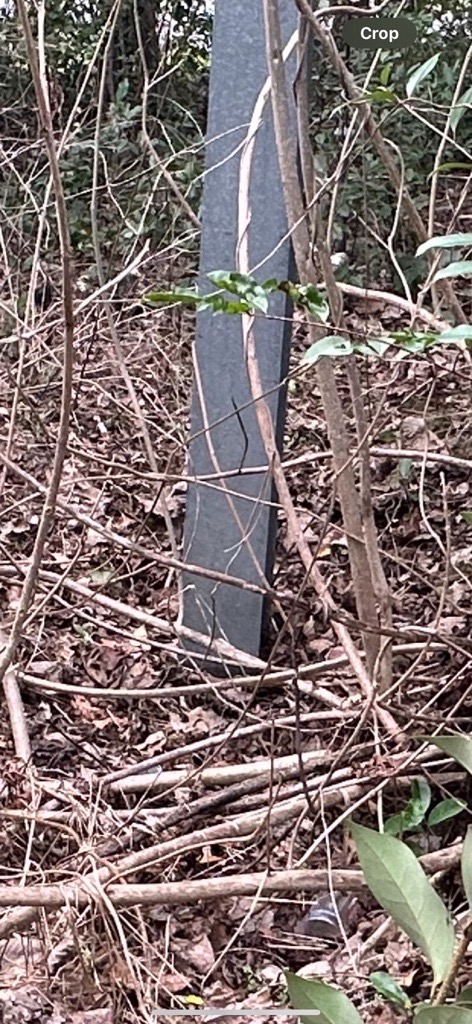
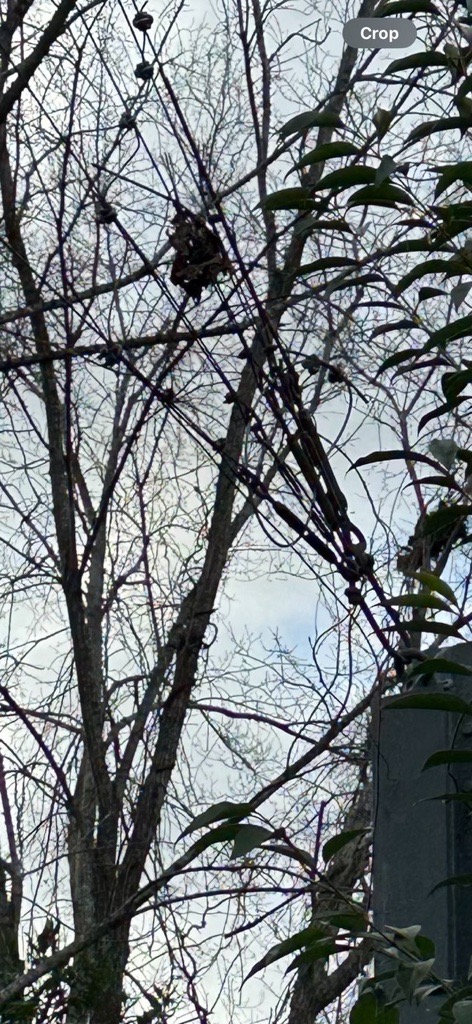
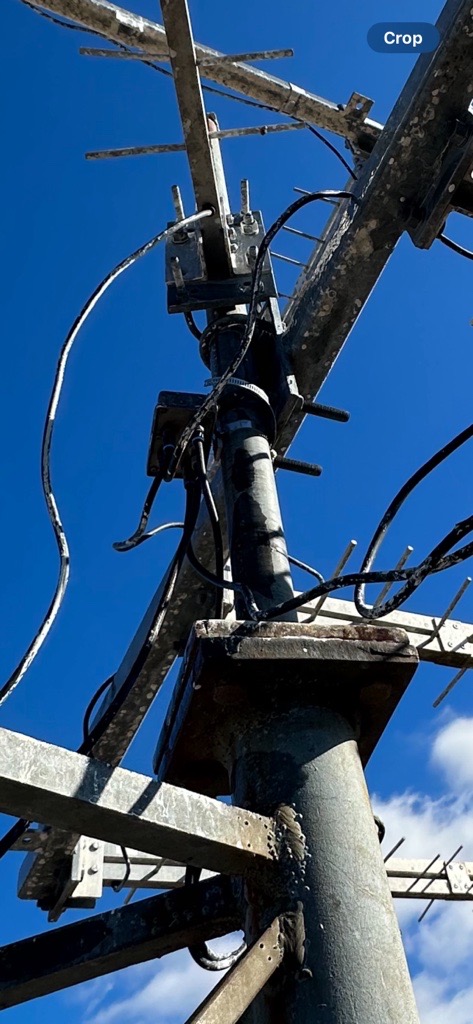
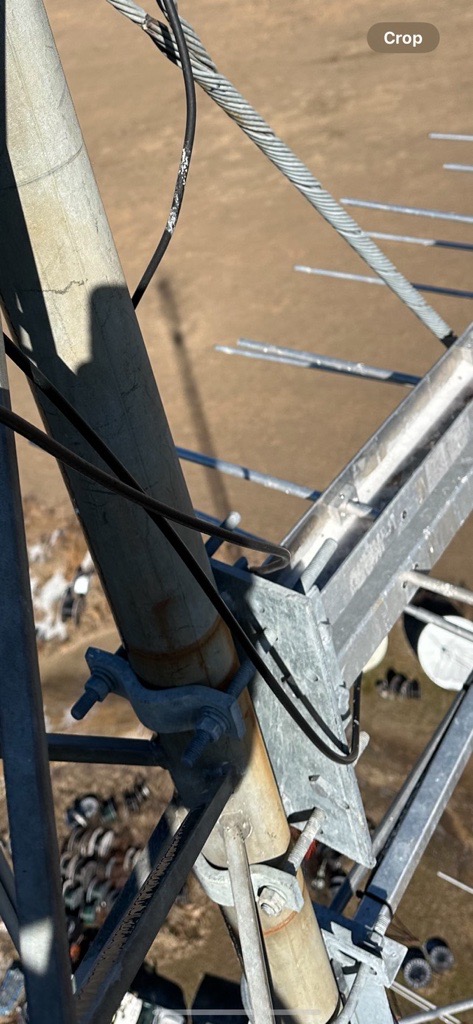
I have found myself spending an increasing amount of time troubleshooting stuck survey submissions with my field technicians to get their field data "unlocked" and safely landed in our database. As I navigate each specific case, it seems that a common issue is causing a code 429: "Large file attachment is not allowed. Please check server max upload size." error. I have attached four separate photos that the error logs I received from my technicians identified as the troublemakers; in each case, where one would expect to see an image size larger than 10mb, these images are actually consistently less than 1mb in size!
What is consistent about these images is that:
- They are uploaded from the technician's photo gallery into Survey123
- None of them have the standard image dimensions expected of an un-cropped photo
- All four identify themselves as having been cropped by the technician
Now, I don't really know why these techs are editing these photos, but that is another conversation. Despite the error code flagging these images as too large, they are indeed well under the 10mb upload limit set by the server. I don't know enough about the software-level tracking of edits to images, but if a technician does edit a photo in their gallery prior to putting it in their S123 form, it seems to generate this error consistently. I have seen this in the past using an office-based form utilizing drone imagery where a technician felt it prudent to add some color/contrast corrections to photos prior to putting them in the S123 form. Does anyone know if editing a photo adds some extra data layer/metadata to the image that Survey123 just can't deal with?
Has anyone else run into this particular issue?