Hey, I'm new in cloud builder for azure.
So, it might be silly question,
I deployed arcgis enterprise 10.8 in my azure subscription using Enterprise Cloud Builder.
Deploying was succeed and access portal and server well.
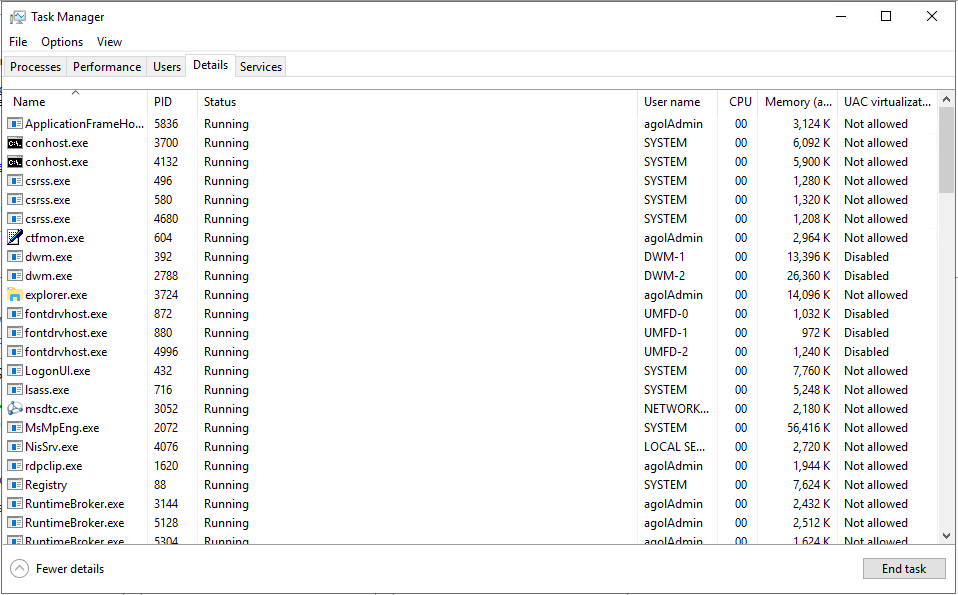
But one thing I wonder is there is no ArcSOC and any process related with arcgis in the remote desktop.
I can access my remote desktop though the icon in ArcGIS Enterprise Cloud Builder.
(highlighted icon below.)

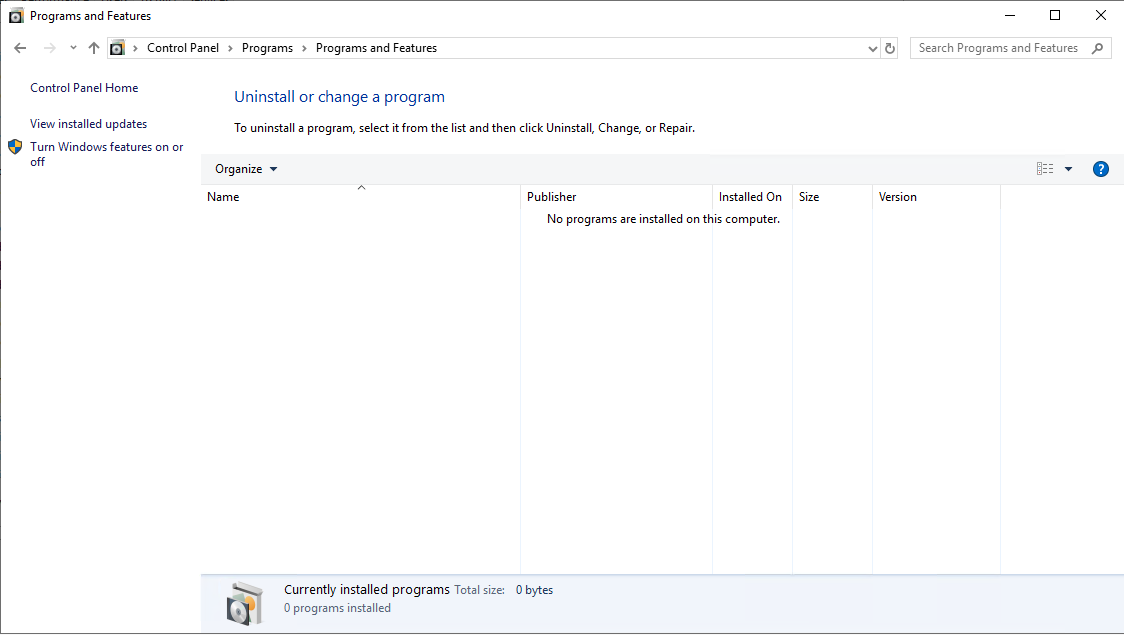
Also any arcgis component installed in that machine.
Below is task manager of the remote machine.
No programs are installed this machine
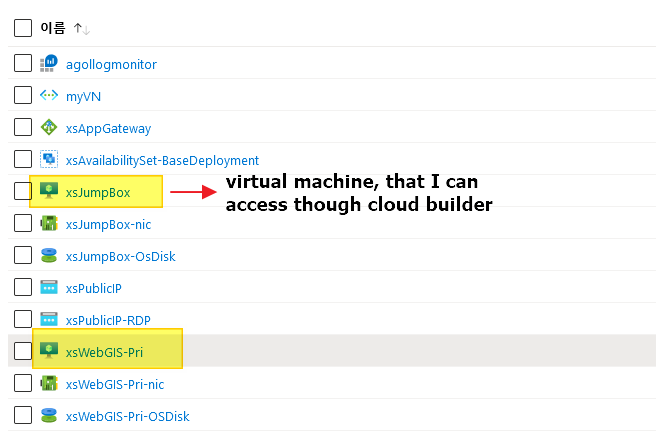
So, I checked resource group on my azure portal, found there is 2 vm in the resource group.
And tried to access another machine.
But, RDP access failed with below error message.

Summarize my question,,
1. Why ArcGIS Enterprise not installed in the remote desktop linked in Cloud Builder?
2. Does the machine "xsWebGIS-Pri" running ArcGIS process?
3. How can I access the machine "xsWebGIS-Pri"?



