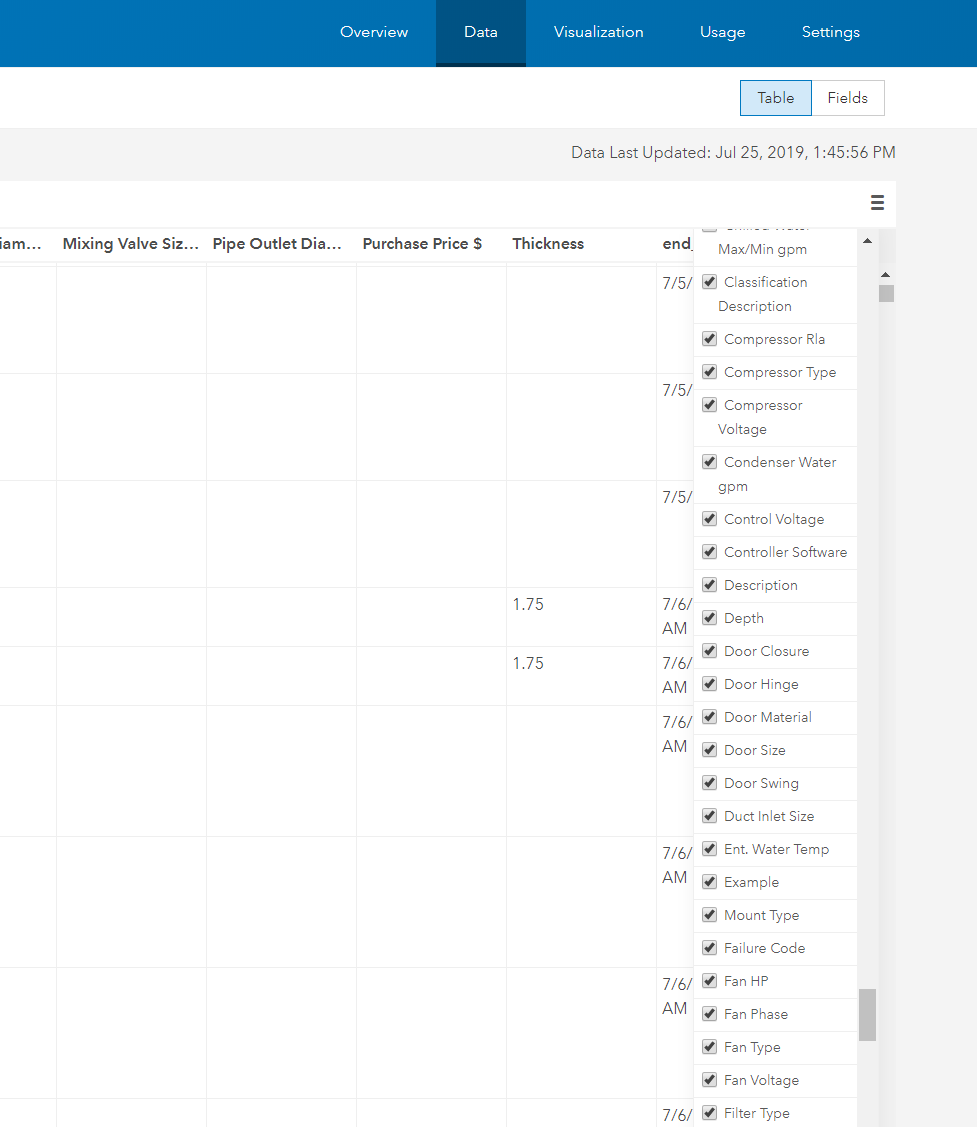
I created a view of a feature layer in AGOL. In the "Data" tab I click show/hide columns but there is NO option to turn on/off all fields in the data table. My layer has hundreds of fields. I need about 10 of them. If you uncheck them here, and then go to another tab, all of the fields reset and turn back on again. I'm guessing there is another place to do this, although this Data tab seems like the logical place to control the attribute fields for your table view.
How do I turn these off and keep them off when using this layer (and hopefully not one at a time)?
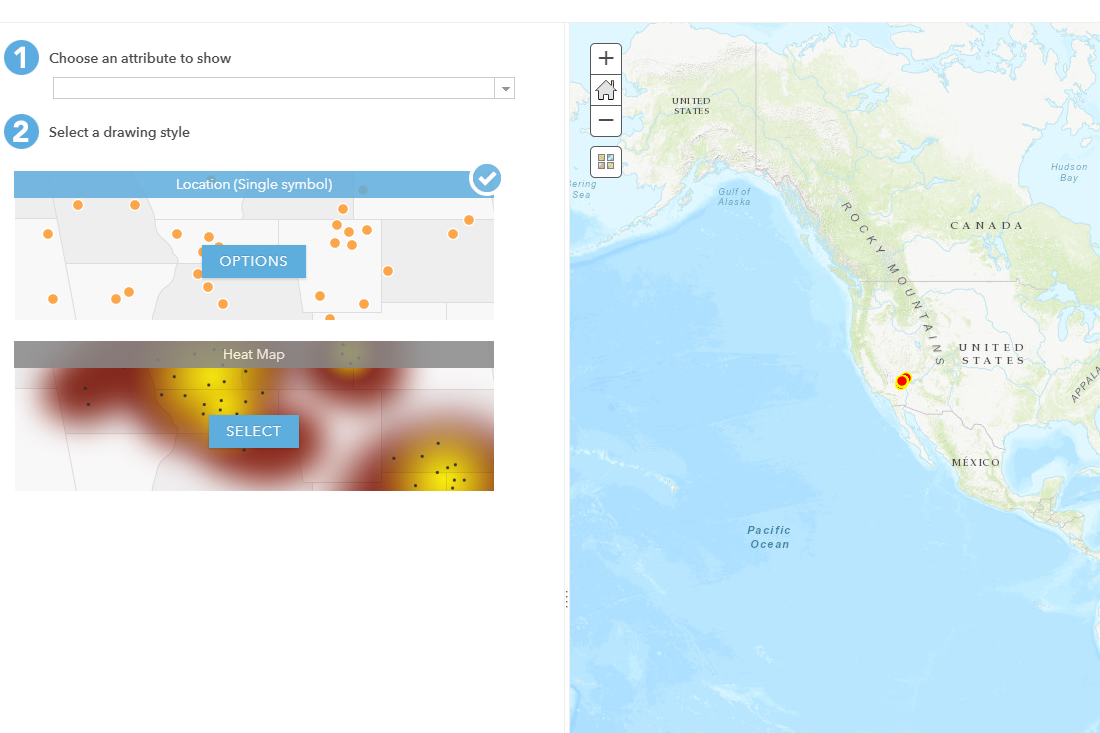
In the visualization tab, I want to change symbology of my point layer. I click on change style, and NO options are available in the drop down under step 1 "Choose an attribute to show". I also can't click on or open the "OPTIONS" in step 2 under "Select a drawing style".
Why is the drop down empty? Why cant I open up options in step 2? How do I change simple map layer symbology?