My basic workflow is that I have a complex feature service (a couple of feature layers and a handful of standalone tables, with a few relationships between them) that I would like my users to be able to see in Excel, and for updates from ArcGIS Online workflows to show up in the Excel.
I had to change the source Feature Service for one of my excel spreadsheet files. I had already shared this .xlsx to my users as a stable SharePoint link, and I wanted them to be able to continue to use it rather than re-directing them to a new file. However, this has seemed to complicate my ability to access the ArcGIS Add-In and sync.
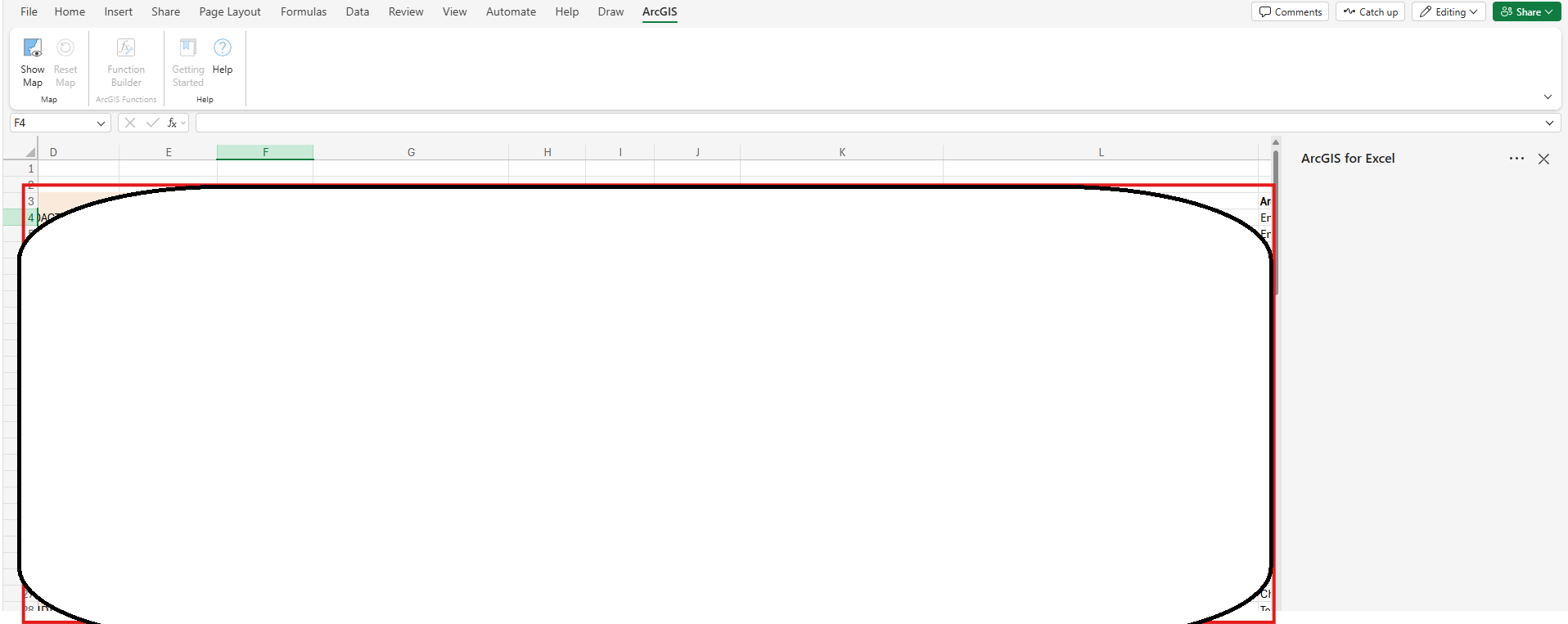
At the best of times, I have a hit-or-miss experience getting the 'Map Data' tab to show, which is where I use the "Sync with ArcGIS" button to capture updates from the feature service, into the spreadsheet. In the case of the .xlsx in question, the ArcGIS for Excel pane shows as blank when I try to click "Show Map" under the ArcGIS tab. See below (GIS content itself was blocked out for security).