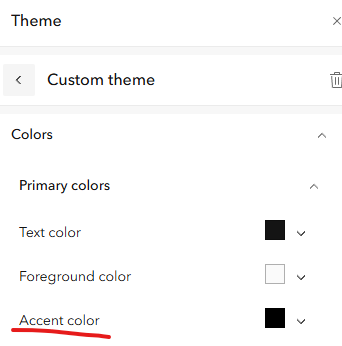
I would like to change the color of the buttons in a Category Selector without also changing the "focus" indicator color when utilizing keyboard navigation. Currently, both the Selector color and focus color are linked to the "Accent color" in the custom theme settings. This is very restricting when it comes to applying an organization theme and ensuring color contrast meets WCAG compliance. Can we get a color setting directly in the Selector widget? In my example, the accent color is set to black to stand out against the white background, however that makes the black text on the red background non-compliant.