I am trying to clone hosted items from one env to another (dev to prod, etc). I have spent alot of time with clone docs and the clone_items documentation. Nothing is cloning as it should.
I've tried everything locally as well as inside of ArcGis pro w notebooks, just in case.
What I've tried:
- Using the clone_items API above as directed.
- From the ArcGis Py docs samples I've tried the sample github code for cloning entire portals. It uses a Folder add function.
- Variation on #1: using content.get() on a web map and then trying to extract the layers and then individually clone each.
Nothing has worked.
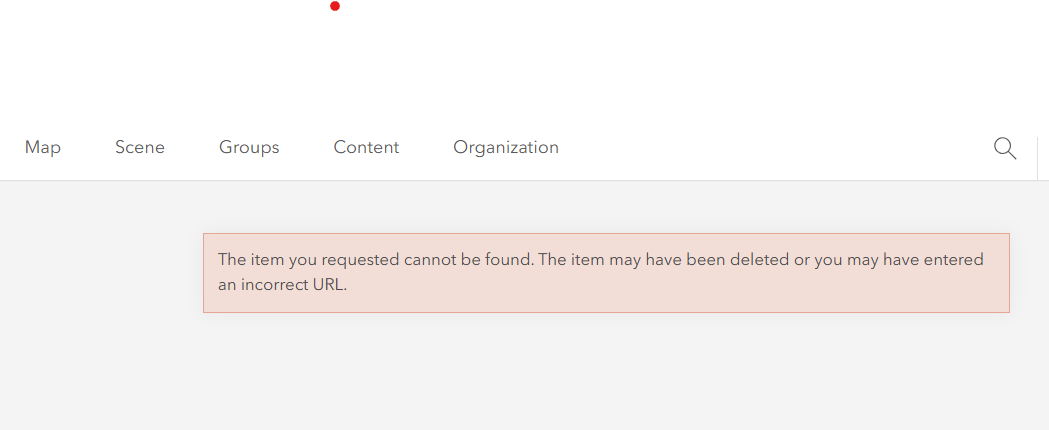
For #1: When I copy from one env to another for large items, web map for example, the child layers do not get copied with. Either they are broken or they are still attached the previous env. The code below copies over the web map but the inside layers do not work.
>>> src=app.login(app.username, app.password, app.source)
logged in
>>> trg = app.login(app.username2, app.password2, app.target)
logged in
>>> item = src.content.get(app.WEBMAP_012_H1_Map)
>> cloned = trg.content.clone_items(items=[item], search_existing_items=False, folder="TestFolder", copy_data=True)
The layers and what happens when I open one in target env: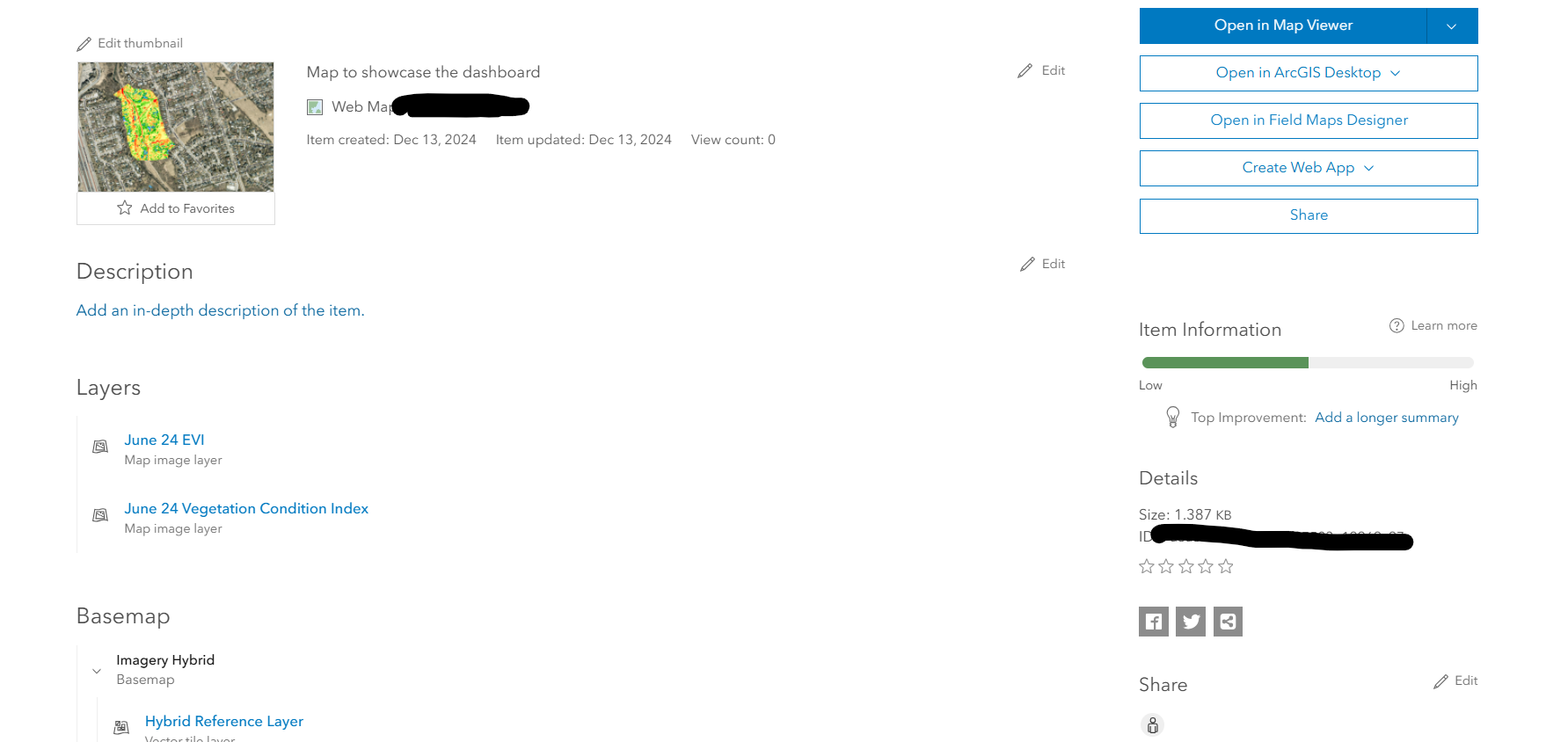
For #2: Similar to process #1 based on https://github.com/Esri/arcgis-python-api/blob/master/samples/03_org_administrators/AdminClonePortal/clone_portal.py but it takes an items_properties param, which the code sample gives a dict. This also copies the web map (or whatever parent) and not the layers. It's broken in the same way as #1.
item = src.content.get(WEBMAP_012_H1_Map)
folder = trg.content.folders.get() #root folder
copied_item = folder.add(item_properties, data_file)
For #3: I don't know how to extract the layers in order to send each individually.
>>> item
<Item title:"011_WP_Image_Map" type:Web Map owner:me>
>>> item.layers
KeyError: 'layers'
From this video there is an idea of building a WebMap object. The WebMap module is broken and will not load so I tried plain Map instead. Using this it is possible to see the layers, but they are not compatible with the API. So if this method is possible, I don't know how to get the layers into a working.
>>> item
<Item title:"011_WP_Image_Map" type:Web Map owner:me>
>>> from arcgis.map import Map
>>> m = Map(item=item)
>>> m
Map(extent={'spatialReference': {'latestWkid': 3857, 'wkid': 102100}, 'xmax': -8856055.01662957, 'xmin': -8857992.217565008, 'ymax': 5414849.335929911, 'ymin': 5413334.927307139})
[<MapImageLayer
>>> m.content.layers
url:"https://myUrl.net/server/rest/services/011/001_June_24__Vegetation_Condition_Index_HIL/MapServer">, <MapImageLayer url:"https://myUrl.net/server/rest/services/011/011_WP_June_24__EVI_HIL/MapServer">]
>>> trg.content.clone_items(items=[m.content.layers[0]], search_existing_items=False, folder="TestFolder", copy_data=True)
TypeError: 'MapImageLayer' object is not subscriptable
How the heck does cloning work in Esri?



