We have ArcGIS Enterprise 11.3.
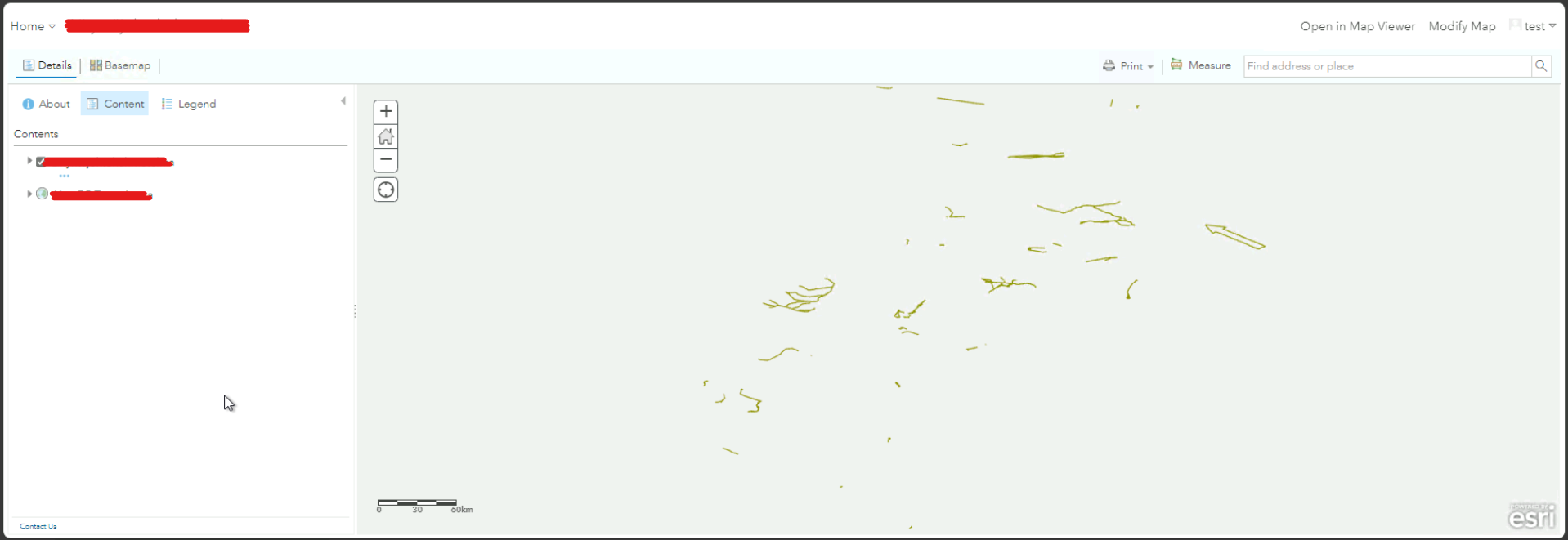
The users in Portal are not able to view Map Image Layers, and Feature Services in Portal Map Viewer. But, the same layers can be opened and viewed in Map Viewer Classic.
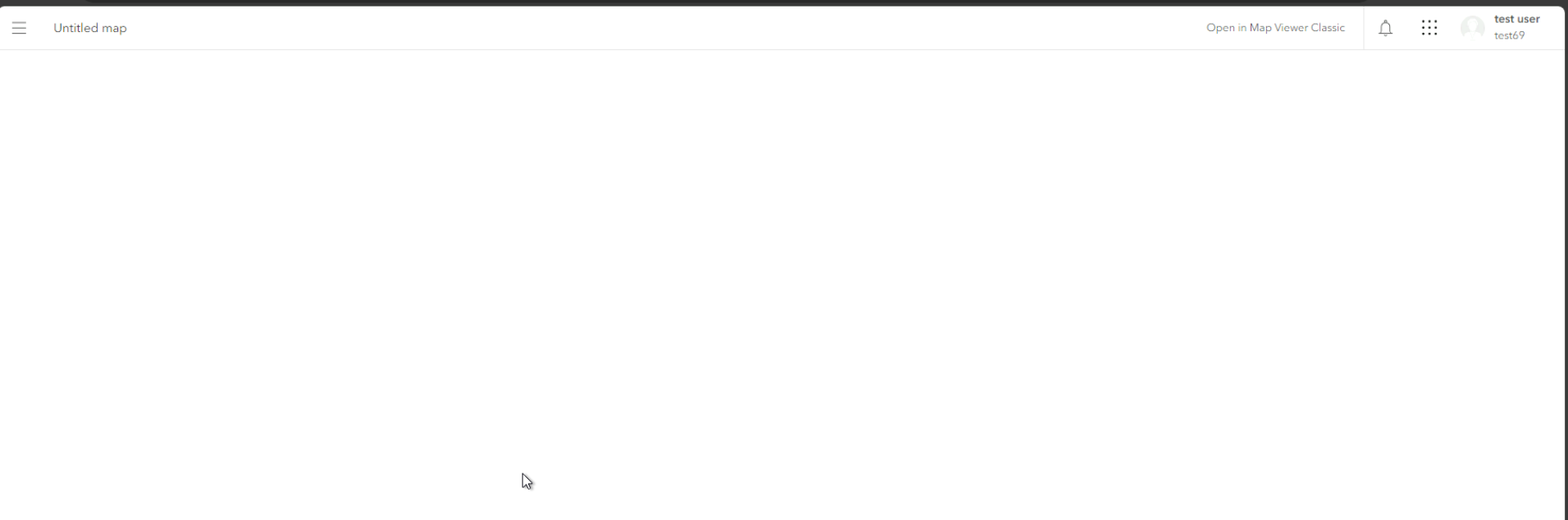
With Map viewer, when a user selects an option to open in Map Viewer, a blank page opens, without displaying anything except the untitled map header.
Opening Map Image Layer in Map Viewer:
Opening same Map Image Layer in Map Viewer Classic works:
Note: This issue does not happen if we use the creator user type and admin role, and also if an admin saves the above layer as a web map, the web map opens up without any issue for viewers.
Issue observations:
| User Type | Role | Issue Reproduces (Yes/No) |
| Creator | Publisher, Editor, Viewer | YES |
| Viewer | Viewer | YES |
| Creator | Administrator | No |
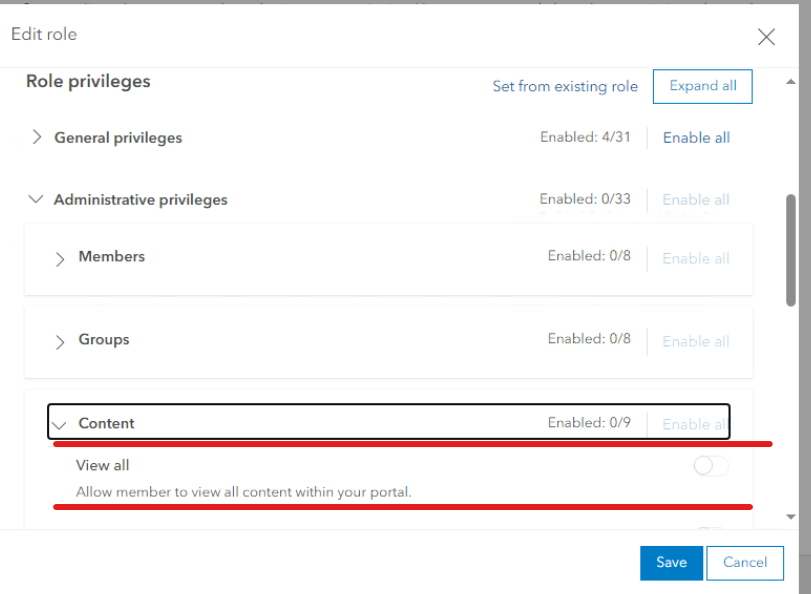
| Creator | Custom role (Viewer + One of the Admin Privileges( Content: View All Content)) | No |
If I have the custom role created importing privilege's from the default viewer, Enabling only this one admin privilege's lets a user open these services without any issues in new Map Viewer, BUT, if I enable this admin privilege, it is non-compatible with Viewer User Type(which is by design), so we are stuck on this.
It would be great if someone can help us with this issue!!
Thanks you.

