Hello all,
I am trying to write a Jupyter Notebook process to update ArcGIS Service URLs in our organization's production WebMaps that are accessible to the public. I am using ArcGIS Pro 3.4.0 to write the process and have logged in to it using my organizational user name.
Obviously, I don't want the code to actually change the production WebMaps until I've tested it. So, the first thing I am trying to do is make copies of them in my organizational account. However, I can't seem to instantiate an arcgis.map.Map object with an existing WebMap.
I've stripped everything down to, what I believe are, the bare essentials and have provided an example of a real WebMap I need to do this with:
from arcgis.gis import GIS
from arcgis.map import Map

# gis = GIS("pro")   ## tried this too
gis = GIS("home")

webmap_item = gis.content.get("ae48a370a66e473b877837711ac145bf")
webmap_item
webmap = Map(item = webmap_item)The correct webmap_item is returned and it is Shared to Everyone but the webmap isn't instantiated because of a series of validation errors.
I'm basing my code on what I found at https://www.esri.com/arcgis-blog/products/api-python/announcements/whats-new-in-arcgis-api-for-python-2-4-0-blog/. Specifically,
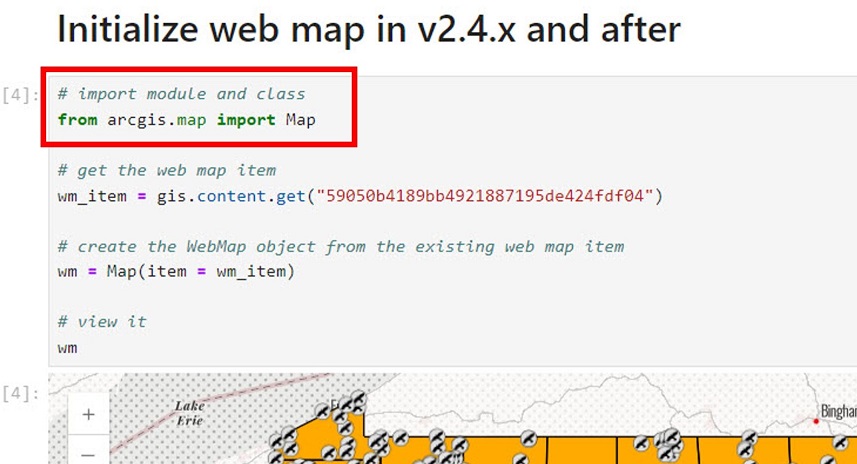
I'm guessing I'm missing something obvious; so any suggestions are welcome.
Cheers,
jtm




