Normally you can edit a value in a table by selecting the cell with the mouse or keyboard and starting to type. However, this breaks down when trying to edit the same field for multiple features quickly and your fgdb is stored on a network drive. Ex. if I start at the top of my list here and am looking to renumber, I have to either go very slowly (type > enter > wait > type > enter > etc.) or hit F2 (type > enter > F2 > type > enter > etc.)
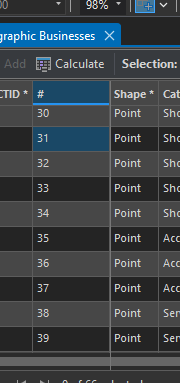
If you don't wait a few seconds or use F2, it simply places the cursor at the start of the string (field limit is 2 characters) rather than overwriting:
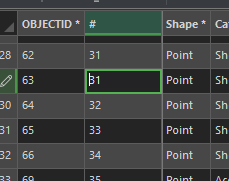
Anything typed, then, seems to be ignored; it shows a 3 when clicking out, but reverts to its old value once you click back in.
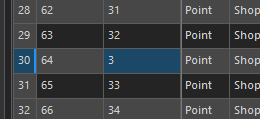
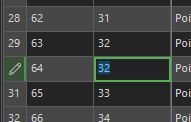
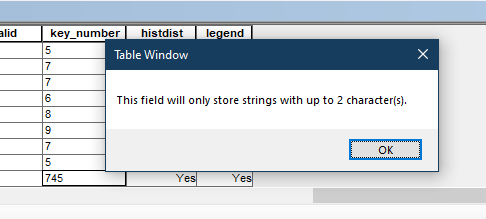
ArcMap, meanwhile, performs these edits instantly and I can fly down my table without waiting and fussing with it (it even warns if I enter a value too long):
Related? Speed up catalog operations, as benchmarked by Arc... - Esri Community
