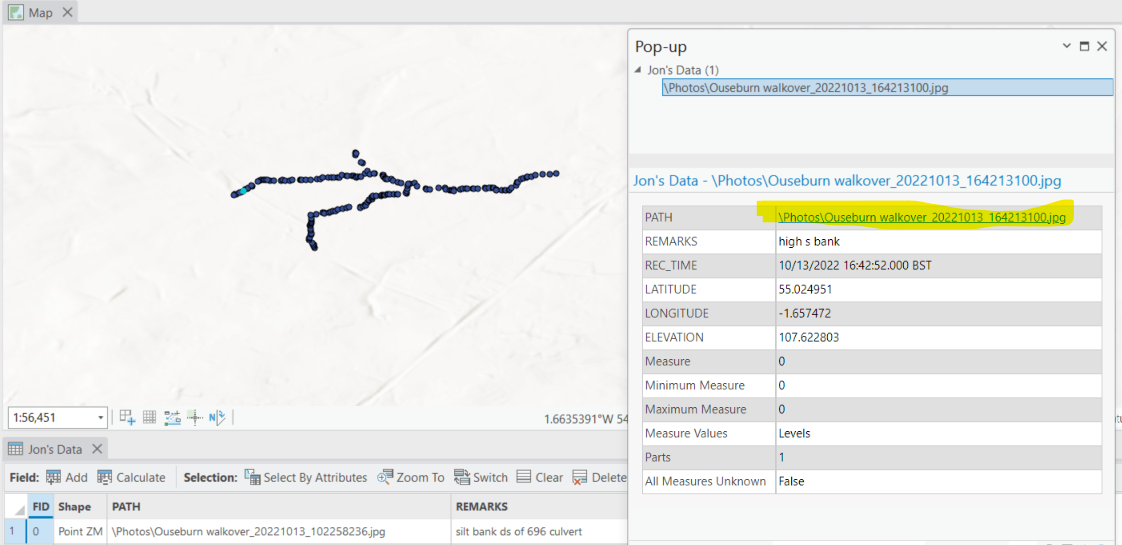
Hi, I have been given some data collected in the android app SW Maps. The project file includes a shapefile and linked photos. The Shapefile imports without trouble into Arc Pro, however, the path field that holds the linked image does not produce the desired picture popup. The only work around I can find is to look for the name of the photo and then find it in the photos folder that comes with the shared project files.
Is this working as intended (I'm sure I've managed to see an image that is linked within a pop up before)?
Is there a way to relink the image (and multiple images) within the file so that all points will allow the user to click the image pathway and see the relevant image?
Thanks in advance
Martin

