I tried publishing a service definition to my server, but the service would not start after it was published. I changed two things:
1. Shortened the name of the service
2. Removed a dash from inside the string describing the service
I was then able to publish the service, and start it without any problems.
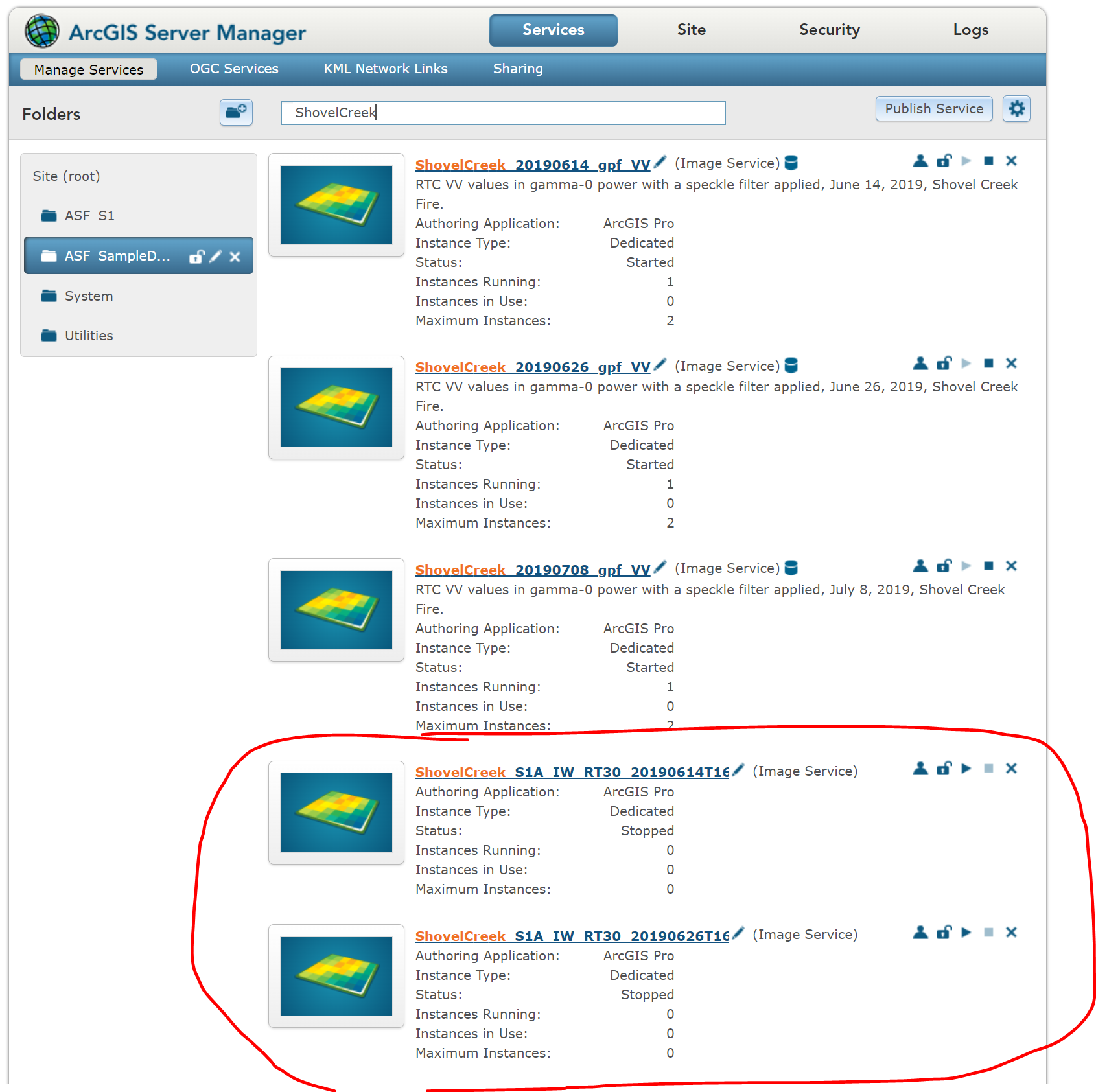
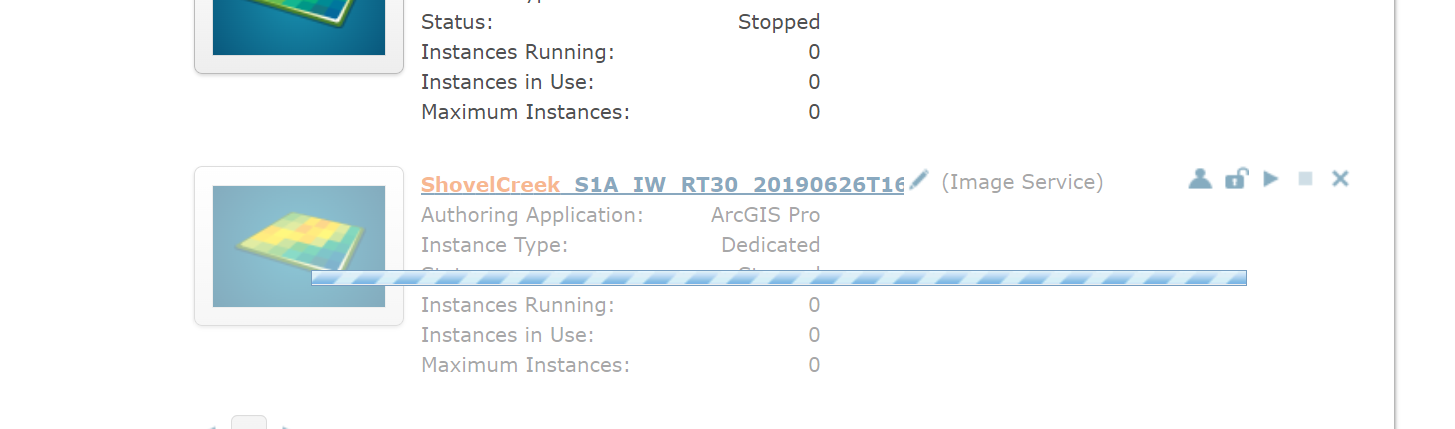
BUT, I have a couple of vestigial services from the failed attempts to publish the SD still listed in my ArcGIS Server Manager interface. If I try to delete them, it just shows a progress bar that grinds away until my Server Manager session times out.
I looked through the server directories, and the vestigial services are not listed. It's like the services don't *actually* exist, but there's a ghost of them still displayed in the UI. Is there any way to get rid of them? They don't seem to be doing any harm, but they're cluttering the list of services.
Here's a screen shot of the list of services, showing the vestigial items. I can neither start the services, nor delete them.
This is what I get when I try to delete one of the two bad services:
When I look in the directory itself where the other services are listed, these two don't appear; the only matching items are the services that are running:
(base) arcgis@ip:/arcgis/server/usr/directories/arcgissystem/arcgisinput/ASF_SampleData$ ls
ShovelCreek_20190614_gpf_VV.ImageServer
ShovelCreek_20190626_gpf_VV.ImageServer
ShovelCreek_20190708_gpf_VV.ImageServer
Is there a different place I can go to find unstarted services and delete them there?
I tried restarting the server, but it didn't make any difference.
Thanks!

