Hi y'all,
I'm trying to use WEBGISDR to export the production Portal content so that I can import it into the UAT environment. The problem I'm facing is that when I run WEBGISDR, I get an error message stating:
SEVERE: The server https://engineering.xyz.com/arcserver is not started. The startup timed out.
Looking at the Portal Admin page, I found that the ArcGIS Server that the Portal is Federated with previously had a Web Adaptor named "arcserver" installed on it.
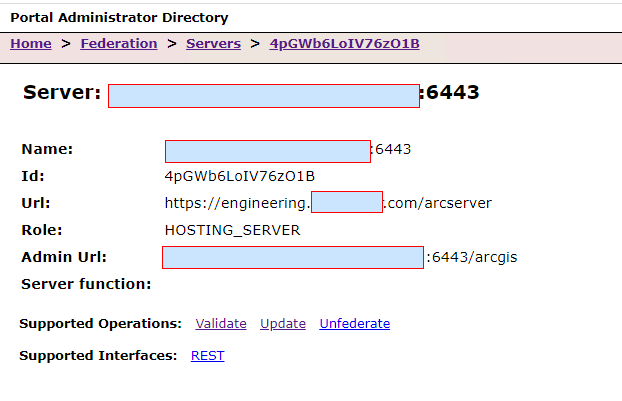
Is there a way to update the URL property to use the proper web adaptor without unfederating the ArcGIS Server?
I've tried to use the "Update" command but that doesn't provide an option to change those settings? Is there something I can do on the ArcGIS Server Admin page?
The other problem I've found is that there are many Portal Layers referencing that old URL. I have been updating those in Portal as I find them. I point this out because it could be that the URL property is bad or that WEBGISDR is validating those layers.
Thank you for your help,
Craig

