Hi everyone,
I used Create Locator in ArcGIS Pro to create a zip code locator using the ZIP role. My field mapping is just the ZIP field. I built the locator successfully. A couple questions:
Thank you
Josh
@ShanaBritt Yes, that is correct, I am referring to the Address Fields and Candidate Fields section on the description page.If we cannot limit the output fields on the descriptions page, where/how do we get limited fields view when geocoding addresses that we have set in Locator Properties > Output fields?
I understand, we cannot see the limited fields (or enabled fields) in the Locate Tool, according to the answer on a similar question here - Limit Geocoding Information Returned by Locate Tool Our end goal is to display only a few fields in the geocoding result to improve end user experience.
@Nitin_Kulkarni ,
Are you referring to the Address Fields section and the Candidate Fields section of the geocode service description page?
Hi @ShanaBritt ,We are using ArcGIS Pro 3.0.5 (as we cannot upgrade to 3.3 yet) and ArcGIS Enterprise 10.9.1. Created a composite locator using Create Locator tool, checked only a few required fields (for example: Address, City, Region, Postal, Country) under Locator Properties > Output fields, published the locator as a geocode service, still we see all fields at the REST endpoint for the GeocodeServer. Could you recommend any other way to limit the number of output fields for the geocode service? Thank you! Nitin.
Josh:
1. The input fields are fixed for all locators created with the Create Locator tool regardless of the role the locator is based on. If it is just zip code, you should be able to use the SingleLine input field. Is the purpose of using the geocode service at the REST endpoint for development purposes to verify results or will the geocode service be used in an application?
2. To limit the output fields returned by the locator, turn off the unwanted fields in the Locator Properties of the locator in ArcGIS Pro on the Output fields page of the dialog. Then overwrite the service using the modified locator.
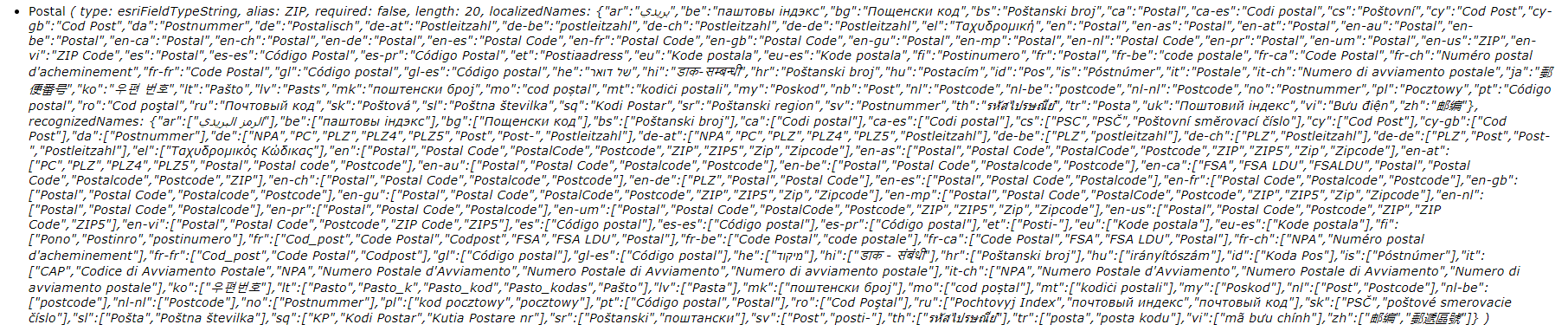
3. It's not possible to remove or customize the localized names for the locators created with the Create Locator or Create Feature Locator tools that are published as services.
Signed in members can post, follow updates, and more. New here? Register a free account.
Find useful guides, FAQs, and documents to help you navigate and make the most of Esri Community.