Hello everyone!
I am trying to do a full backup of ArcGIS enterprise using the webgisdr tool. As per ESRI Document, I created a copy of webgisdr property file and updated the location for backup location and shared location. I then executed the command as an admin. Below is the command I used
E:\Program Files\ArcGIS\Portal\tools\webgisdr>webgisdr --export --file E:\propfiles\webgisdr.properties
We have portal, server, and datastore in different virtual machines. I created a folder for Shared location and Backup locations in E drive of portal machine. All machines and service account have full access to these two folders and have been shared.
SHARED_LOCATION = \\\\servername\\portalbackupshared
BACKUP_LOCATION = \\\\servername\\portalbackup
Got following error message.
Please check that the location is valid and that the ArcGIS Data Store account has permissions to the location."}}
Failed to back up the ArcGIS Data Store: Url: https://servername:2443/arcgis.
{"error":{"code":500,"details":null,"message":"Cannot write to directory path '\\\\servername\\portalbackupshared\\WebGISSite1629471353580\\dataStore\\be8797a3-5298-4319-b085-a55c49202b1e'. Please check that the location is valid and that the ArcGIS Data Store account has permissions to the location."}}
I made sure that the Datastore has full permission to these folders.
Additional information: Reading this post, I created folders with same name in the server and datastore machine and gave full access to service account and machines. After running the command, It looks like, directories are created in the shared location of portal machine and then after few minutes they are deleted from the portal. It also appears that server backup is created in the shared drive of server machine.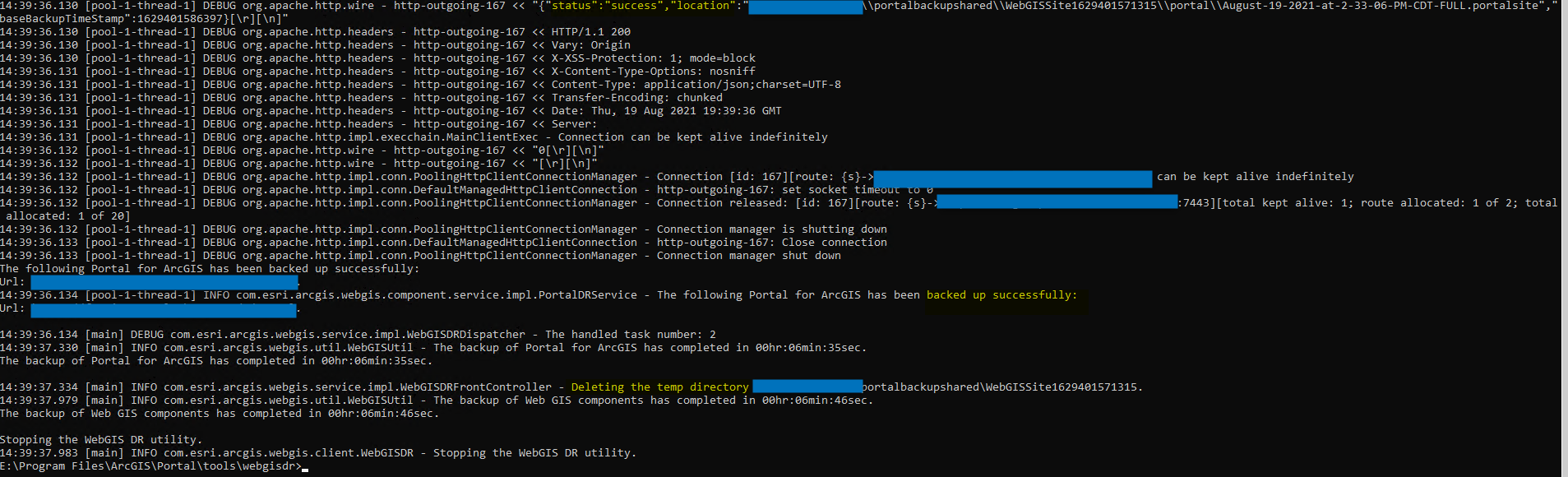
Reading the document it is not very clear if the shared and backup location should be same or different. In my case it is different, but also tried with the same folder for both.
Also, Do I have to create the same folder in all machines? If yes, is there any specific place to create these folders. I already tried in the E drive for all three machines but still got the same error message.
I tried many different way but nothing worked and I am really hoping that somebody might have similar issue and have come up with the solution.
Thanks in advance for your help.
Sunita

