Hello,
How can I automatically cut a feature line between two non-touching points of a different feature?
Explanation : I work for a railway construction company, and it is important for us to identify track possessions. A track possession is a line of railway between two signals. I have a layer for railway lines and a layer for signals, now I am interested in automatically generating track possessions.
Example: I have tracks (red lines) and signals (green circles)
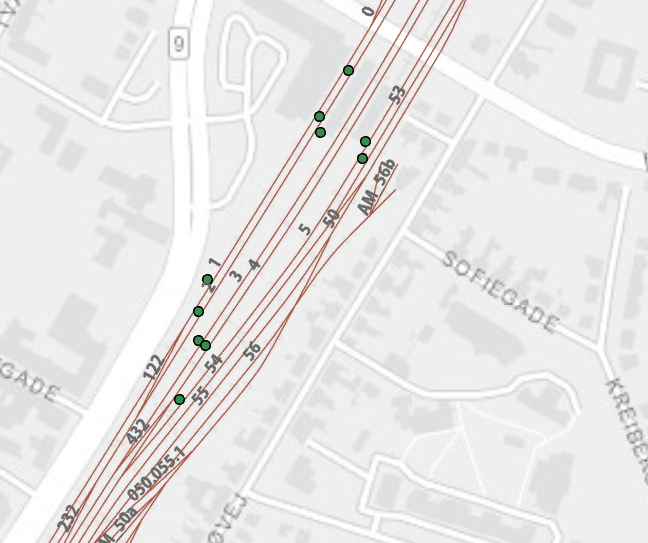
I create a new feature layer with the track for which I have a track possession, in this case track 2. In addition, I create a new feature layer with 2 green circles.
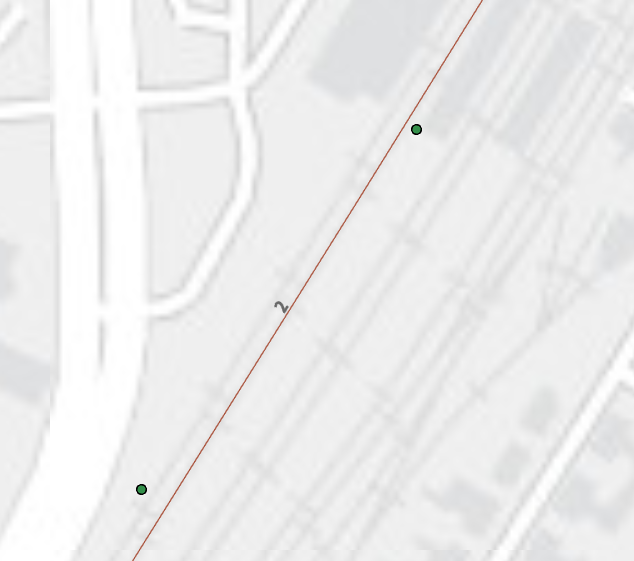
Now I want to "cut" the track, so I get a track segment between the two green circles. I don't know how to do this, so I created a new line and manually drew it on top of the track between the two green circles. Then I added a buffer ring around this new line, and end up with the following:
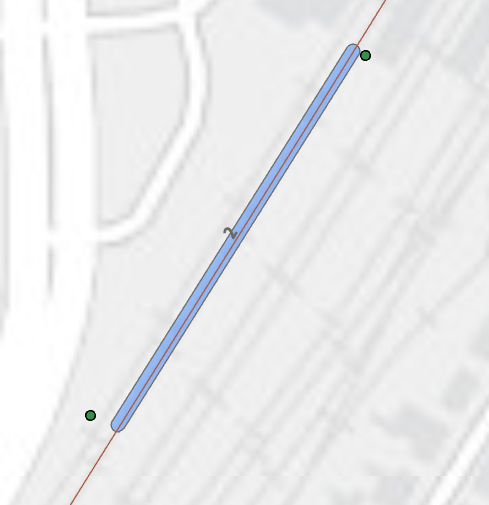
I can now add the original layers to my map and I have now created 1 track possession :
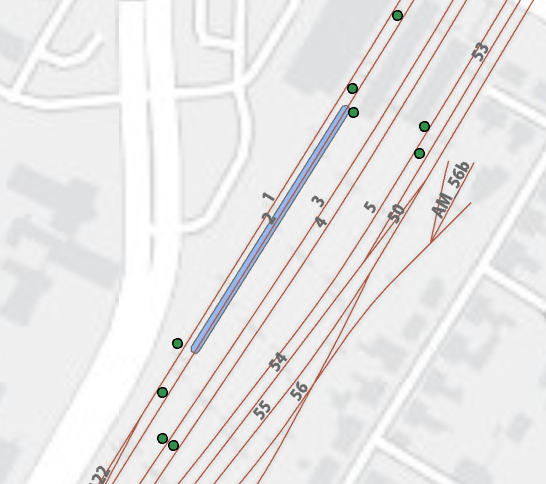
Is there any clever way of doing this automatically?
Thank you in advance,
Nikolaj


