Hello,
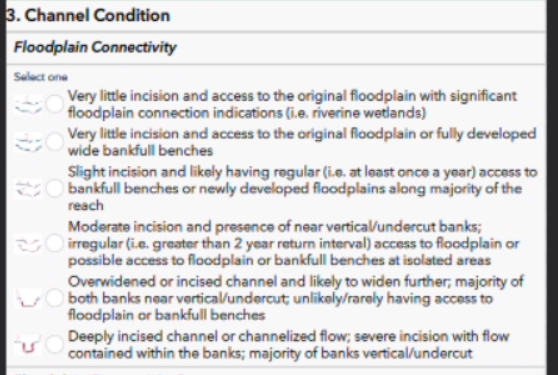
I've created a survey using Survey123 Connect, and for a select_one question, it displays fine using the "Tablet_Portrait" appearance mode in Connect. The options are stacked vertically.
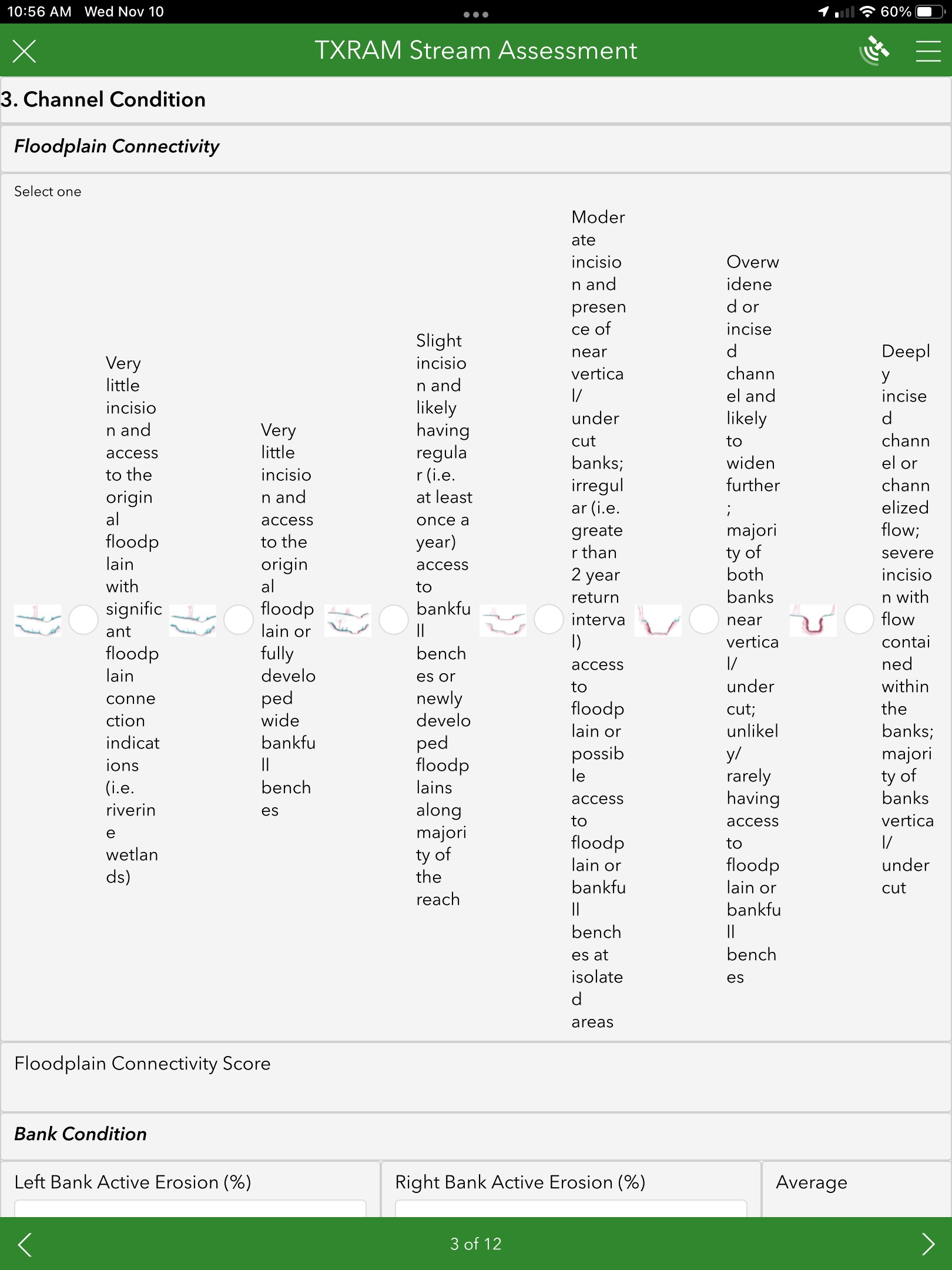
However, when I open the survey using the Survey123 field app on my iPad (the same type of device that our employees will use in the field), the question displays differently, with the choices displaying horizontally and the text is compressed.
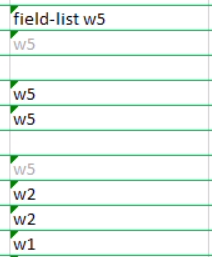
I am using the "pages theme-grid" style. I've tried different variations of compact, horizontal-compact etc but haven't found anything that will make it display the way I want on the tablet. Here is what the layout currently looks like for the page:
Any ideas why the version on the iPad doesn't match the preview in Survey123 Connect? And if so, how can I get the select_one options to always stack vertically? Thanks!

