Hello! Our agency recently changed our Portal URL, and so when I went to update to the latest version of Survey123 Connect, I attempted putting in the new Portal as well. Somehow Connect is hung up on the old Portal address, despite it listing correctly in the settings of the app, and I can't get to the login screen either.
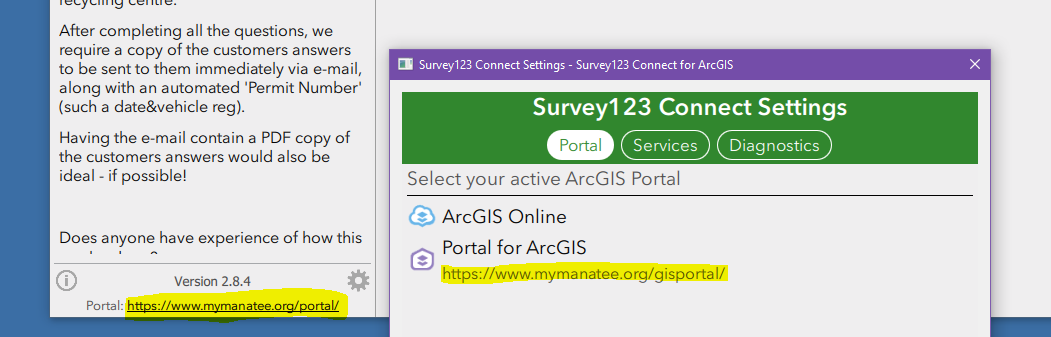
I've tried all that I could think of - uninstalling the program, deleting the old Portal from settings and adding the new, clearing local caches and app data in my system, deleting temp files... Why would the old URL keep around when it's not listed anywhere else?
Any help is hugely appreciated. Thanks!!
- Lea

